Prerequisite: Adding Agent Studio using the ML Runtime Image
You must add the Agent Studio runtime repository URL to your workbench. Once added, the Agent Studio ML Runtime Image will be visible and ready for deployment.
- In the Cloudera console, click
the Cloudera AI tile.
The Cloudera AI Workbenches page displays.
- Click on the name of the workbench.
The workbench Home page displays.
- Click Site Administration in the left navigation pane.
- Select the Runtimes tab.
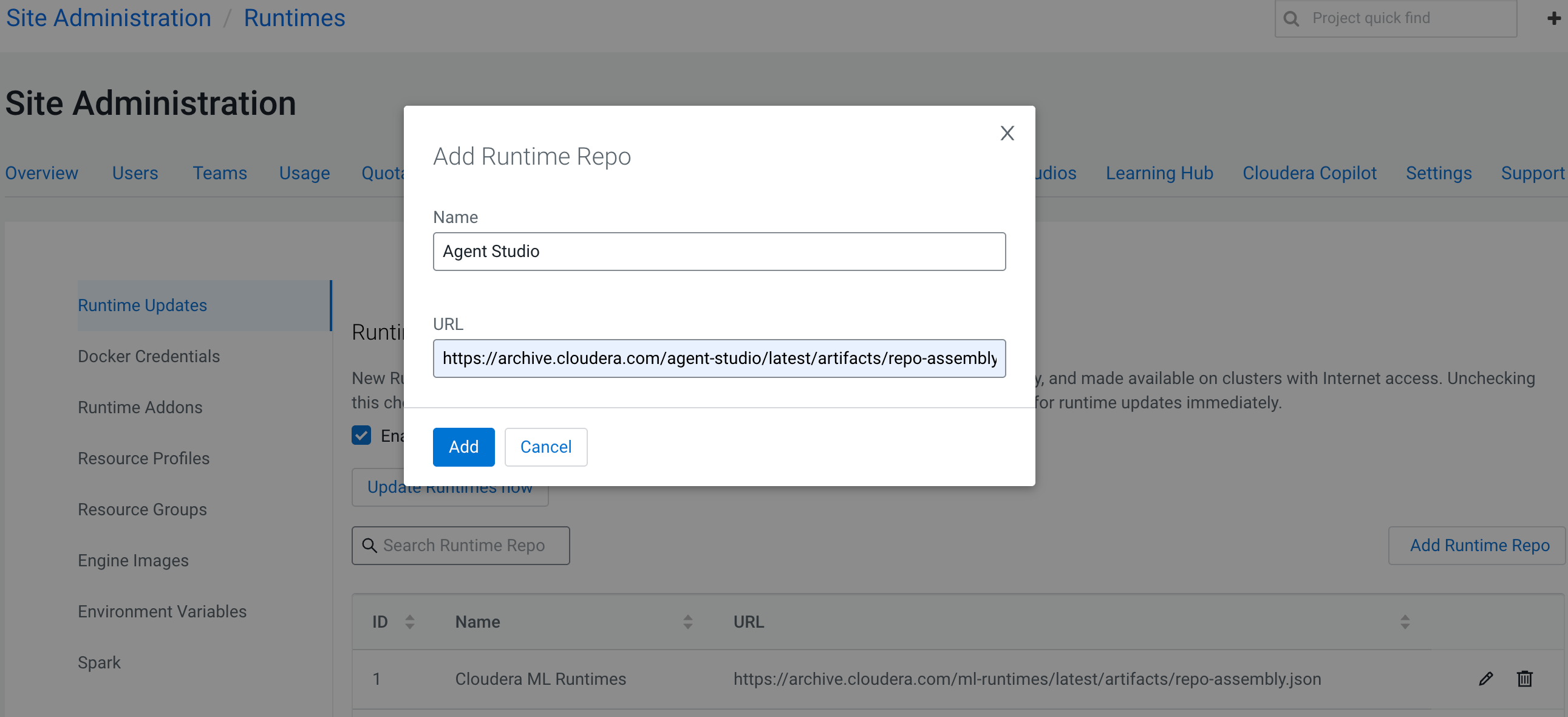
- In the Runtime Updates tab, click Add Runtime Repo.
- In the Add Runtime Repo dialog box, provide a name to the repository and add https://archive.cloudera.com/agent-studio/latest/artifacts/repo-assembly.json in the URL field.
- Click Add.
- In the Runtime Updates tab, click the Update Runtimes
now button.
The newly added repository name and URL is displayed in the Runtime Updates page.
