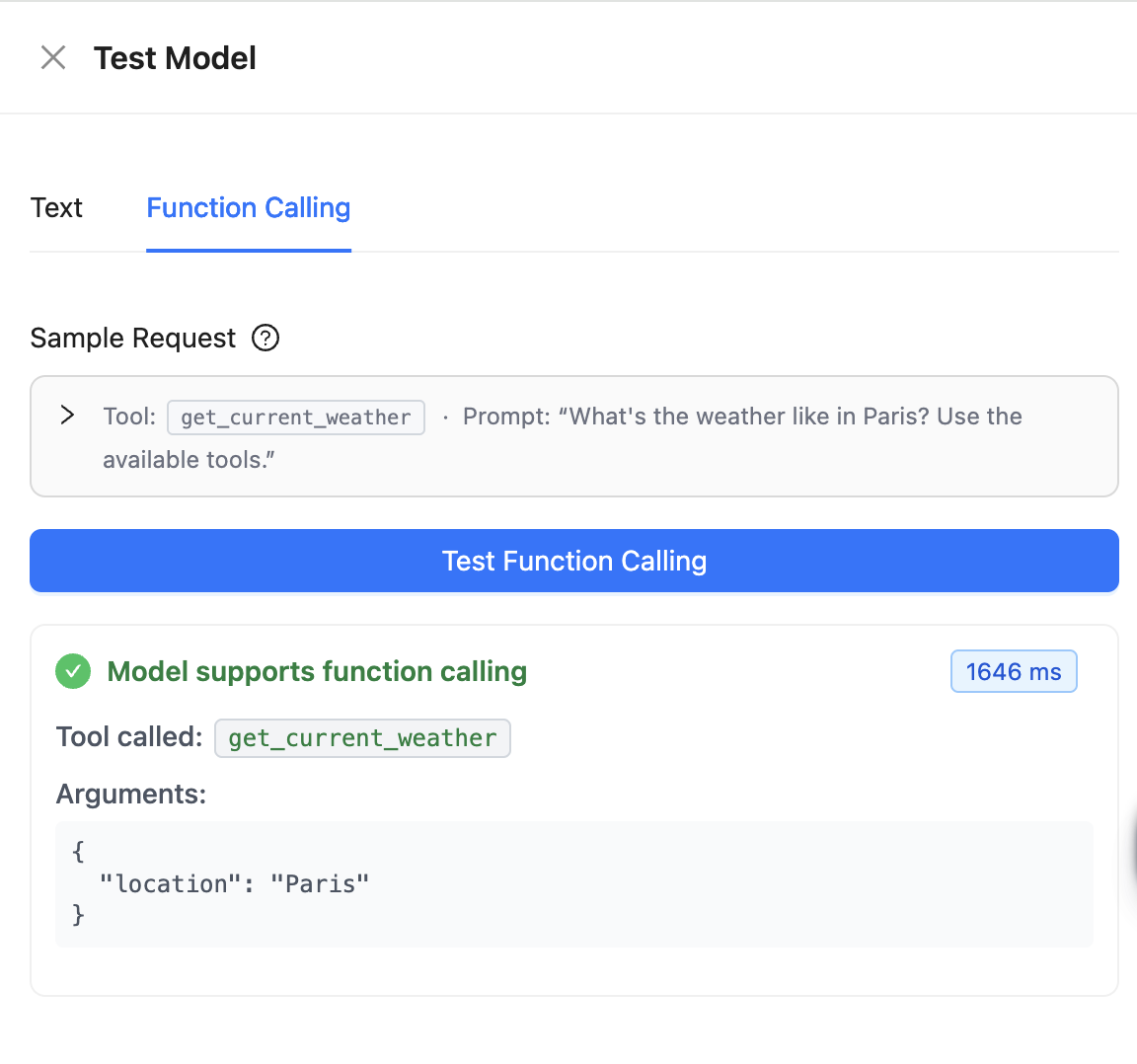
Verifying model compatibility
Before designing and deploying an agent workflow, validate whether your LLM supports function-calling using a check within the Agent Studio User Interface (UI). No code or workflow configuration is required.
-
Go
to the LLMs tab. The
Language
Models window is displayed.
Figure 1. Models window in Agent Studio 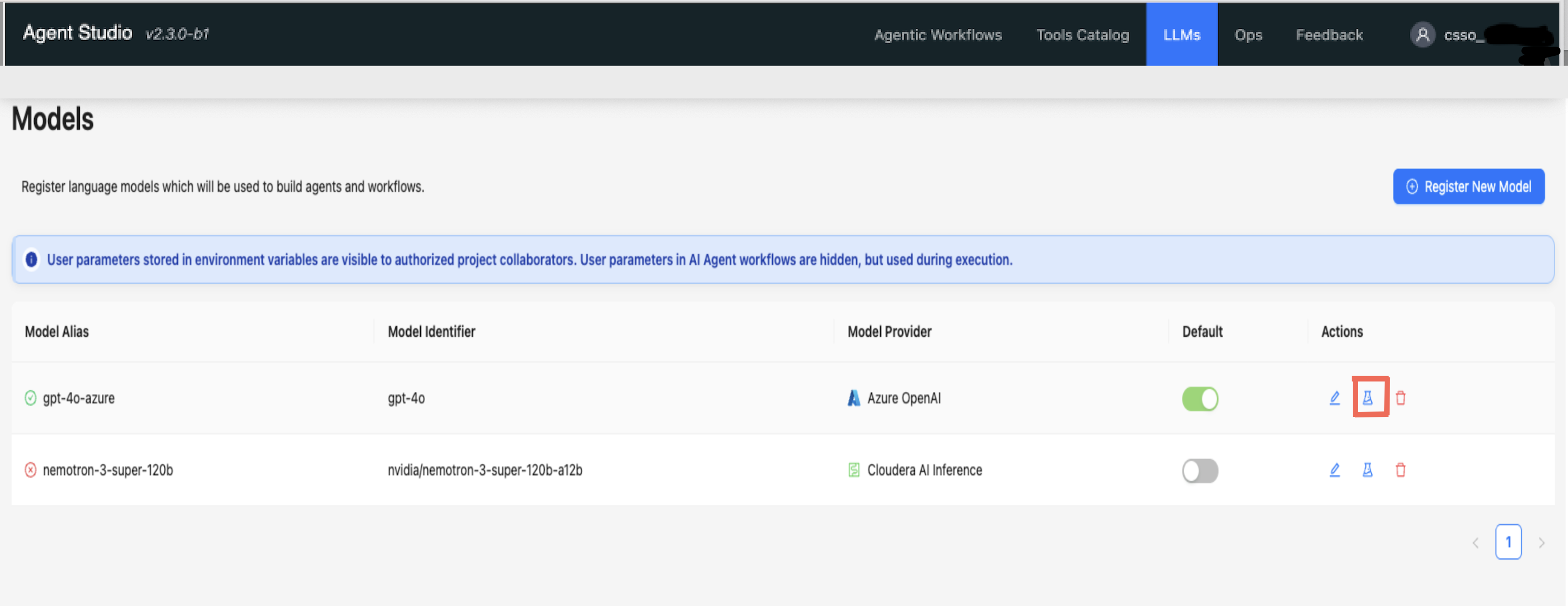
-
Select the
 icon from the
Actions
menu of the specific model you want to validate.
The Test Model modal window opens.
icon from the
Actions
menu of the specific model you want to validate.
The Test Model modal window opens.Figure 2. Test Model modal window 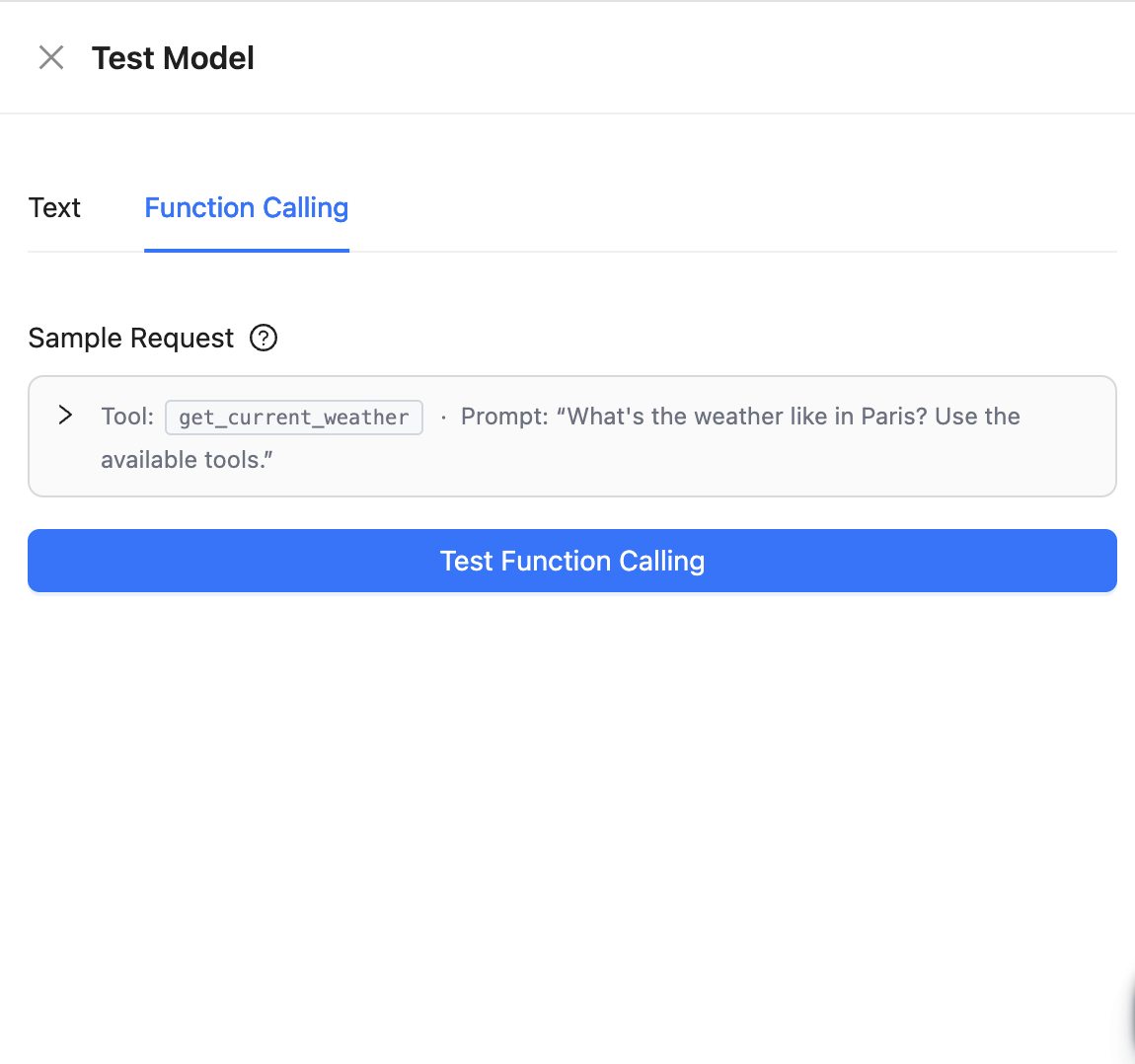
-
Click
Test Function
Calling
to
validate the
model
and display
the test
results.
Figure 3. Tests results in Test Model modal window