Accessing applications
You can access deployed applications by using two methods, depending on the authentication type selected during creation. Single Sign-On (SSO) for web applications and JSON Web Token (JWT) for API-based applications.
Accessing a web-based application (SSO)
Web applications are designed for browser-based interaction and require users to be authenticated using SSO.
- In the Cloudera console, click the Cloudera AI tile.
- Click Applications under Deployments on the
left navigation menu.
The Applications home page displays.
- Click View to go to the Application Details page of the desired application.
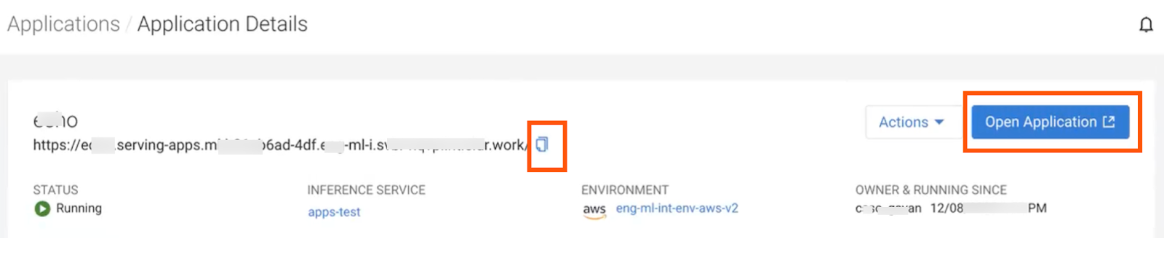
- Click the Open Application button to visit the application URL.
- Alternatively, the application URL can be copied using the Copy icon
located immediately below the application name.
Accessing an API-based application (JWT)
API-based applications are typically used for programmatic access and require a JSON Web Token (JWT) to authorize requests.
- In the Cloudera console, click the Cloudera AI tile.
- Click Applications under Deployments on the left navigation menu to access the Applications home page.
- Click View to navigate to the Application Details page of the desired application.
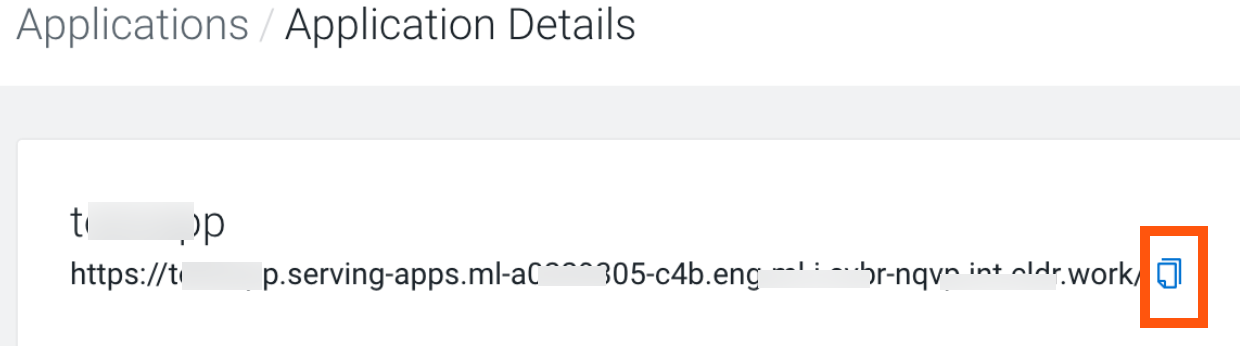
- Copy the application URL using the adjacent Copy icon.
The copied API URL serves as the endpoint for your requests. To successfully access this
endpoint, you must include the JWT within the Authorization header of every
request. For instructions on generating the necessary tokens, see How to generate tokens via Knox.
