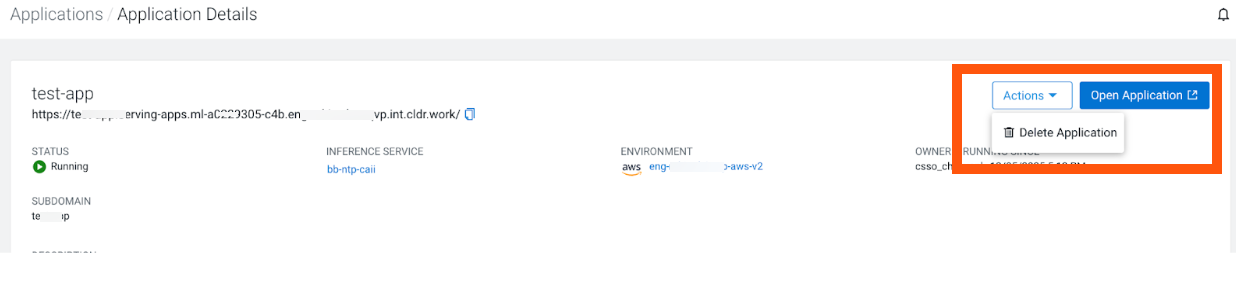
Deleting an application Remove an application deployment from Cloudera AI Inference service. In the Cloudera console, click the Cloudera AI tile. Click Applications under Deployments on the left navigation menu. The Applications home page displays. Select the application you wish to delete. Select the Actions > Delete Application action. Confirm the deletion by clicking the Delete button. Parent topic: Serving Applications on Cloudera AI Inference service