Viewing details of an application
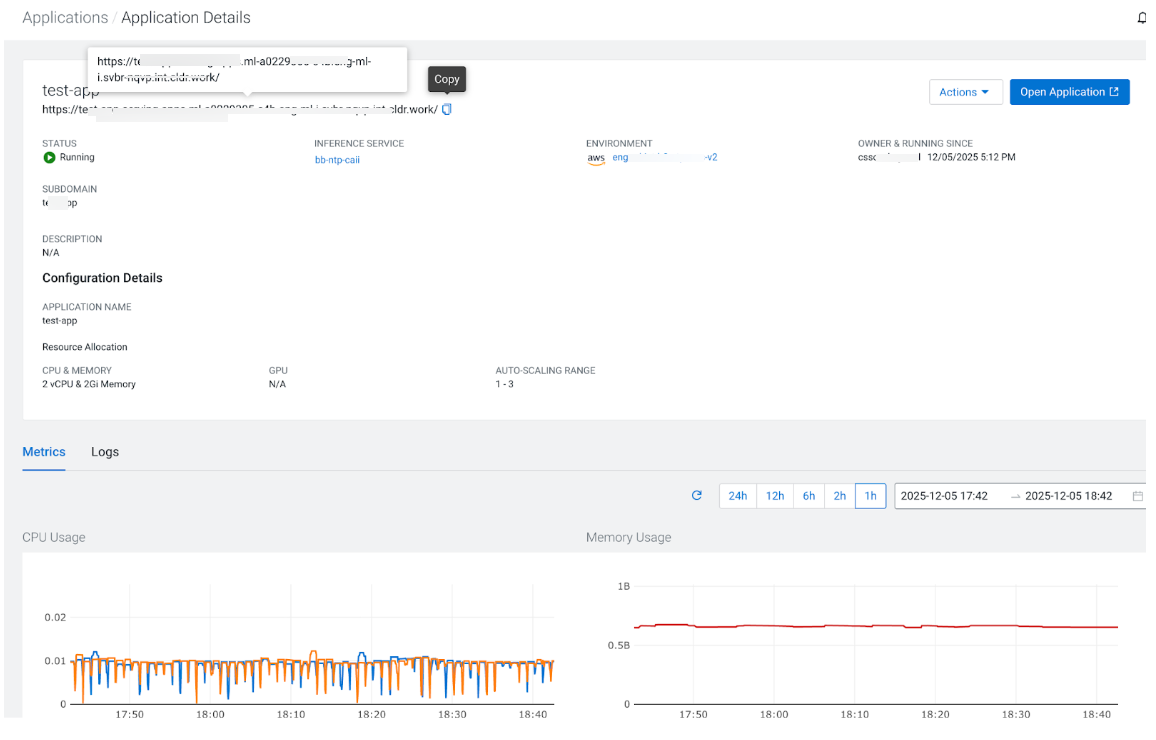
The Application Details page allows you to view configuration information, Source URL showing the origin Git repository or Docker image used for the deployment, metric charts for resource utilization, and application logs.
-
Select an application to see its details.
Application Diagnostic Bundles
Application logs are now fully integrated into the system's diagnostic tools. On the Cloudera AI Inference Service instance Details page, perform the following steps to capture application logs for debugging:- Go to the Log Archives tab on the instance Details page.
- Click Generate Log Archive located on the right side of the page.
- Select the Include Applications checkbox to ensure application logs are captured.
