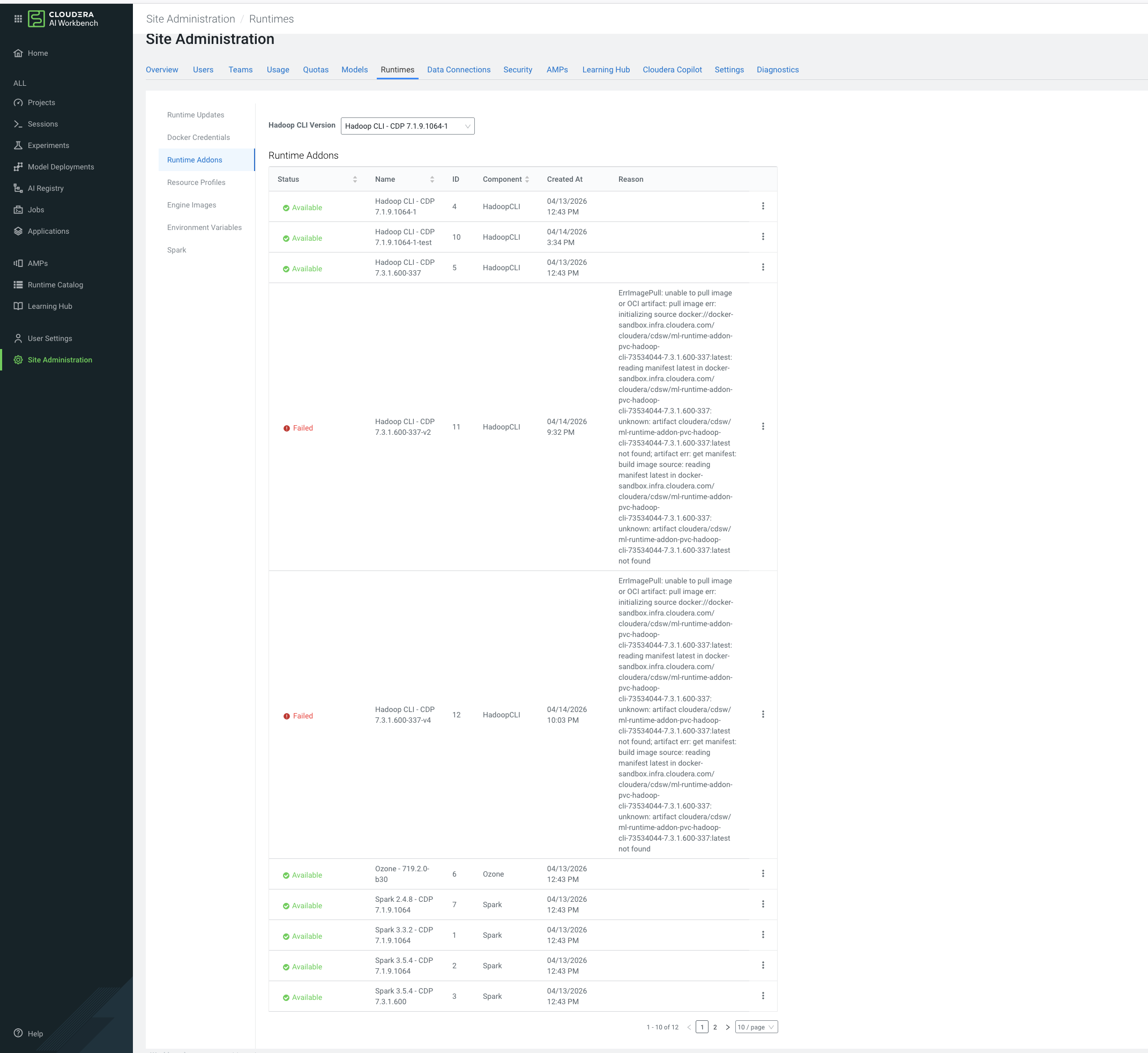
Disabling or deprecating Runtime add-ons Disable or deprecate a Spark Runtime add-on. You can disable or deprecate any Spark Runtime add-on from the Runtime/Engine tab of Site Administration. In the Cloudera console, click the Cloudera AI tile. The Cloudera AI Workbenches page displays. Select Site Administration in the left Navigation bar. Select the Runtimes tab and Runtime Addons from the left pane. Select Disabled or Deprecated from Actions next to any Spark add-on. Parent topic: Managing ML Runtimes add-ons