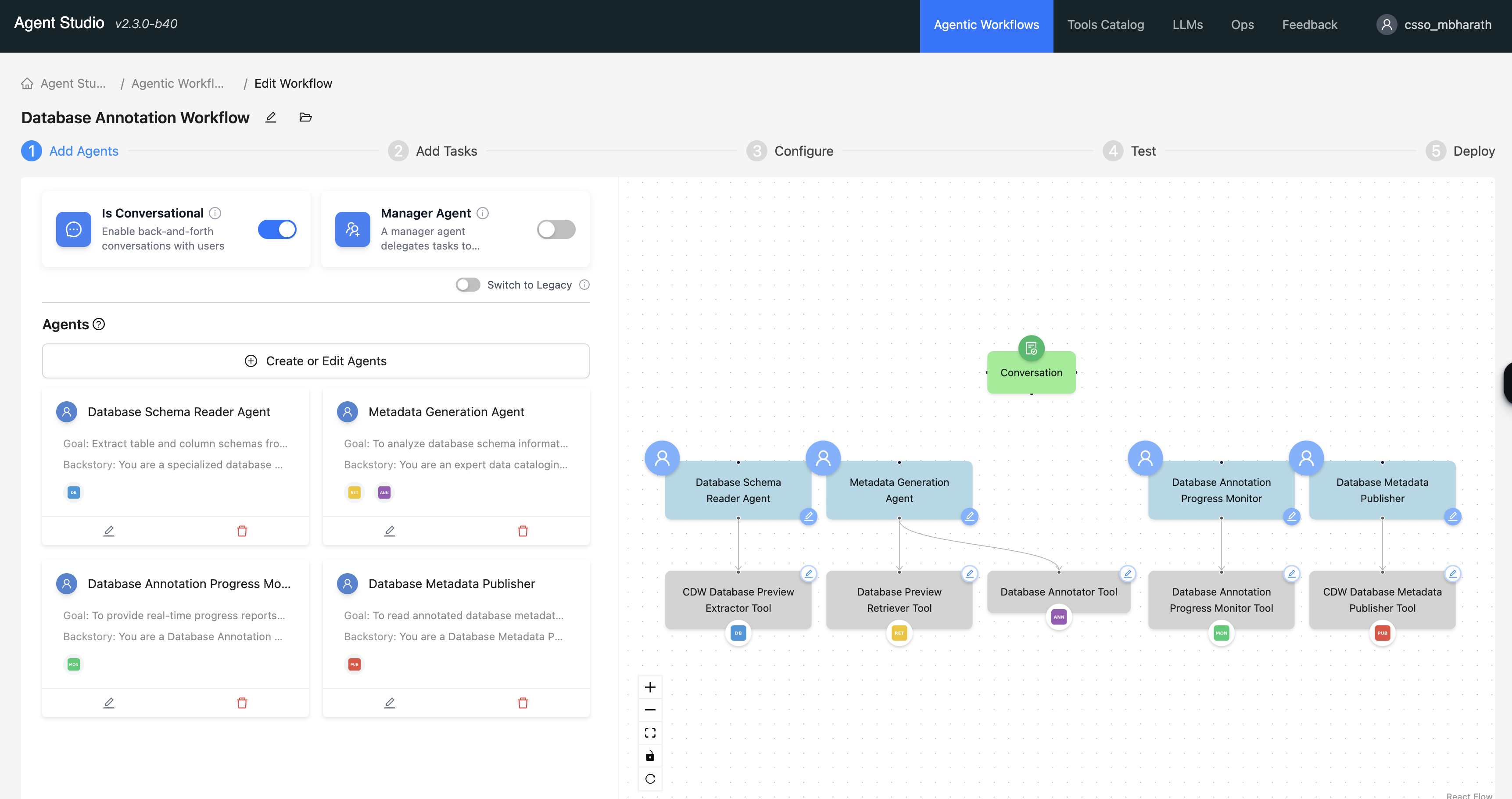
Advanced features of agentic workflows
Agentic workflows support Artifact Files, and planning to enable structured multi-agent run and secure Large Language Model (LLM) interactions.
- Artifact Files – The Artifact Files feature enables
generating artifact files by the integrated tools. Artifact files are the outputs of the agent
run and represent the final data or code produced during a workflow. You can upload different
artifact files when you test the workflows. Artifact files include the following examples:
- Structured data: CSV or Parquet files
- Interchange formats: JSON files
- Visualizations and media: Images and reports
- Content to run: Code files, such as Python scripts
-
Planning - When enabled, the Planning feature forces the Manager Agent to generate and update a plan before running a complex task. This process significantly improves accuracy and reliability in multi-agent collaboration, although it might introduce a slight initial latency and token cost for the planning step itself.