Creating the Agent Studio application

Create the Agent Studio application from the Applications tab to launch a runtime container inside your workspace.

  1. In the Cloudera console, click the Cloudera AI tile.
    The Cloudera AI Workbenches page displayed.
  2. Click on the name of the workbench.
    The workbench Home page is displayed.
  3. In the left navigation pane, click on Applications.
    The Applications window is displayed.
    Figure 1. Applications window
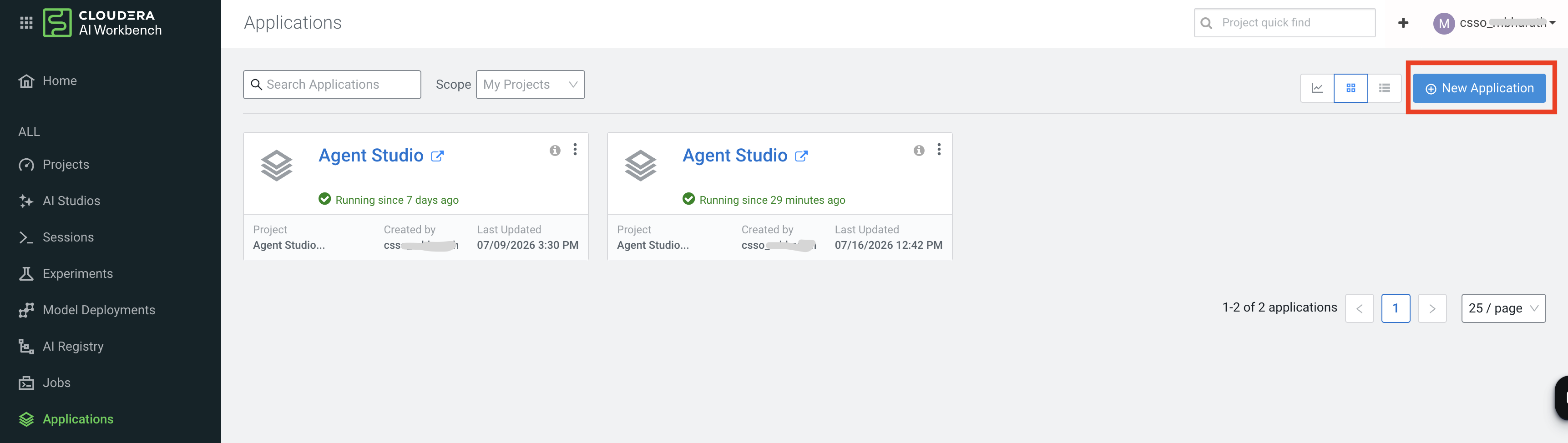
  4. Click on New Application.
    The New Application dialog box opens.
    Figure 2. New Application dialog box
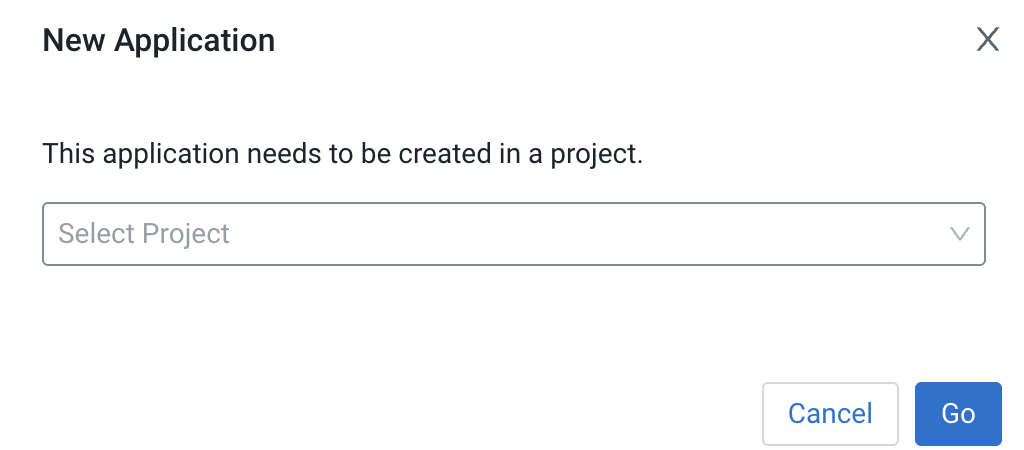
  5. Select your project from the drop-down list.
  6. Click on Go.
    The Create an Application window is displayed.
    Figure 3. Create an Application window
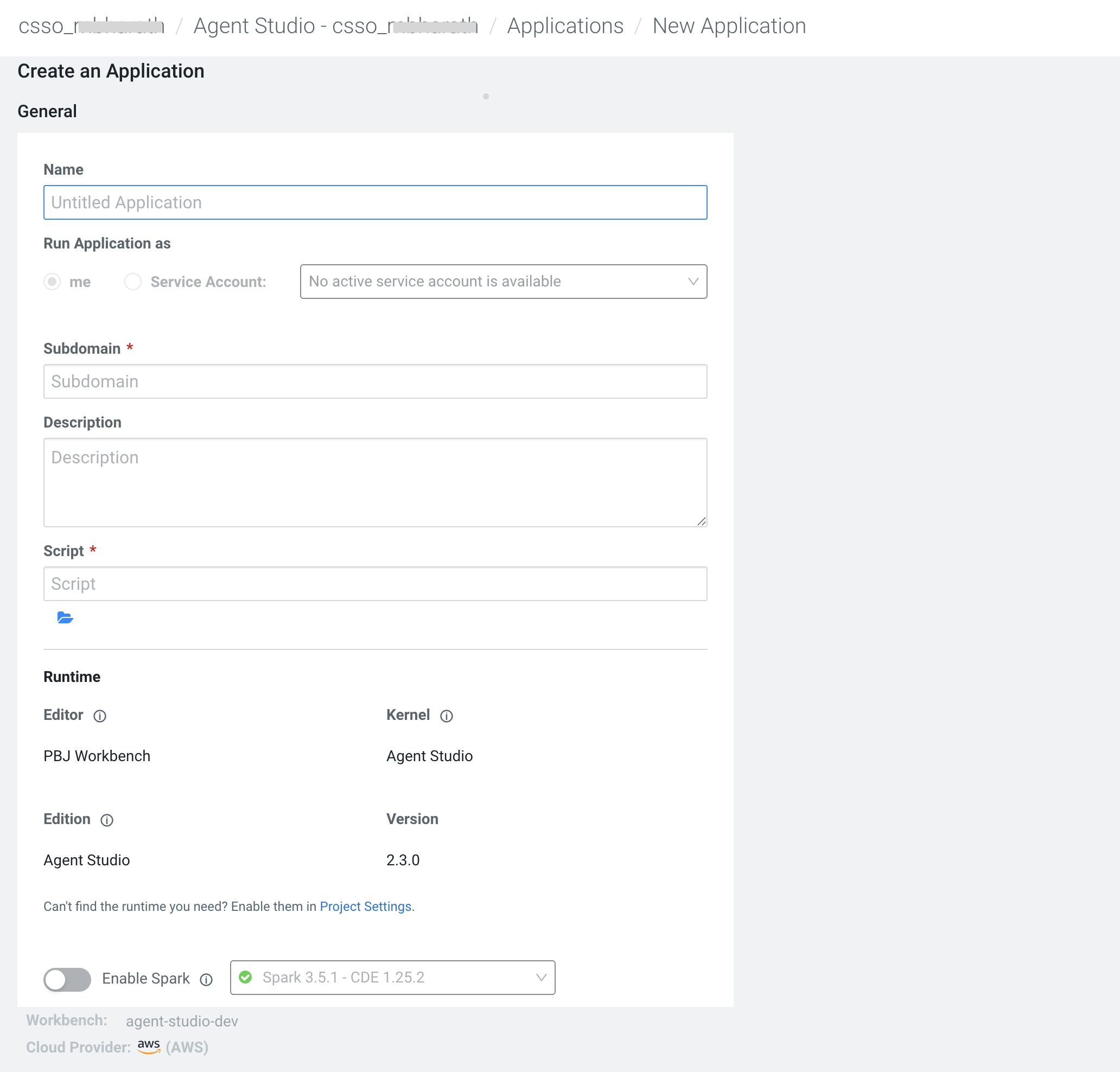
  7. Enter the name of the application as Agent Studio.
  8. Enter the Subdomain.
  9. Enter the script file path as /studio_app/startup_scripts/run-app.py.
    This script is auto-created during the installation process.
  10. Click on Create Application.
    The application is created and a runtime container based on the configured Agent Studio ML runtime image is launched within the project. This application serves as the new Agent Studio interface.
