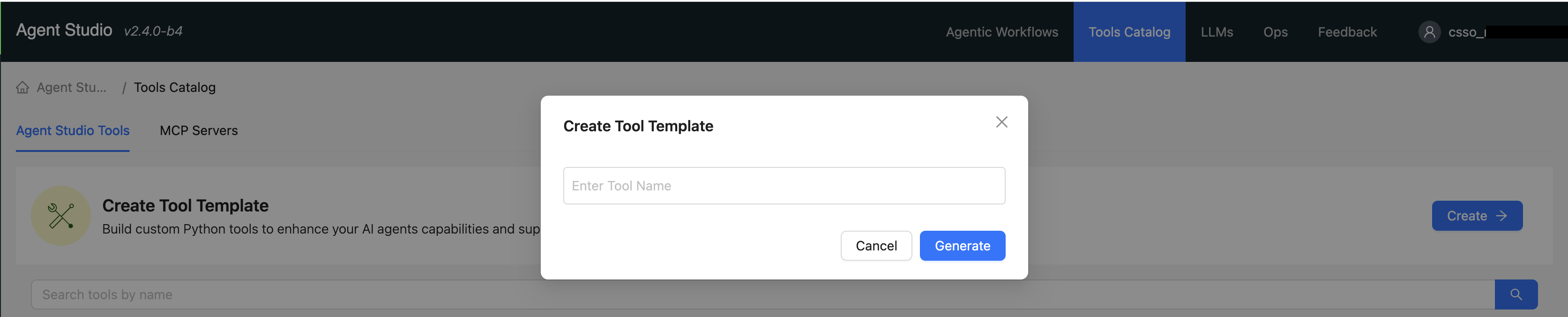
Creating custom tools while creating workflows

Custom tools can be created in the Tools Catalog window.

To create a custom tool using the Tools Catalog, follow these steps:

  1. In the Cloudera console, click the Cloudera AI tile. The Cloudera AI Home page displays.
  2. Click on the name of the workbench. The Cloudera AI Workbench Home page displays.
  3. Click AI Studios, in the left navigation pane. The AI Studios page displays.
  4. Click the Open button on the Agent Studio tile. The Agent Studio page is displayed.
  5. Select Tools Catalog
  6. Click the Create button from the Tools Catalog window. The Create Tool Template wizard pops up.
  7. Enter the Tool Name.
  8. Click the Generate button. The tool is generated and the Edit Tool window displays.
  9. Click the Save button.