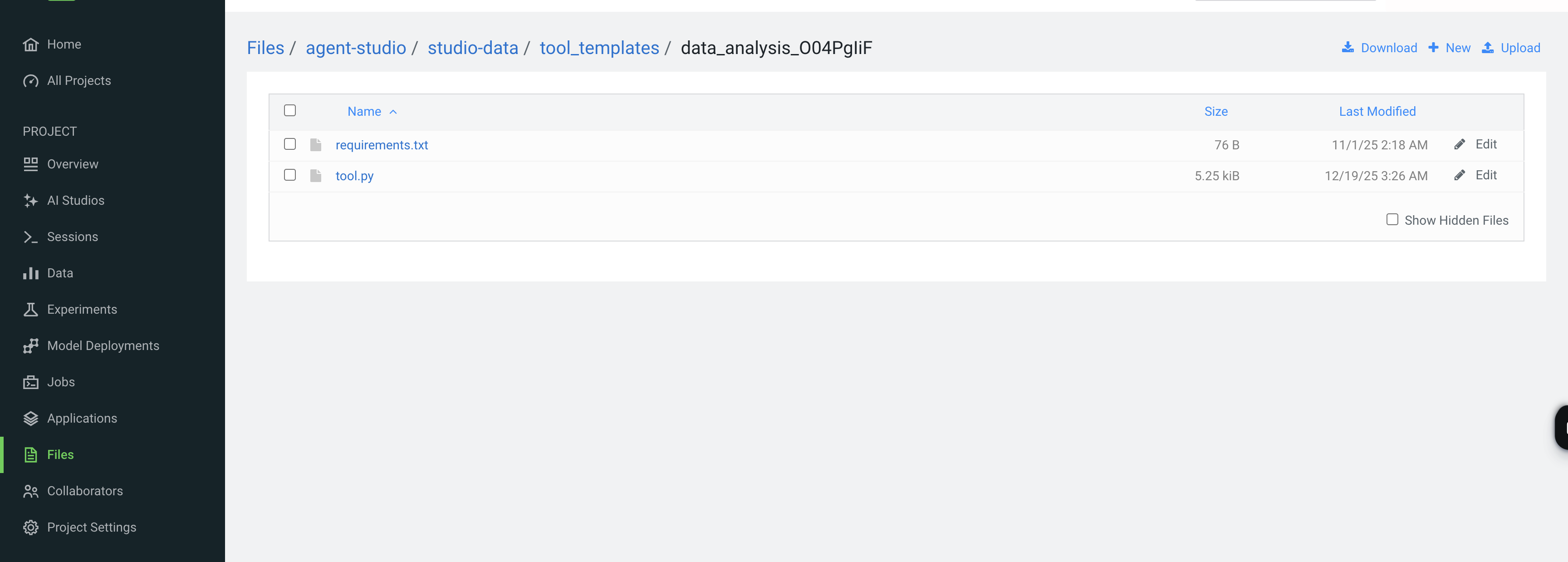
You can customize a tool created from a template to enhance its functionality by
modifying the tool's core logic, adding new input parameters, and by integrating with
additional APIs.
This customization enables you to adapt the tool to fit specific workflows and the
requirements of your agents. To edit the tool's code or dependencies, perform the
following steps:
-
In the Cloudera console, click the Cloudera AI tile. The
Cloudera AI Home page displays.
-
Click on the name of the workbench. The Cloudera AI Workbench
Home page displays.
-
Click AI Studios, in the left navigation pane. The
AI Studios page displays.
-
Click the Open button on the Agent
Studio tile. The Agent Studio page is
displayed.
-
Click the Tools Catalog option on the Agent
Studio window. All the existing tools are displayed.
-
Click the Edit icon corresponding to the tool you intend
to modify. The Edit Tool window displays.
-
Click the Edit tool File button. A direct link to the
Files page in the AI Workbench UI is displayed.
-
Edit the required details and test your changes.