Options for generating the Cloudera on premises diagnostic data
You can specify various options on the Collect and Send Diagnostic Data pop-up window to generate Cloudera on premises diagnostic data based on your specific requirements of duration, scope, and size.
Collect New Bundle
Select the duration for which you want to generate the diagnostic data.
You can select from the following options:
- No Time Limit: Select this value if you want all the diagnostic data to be generated from the time you deployed Cloudera on premises.
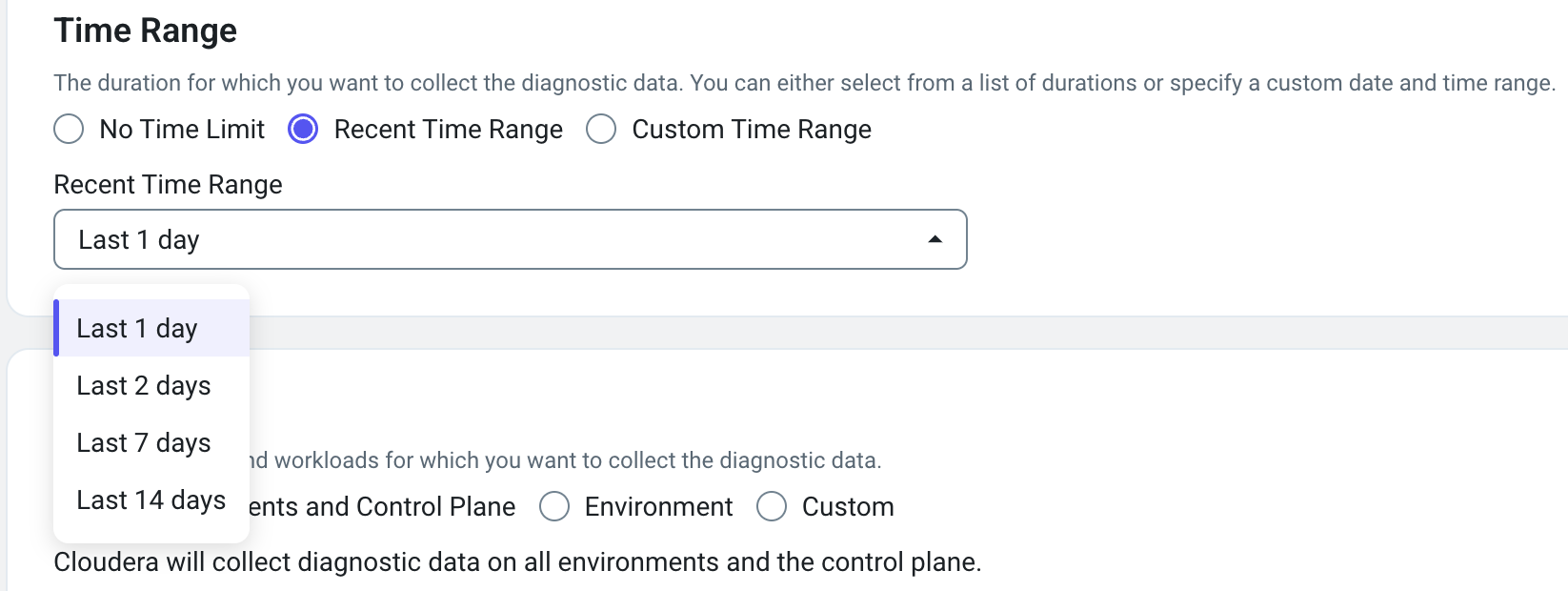
- Recent Time Range: Select a specified time range, in
hours, from the drop-down list.
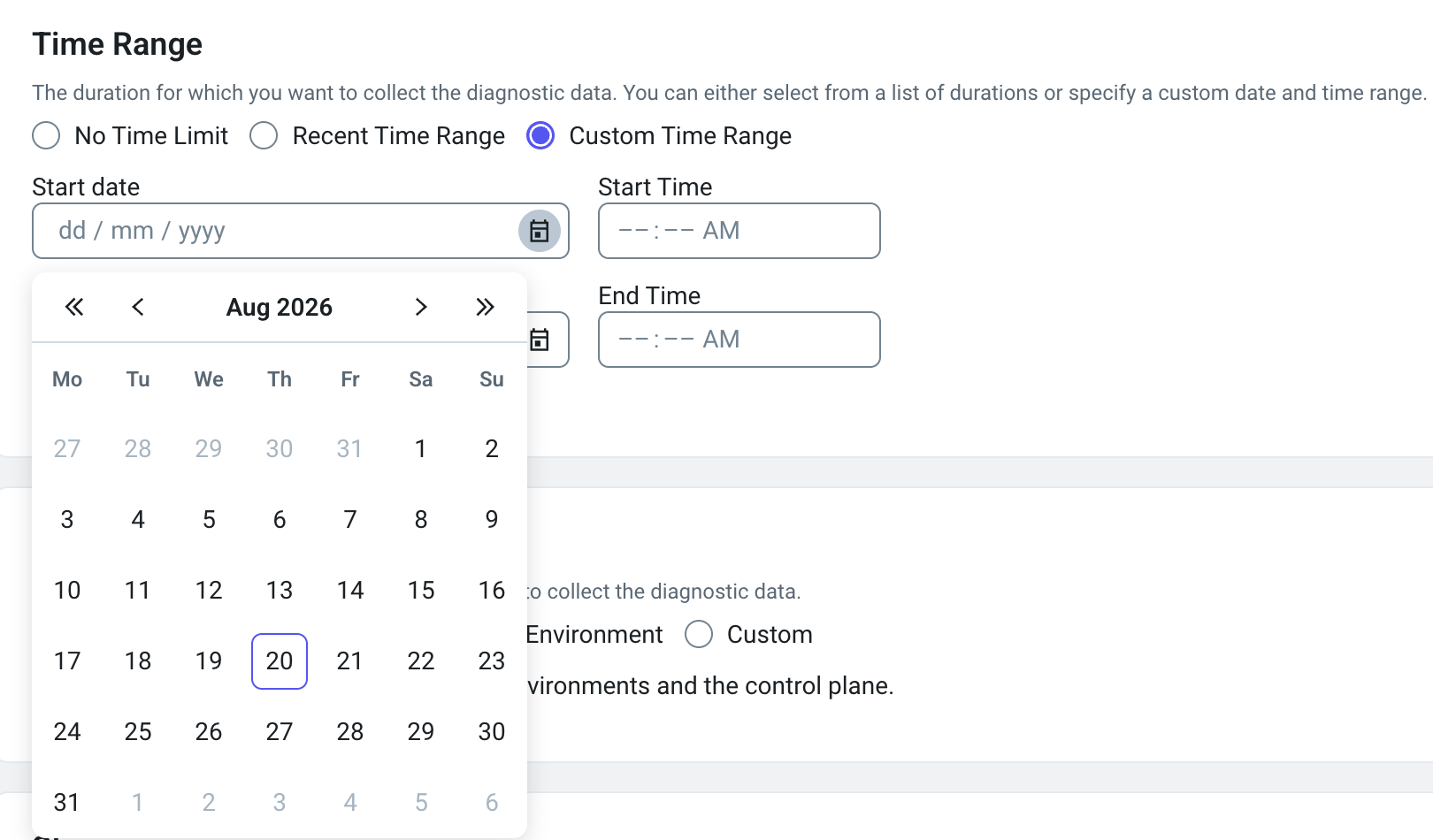
- Custom Time Range: Select the start date and end date
between which you want to generate the diagnostic data.
Scope
Select the services for which you want to collect the diagnostic data.
You can select environment- and workload-related options from the following:
- All Environments and Control Plane: Select this option to
generate the diagnostic data for all the environments and workloads deployed on
Cloudera on premises.

- Environment: Select one or more environments from the drop-down list to generate the diagnostic data. You can also use regular expressions to filter the name of environments for which you want to generate the diagnostic data.
Storage
You can specify the size of the diagnostic data to collect. The default size of the
data after compression is 500 MB. If you want to change the default size, set the
BUNDLE_SIZE_LIMIT_MB environment variable on the OpenShift Container Platform pods on your Cloudera on premises deployment.