You can enable TLS/SSL for database communication in Clouderaon cloud for existing clusters. When enabling TLS/SSL the client
and database communication between the Clouderaon cloud services and the connecting Amazon Relational Database
Service (Amazon RDS), Azure Database for PostgreSQL Flexible Server, Google CloudSQL PostgreSQL
or embedded PostgreSQL is encrypted using certificates and TLS settings based on the provider or
FreeIPA certificate.
Limitations
If enabling TLS/SSL for the already existing Data Lake cluster, then TLS/SSL
must be enabled to all the Cloudera Data Hub clusters first. This is
required if the Cloudera Data Hub contains HMS because that HMS
connects to the HMS on the Data Lake cluster.
The Cloudera Runtime version on the clusters must be equal
to or greater than 7.2.18.
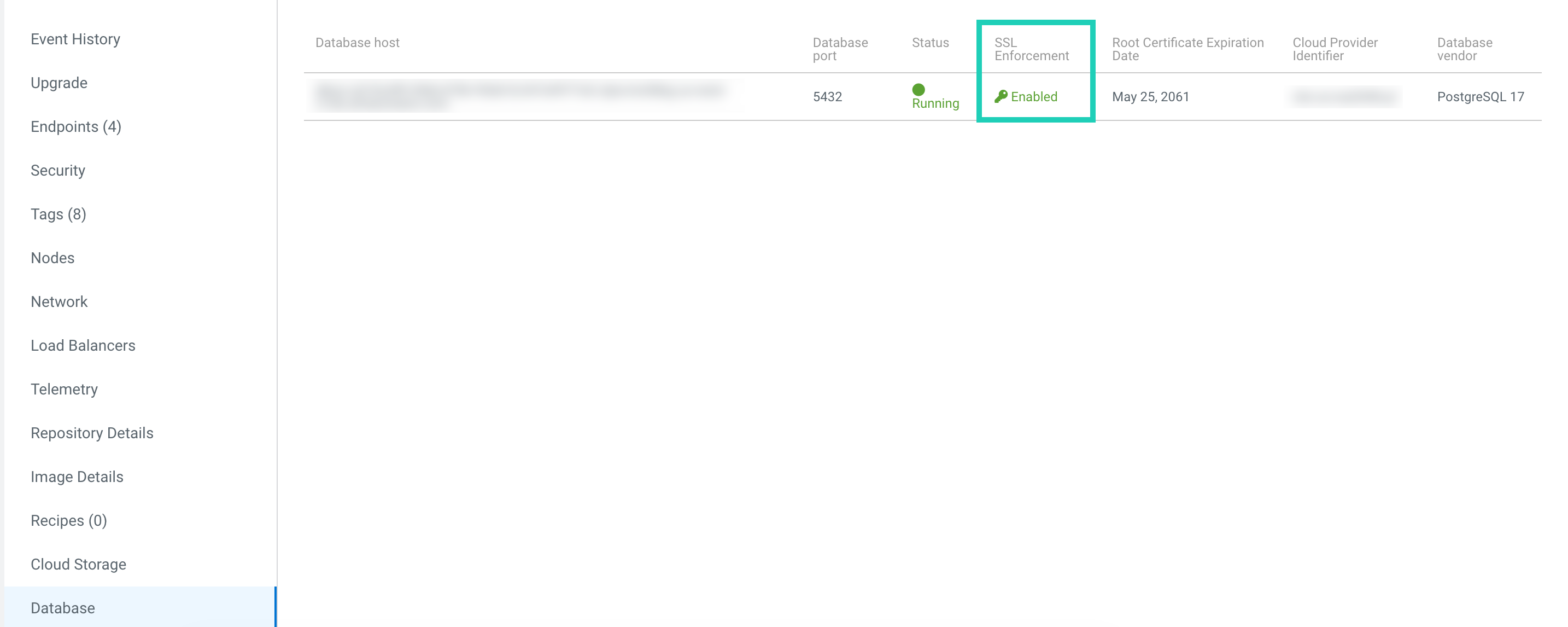
You can check if TLS/SSL is enabled for your Data Lake or Cloudera Data Hub clusters by navigating to the Data Lake or Cloudera Data Hub details
page and select Database. The TLS/SSL information is provided under the SSL
Enforcement column.
You have the following options to enable TLS/SSL for the databases on your
existing clusters:
Recreate your Data Lake and Cloudera Data Hub clusters and enable TLS/SSL
during cluster creation.
Manually enable TLS/SSL for the existing Data Lake and Cloudera Data Hub clusters. Assistance from Cloudera support is required for this option.