Admin User - Creating users for Cloudera Data Lineage Portal
Learn about creating your user for the Cloudera Data Lineage (formerly Octopai) Portal using CSM.
For the CSM to create your user for the Cloudera Data Lineage Portal, perform the following steps:
-
Log in to the Cloudera Data Lineage Portal.
Figure 1. Cloudera Data Lineage Portal login page 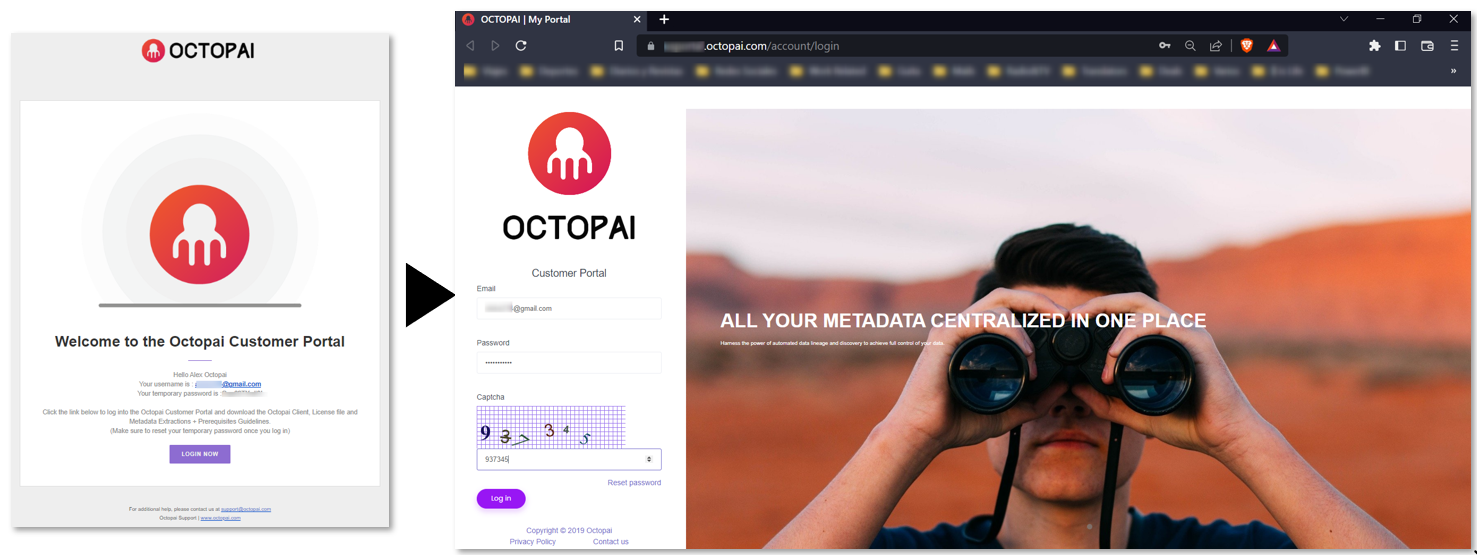
-
Accept the Terms and Conditions.
Figure 2. Terms and conditions modal window 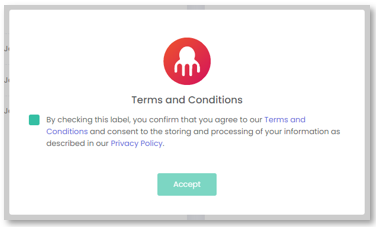
-
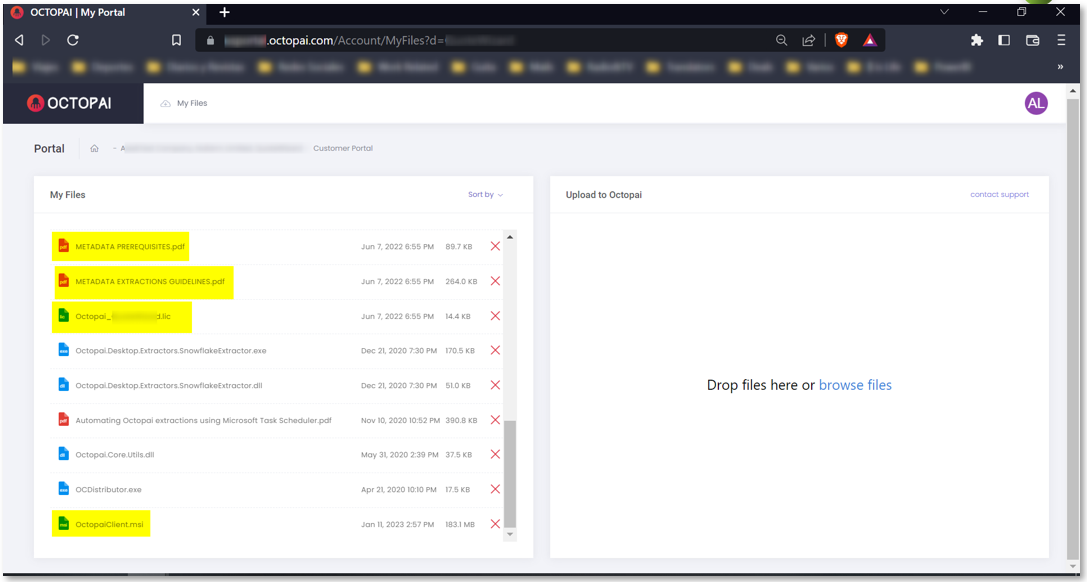
Access you local files in the My Files section. The following
files are your main files:
- Metadata Prerequisites
- Metadata Extractions Guidelines
- Cloudera Data Lineage License - OC (*.lic)
- Octopai Client (*.msi)
Figure 3. Cloudera Data Lineage Portal My Files section