Signing up without SSO for the first time
Learn about signing in for the first time to Cloudera Data Lineage (formerly Octopai) to access the comprehensive data management capabilities of the platform.
-
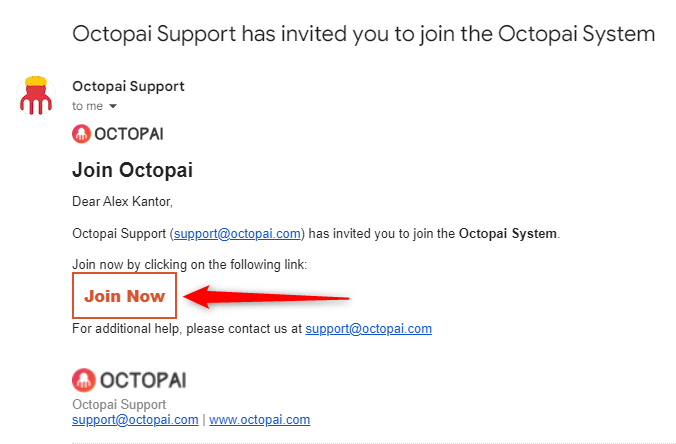
Click Join Now in the Cloudera Data Lineage
invite mail you received.
-
The Sign Up window displays in your default browser. Chrome or
Edge is supported.
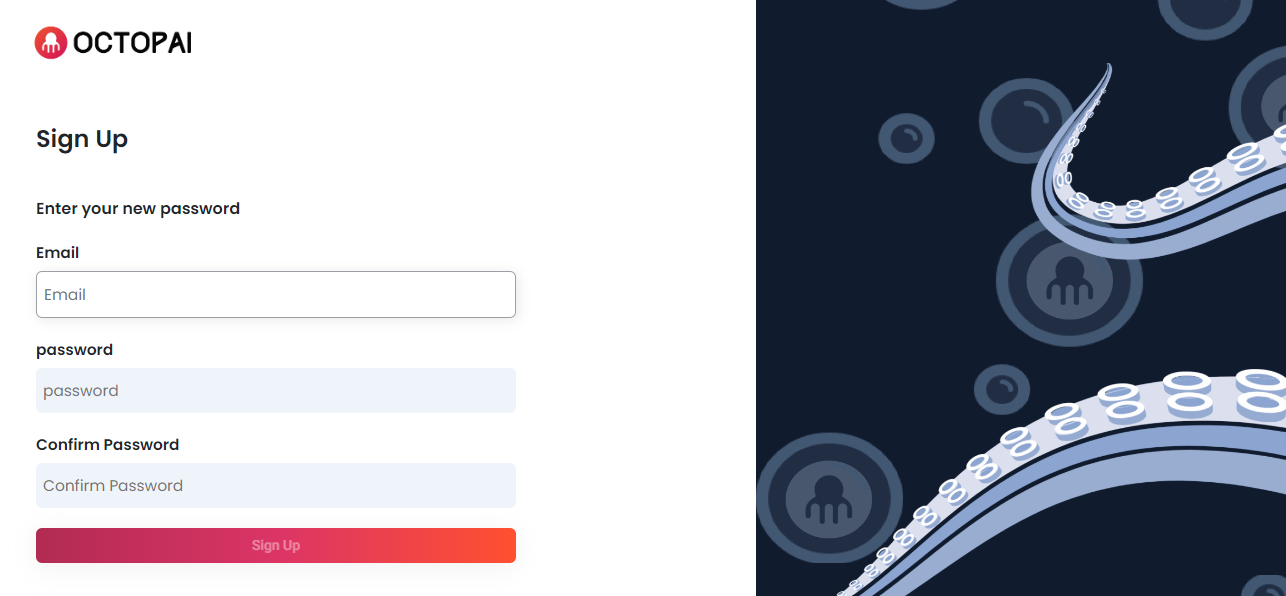
- Create your own Password.A password must have the following characteristics:
- Have at least 8 characters
- Have at least one letter
- Have at least one number
- Include both uppercase and lowercase characters
- The password must NOT contain 4 consecutive characters, for example
11111,12345,abcde, orqwert.
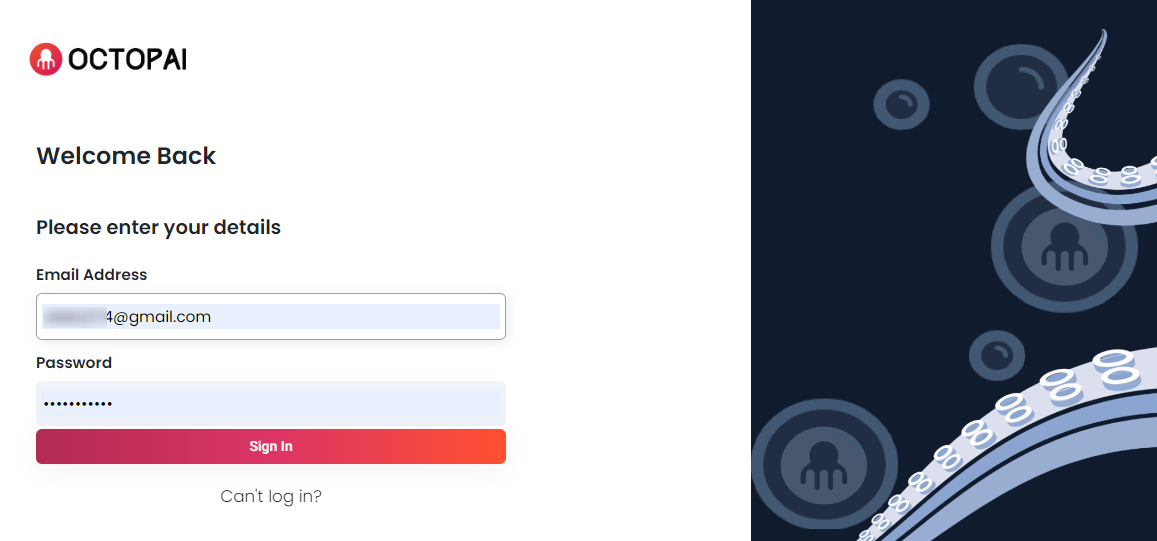
- Click Sign Up to get the Login window.
- Fill in your data and click Sign In.
- Create your own Password.
