Augmented Links
Create manual or bulk augmented lineage links in the Admin Console to connect database objects in Cross System Lineage.
How to Create an Augmented Link
-
Go to Admin Console --> Augmented Links

-
Manual Creation
-
Click on "New Link"
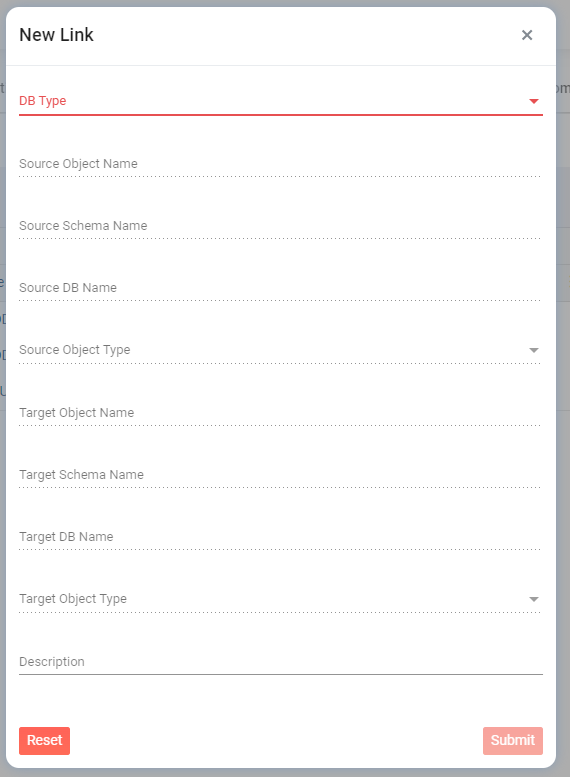
- Fill in the Source To Target information
- Click on Submit
-
Click on "New Link"
-
Bulk Creation
- Click on "Export to Excel" (Template spreadsheet)
- Fill in the Source To Target with a limit of 2000 rows
- Upload the file
