Configure Databricks authentication in Cloudera Octopai
Learn about the authentication methods available for connecting Cloudera Octopai Data Lineage to Databricks, including machine-to-machine authentication using service principals and user authentication using Personal Access Tokens.
Cloudera Octopai Data Lineage supports two authentication approaches for Databricks integration, applicable to Unity Catalog, Hive Metastore, or hybrid (Unity Catalog and Hive Metastore) deployment.
Option 1: Machine-to-machine authentication (service principal)
This is the recommended approach for production deployments.
For environments using Unity Catalog, you must configure a service principal. This is because Cloudera Octopai must authenticate using an identity with permission to query Unity Catalog system lineage tables.
To configure Databricks authentication, ensure the following:
- Create a Databricks service principal.
- Assign it to the workspace.
- Grant the required Unity Catalog and system table permissions.
- Generate OAuth credentials for secure access.
This method enables automated extraction without relying on a personal user account.
Create a dedicated service principal
To create a dedicated service principal, perform the following steps:
- In the Databricks workspace, go to Settings.
- Go to .
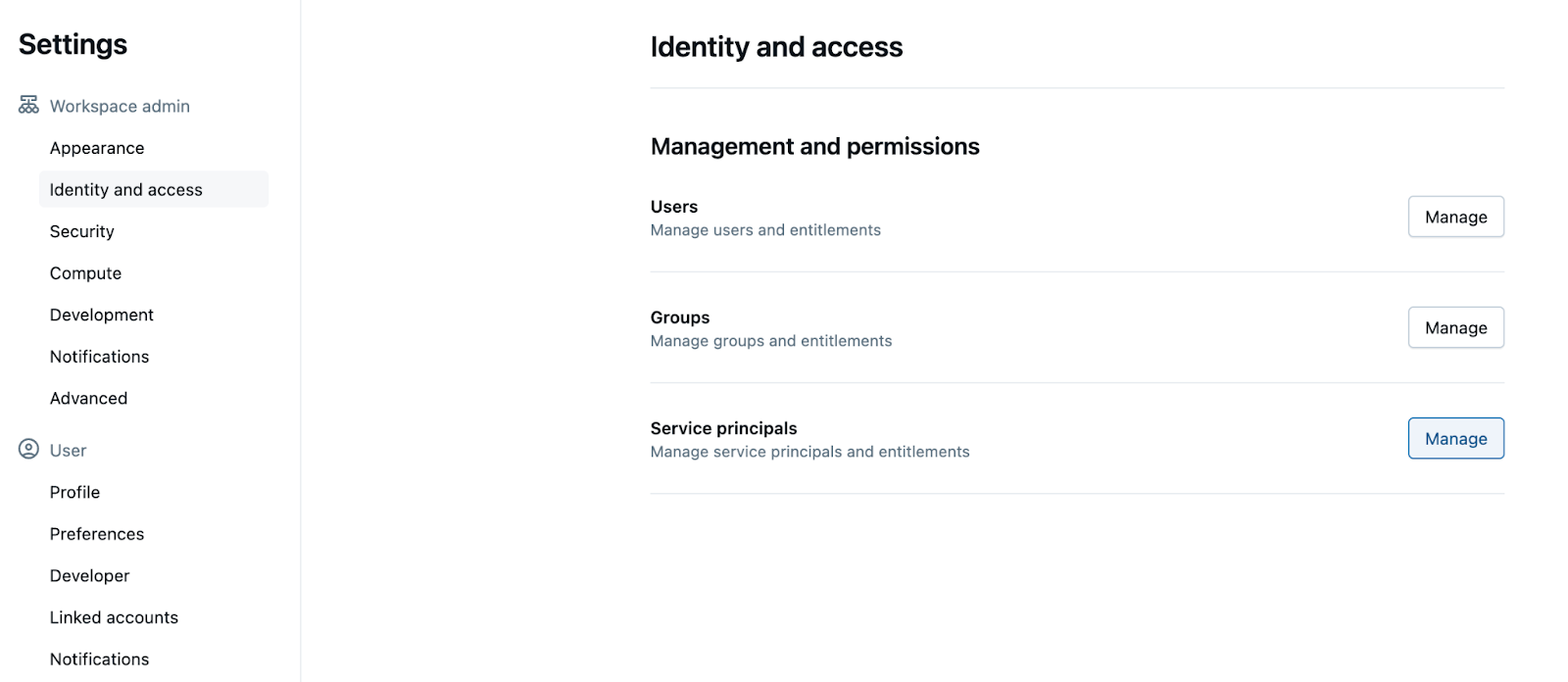
- Click Manage, then select Add service principal.
- Choose Databricks managed and assign a descriptive name (for
example,
octopai).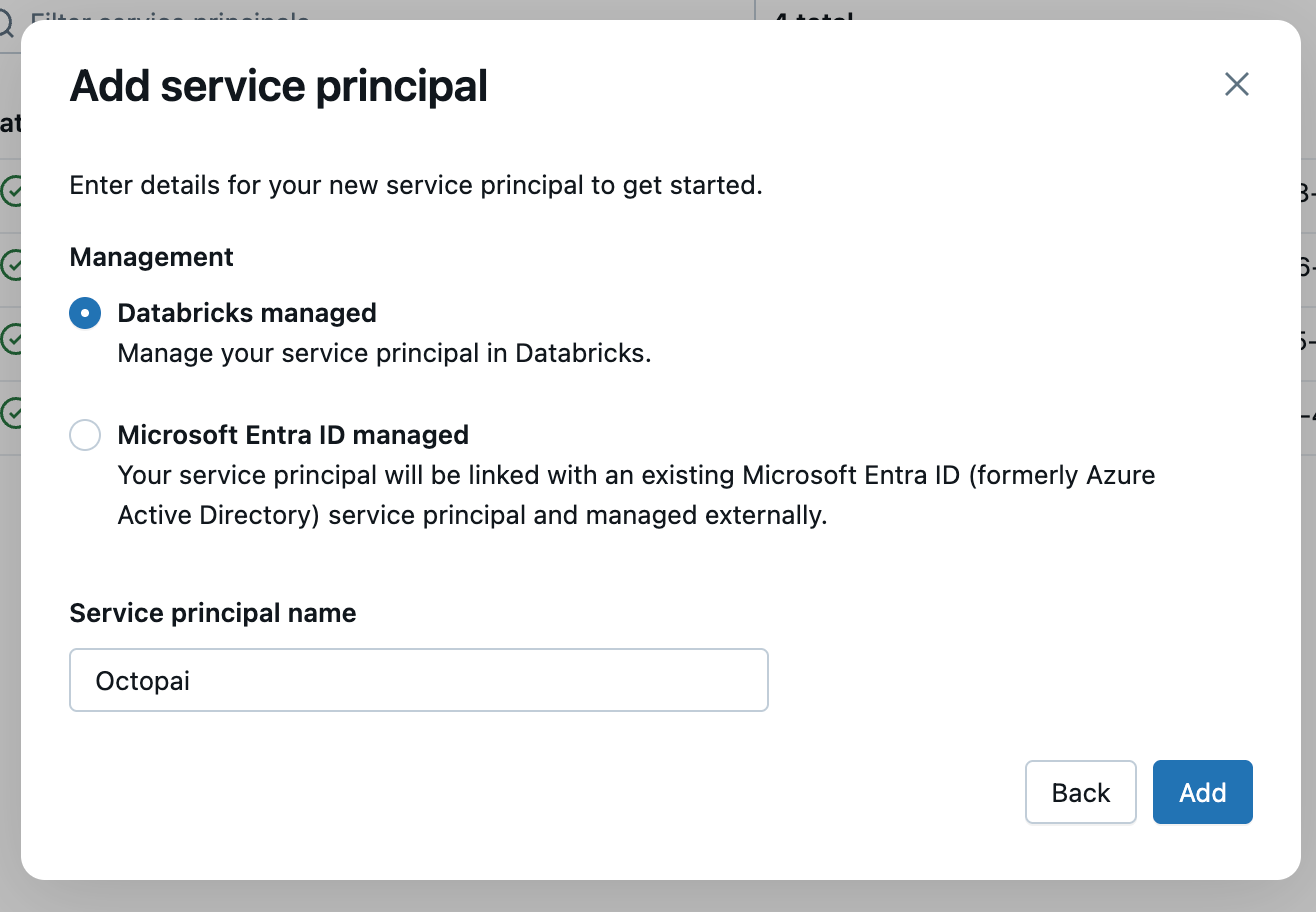
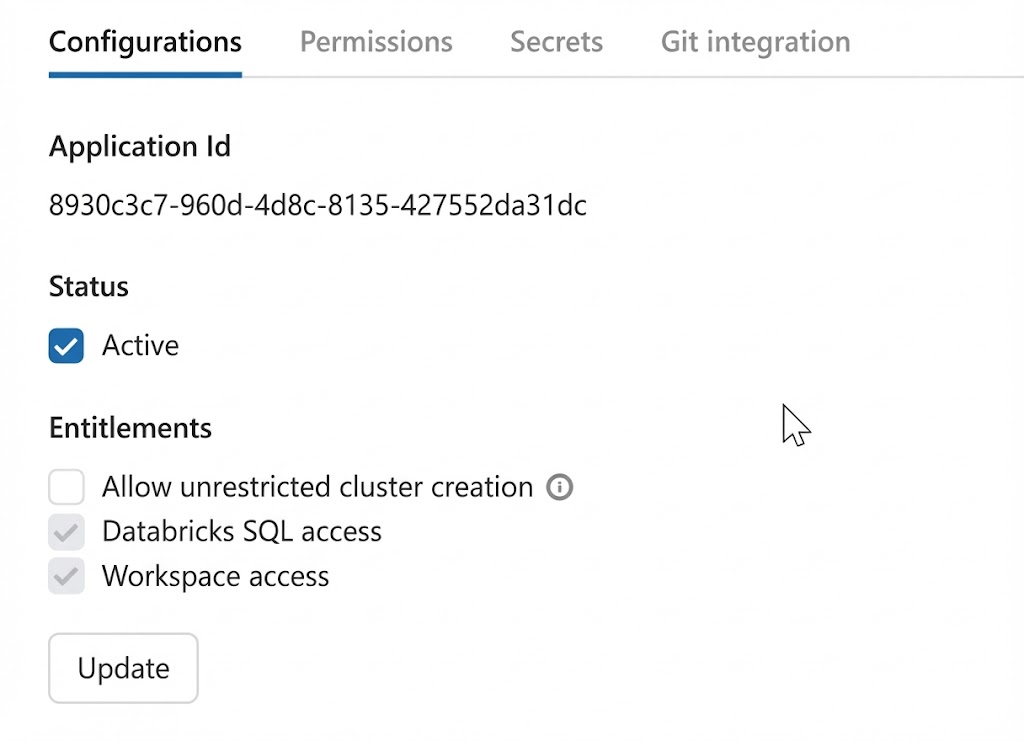
- Open the created service principal and go to the Configurations tab.
- Select Databricks SQL access and Workspace
access.
Option 2: User authentication token (Personal Access Token)
Alternatively, you can authenticate using a Databricks user token (applicable only for HMS).
You must ensure the following:
- Generate a Personal Access Token (PAT).
- Provide the token during the Cloudera Octopai setup.
Generate a Personal Access Token
Perform the following steps to generate a Personal Access Token:
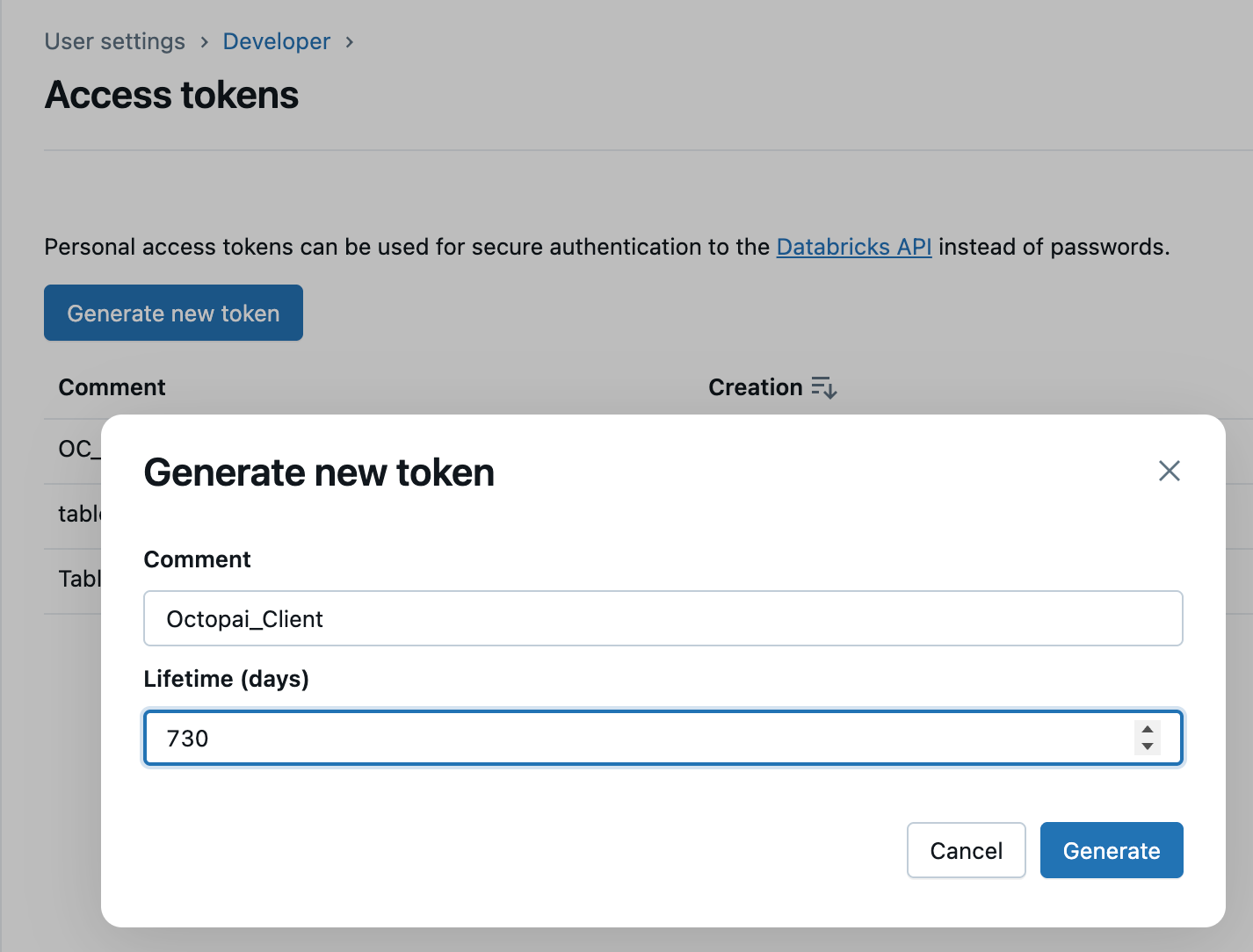
- In Databricks, go to , then select the Manage button next to
Access tokens.
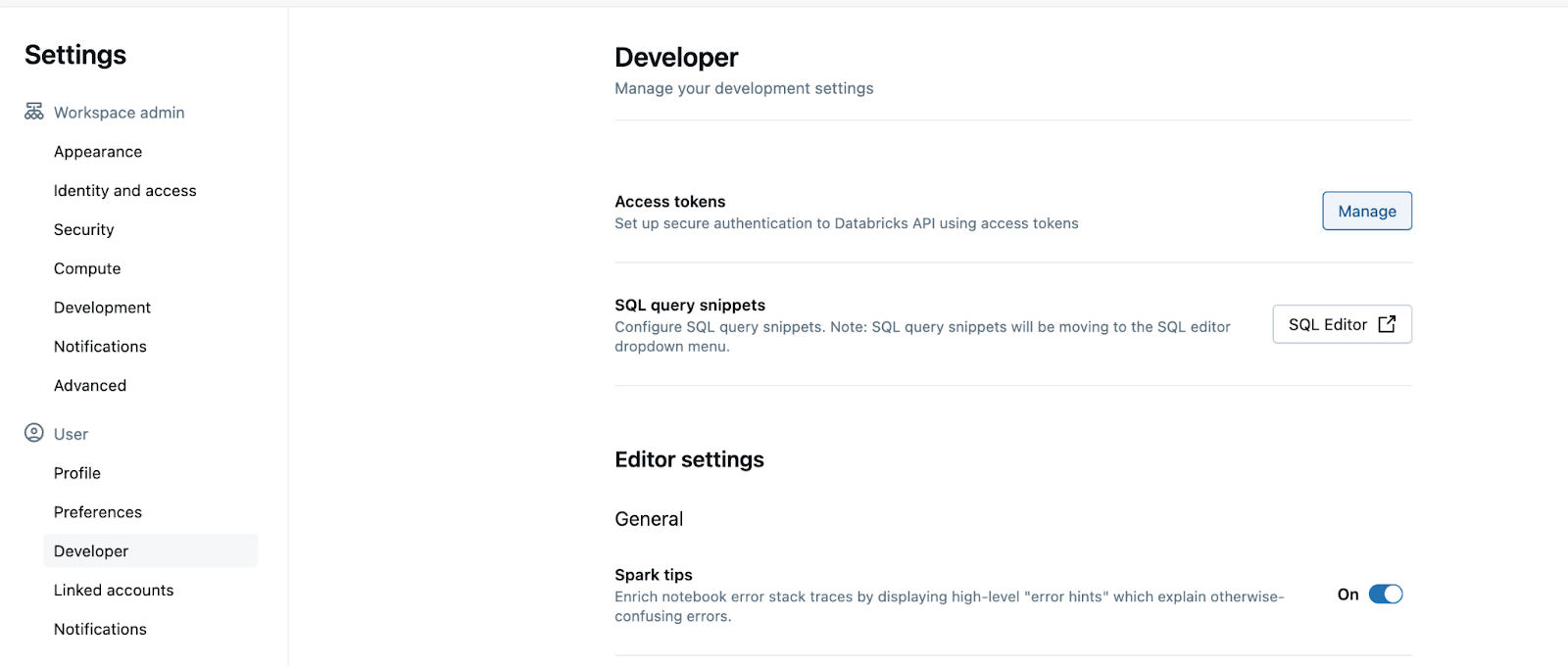
- Click Generate new token.
- Set the maximum lifespan for the token.