Informatica Power Center
Learn how to configure and set up Informatica Power Center as a metadata source for Cloudera Octopai Data Lineage.
Tool Permissions Prerequisites
- Open Server Port for each Informatica repository database.
- Existing/New (Oracle/SQL) user for each database with granted read permission for the
following dictionary tables:
- OPB_SESS_EXTNS
- OPB_MMD_SESS_EXTNS
- OPB_SESS_CNX_REFS
- OPB_CNX_ATTR
- OPB_CNX
- OPB_MMD_CNX
- OPB_EXPRESSION
- OPB_EXTN_ATTR
- OPB_MAPPING
- OPB_OBJECT_TYPE
- OPB_SWIDGET_ATTR
- OPB_SWIDGET_INST
- OPB_TABLE_GROUP
- OPB_TASK
- OPB_TASK_ATTR
- OPB_TASK_INST
- OPB_TASK_VAL_LIST
- OPB_WIDGET
- OPB_WIDGET_INST
- REP_ALL_MAPPINGS
- REP_ALL_MAPPLETS
- REP_ALL_SOURCE_FLDS
- REP_ALL_SOURCES
- REP_ALL_TARGET_FLDS
- REP_ALL_TARGETS
- REP_ALL_TASKS
- REP_COMPONENT
- REP_METADATA_EXTNS
- REP_SESS_WIDGET_CNXS
- REP_SUBJECT
- REP_TASK_ATTR
- REP_TASK_INST
- REP_WIDGET_ATTR
- REP_WIDGET_DEP
- REP_WIDGET_FIELD
- REP_WIDGET_INST
- REP_WORKFLOWS
If you would like to build a loop for this action, we offer to use this guide by Aron Kumar.
Setting up Informatica Metadata Source
Metadata Sources are set on the Cloudera Octopai Client.
SQL Server:
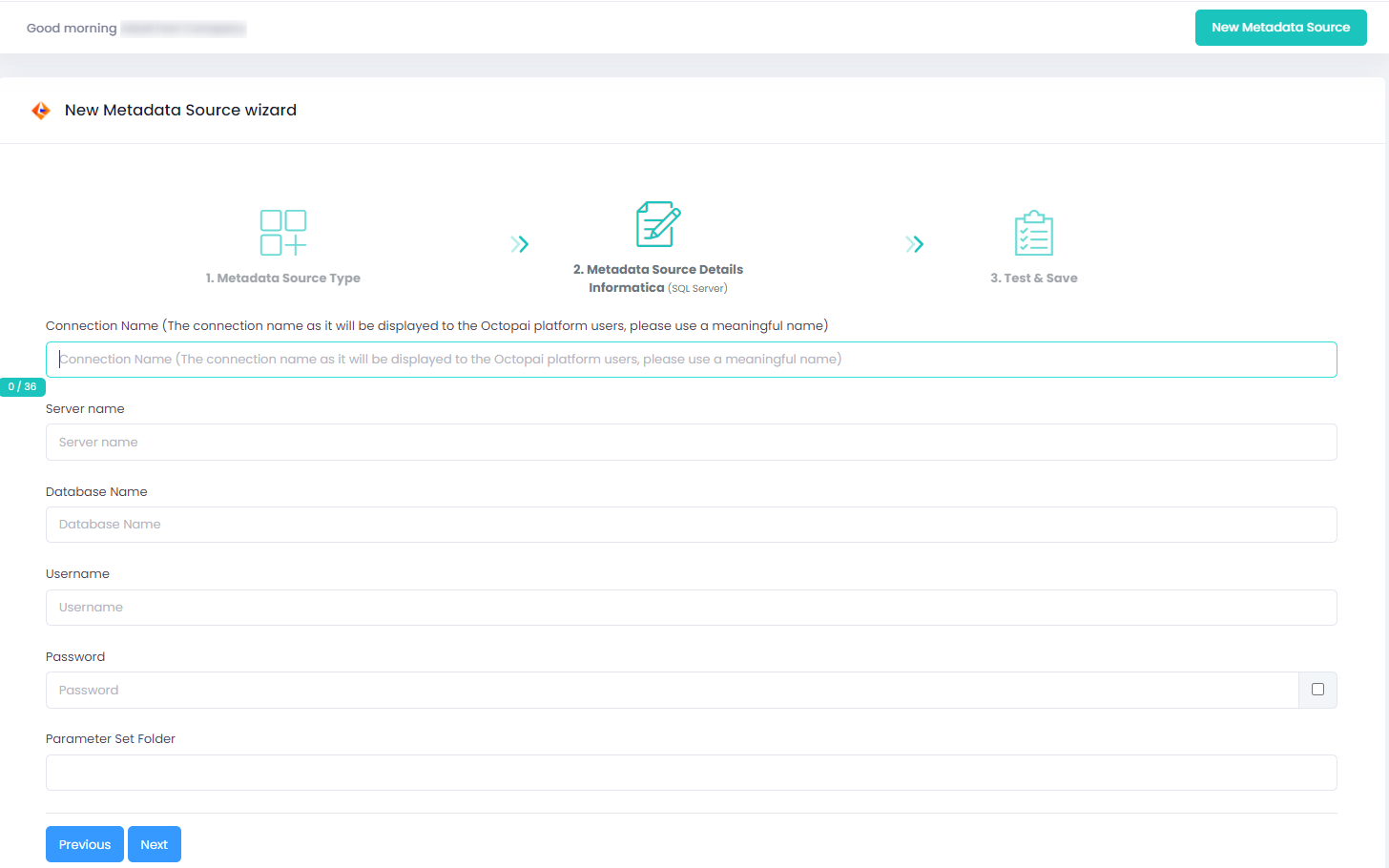
Oracle:
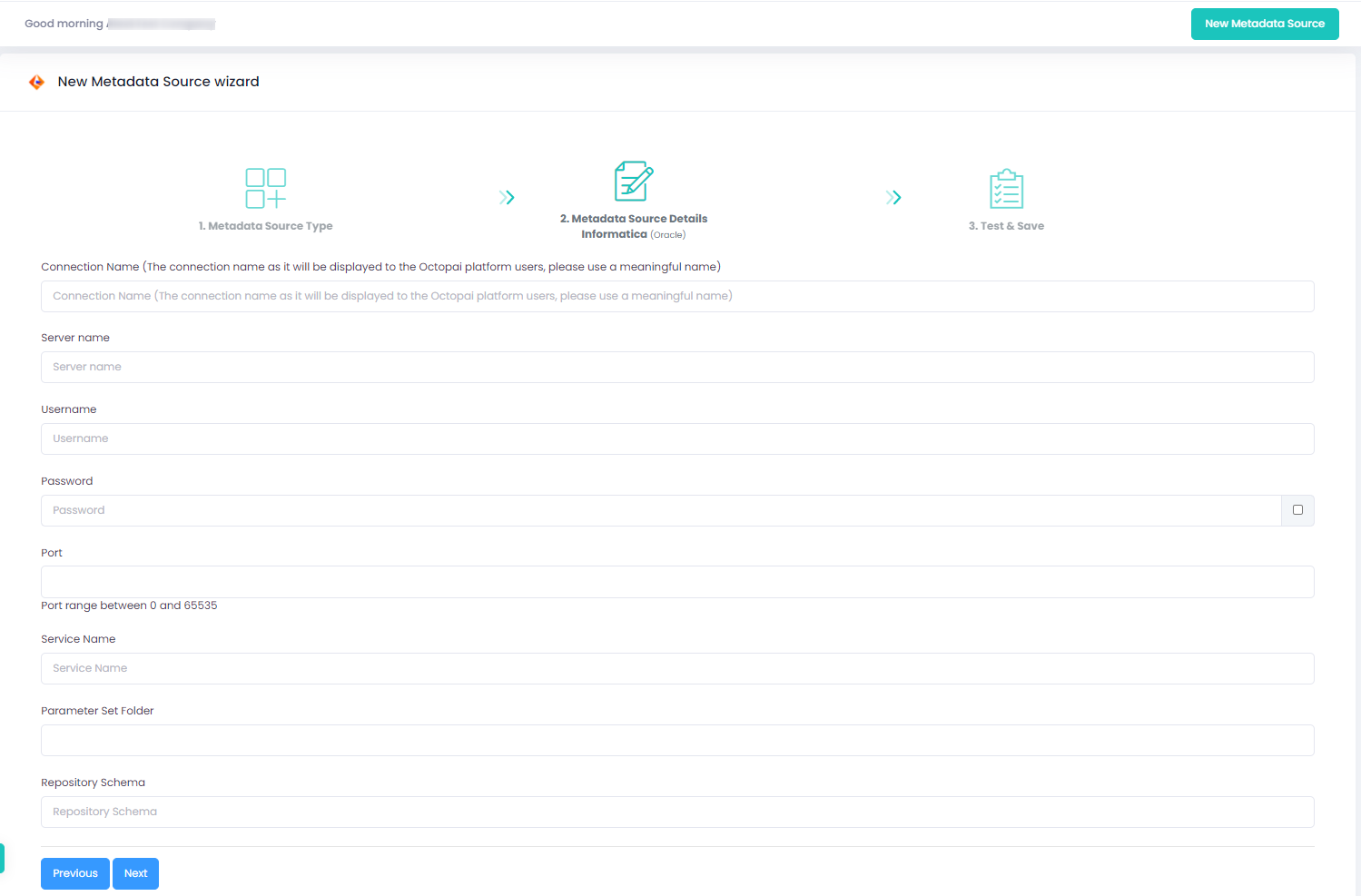
How to verify the extracted Metadata File
Access the Cloudera Octopai Target Folder (TGT)
- Go to the TGT Folder located on the Server where the Cloudera Octopai Client is installed. By default: C:\Program Files (x86)\Octopai\Service\TGT
-
Open the zip file having the Connector Name. Example:

- Verify its content: Quantity & Quality of inner files
Troubleshoot
Error during the extraction:
- Check the permissions
- Send the log with the connector number and name to Cloudera Support - C:\Program Files (x86)\Octopai\Service\log

