Azure SQL DWH/DB & Azure Synapse Analytics
Learn how to configure and manage Azure SQL DWH/DB.
Tool Permissions Prerequisites
- Open Server Port for each SQL Server Database Connection
- Existing/New user (SQL Server Authentication only) for each server/database with:
- Grant 'CONNECT' to MASTER DB
- Grant 'SELECT' for the following dictionary tables:
- sys.objects
- sys.schemas
- sys.sql_modules
- sys.columns
- sys.identity_columns
- sys.computed_columns
- sys.check_constraints
- sys.synonyms
- sys.indexes
- sys.index_columns
- sys.tables
- sys.foreign_keys
- sys.foreign_key_columns
- Only if previous grants are not enough:
- USE MASTER:
- grant connect any database to "DOMAIN_NAME\OCTOPAI_USER";
- grant view server state to "DOMAIN_NAME\OCTOPAI_USER";
- grant view any definition to "DOMAIN_NAME\OCTOPAI_USER";
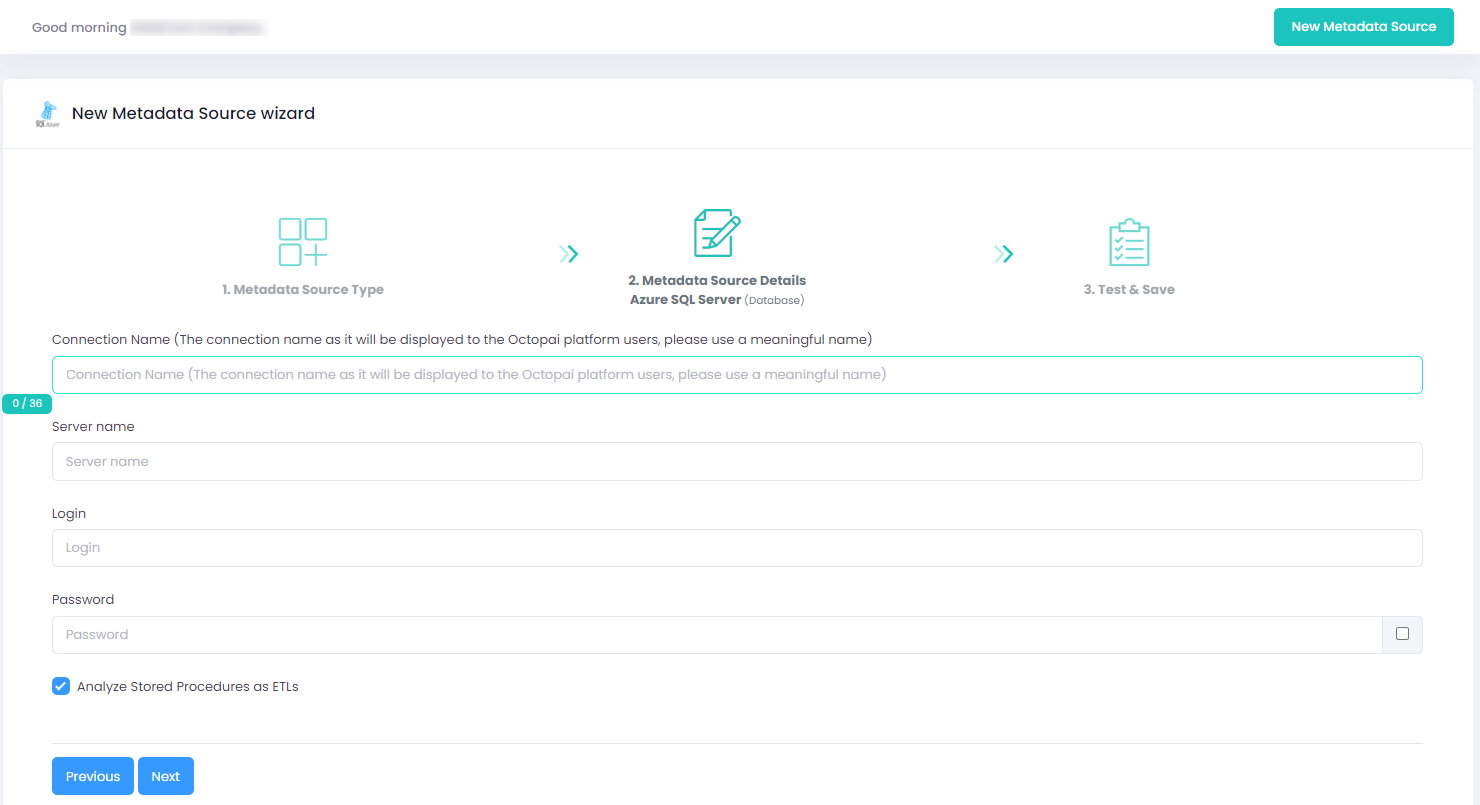
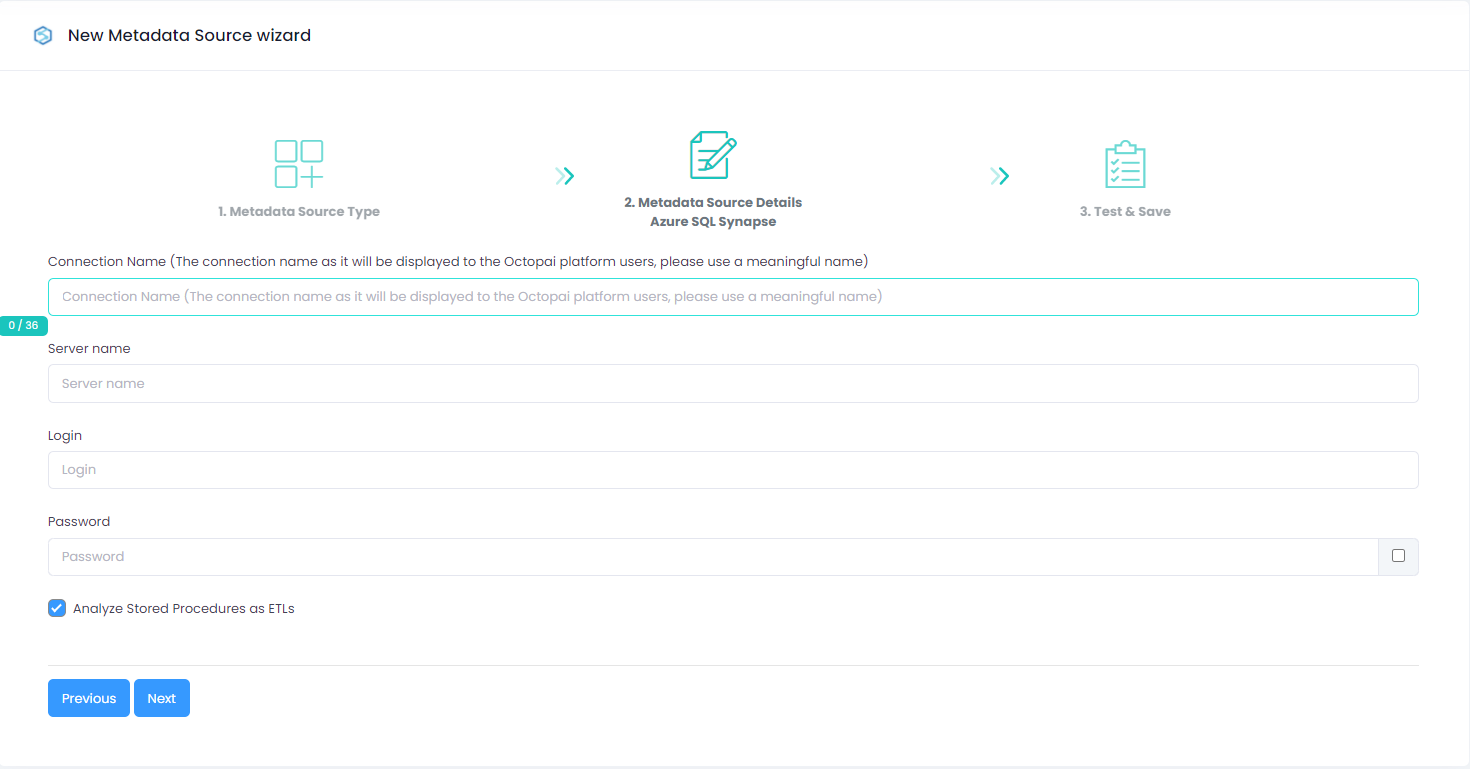
Setting up SQL Azure DWH/DB Metadata Source
Metadata Sources are set on the Octopai Client:
Verify extraction results
After a successful run, confirm the metadata archive in the target folder. See Verify extracted metadata files.
Troubleshoot
If an error occurs during the extraction, see Troubleshoot connector extraction failures.
