Looker
Learn how to configure Looker as a metadata source in Cloudera Data Lineage (formerly Octopai).
Tool Permissions Prerequisites
Dedicated API3 Credentials (Client ID and Client Secret)
Looker API authentication | Google Cloud with the following permissions:
- access_data
- see_looks
- explore
- see_sql
- see_lookml
- use_sql_runner
- see_lookml_dashboards
- see_looks
- see_queries
- see_datagroups
- develop
We recommended creating a dedicated Permission Set and Role to associate with the credentials.
Supported API version 4.0 & up
How to set up the permissions
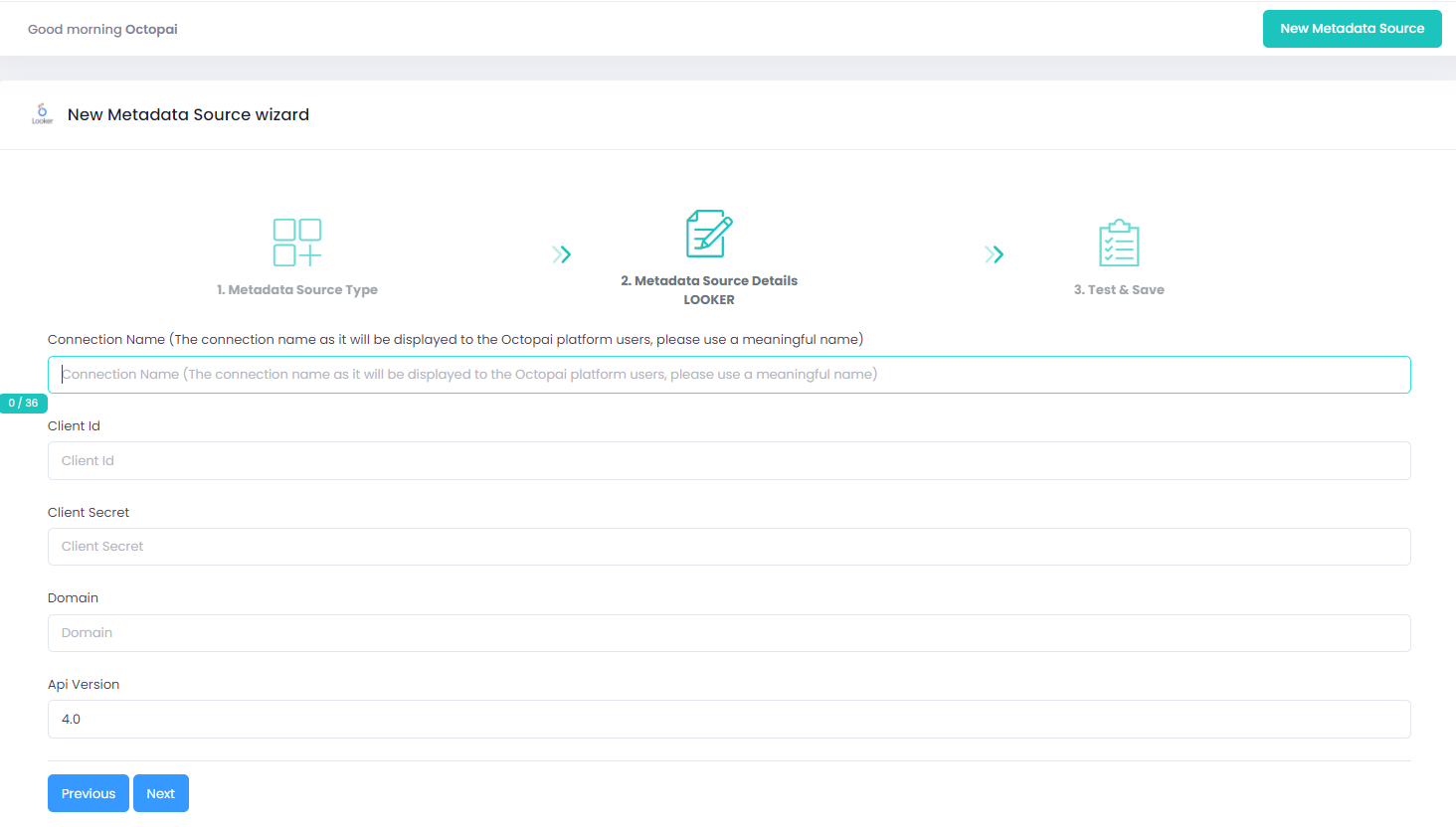
Setting up Looker Metadata Source
Metadata Sources are set on the Octopai Client
Verify extraction results
After a successful run, confirm the metadata archive in the target folder. See Verify extracted metadata files.
Troubleshoot
If an error occurs during the extraction, see Troubleshoot connector extraction failures.
