Oracle ODI
Learn how to configure Oracle ODI as a metadata source for Cloudera Data Lineage (formerly Octopai).
Tool Permissions Prerequisites
- Open Server Port for each ODI databases repositorie
- Existing/New Oracle user for each database with grant read permission for the following
dictionary tables:
- SNP_MAP_CONN
- SNP_MAP_CP
- SNP_MAP_ATTR
- SNP_MAP_EXPR
- SNP_PACKAGE
- SNP_MAP_REF
- SNP_TABLE
- SNP_COL
- SNP_DEPLOY_SPEC
- SNP_EXEC_UNIT_GRP
- SNP_LOAD_PLAN
- SNP_EXEC_UNIT
- SNP_PHY_NODE
- SNP_PHY_EXPR
- SNP_MAP_EXPR_REF
- SNP_MAP_PROP
- SNP_SCEN
- SNP_SCEN_FOLDER
- SNP_MAPPING
- SNP_SEQUENCE
- SNP_MODEL
- SNP_FOLDER
- SNP_PROJECT
- SNP_MAP_COMP
Setting up ODI Metadata Source
Metadata Sources are set on the Octopai Client
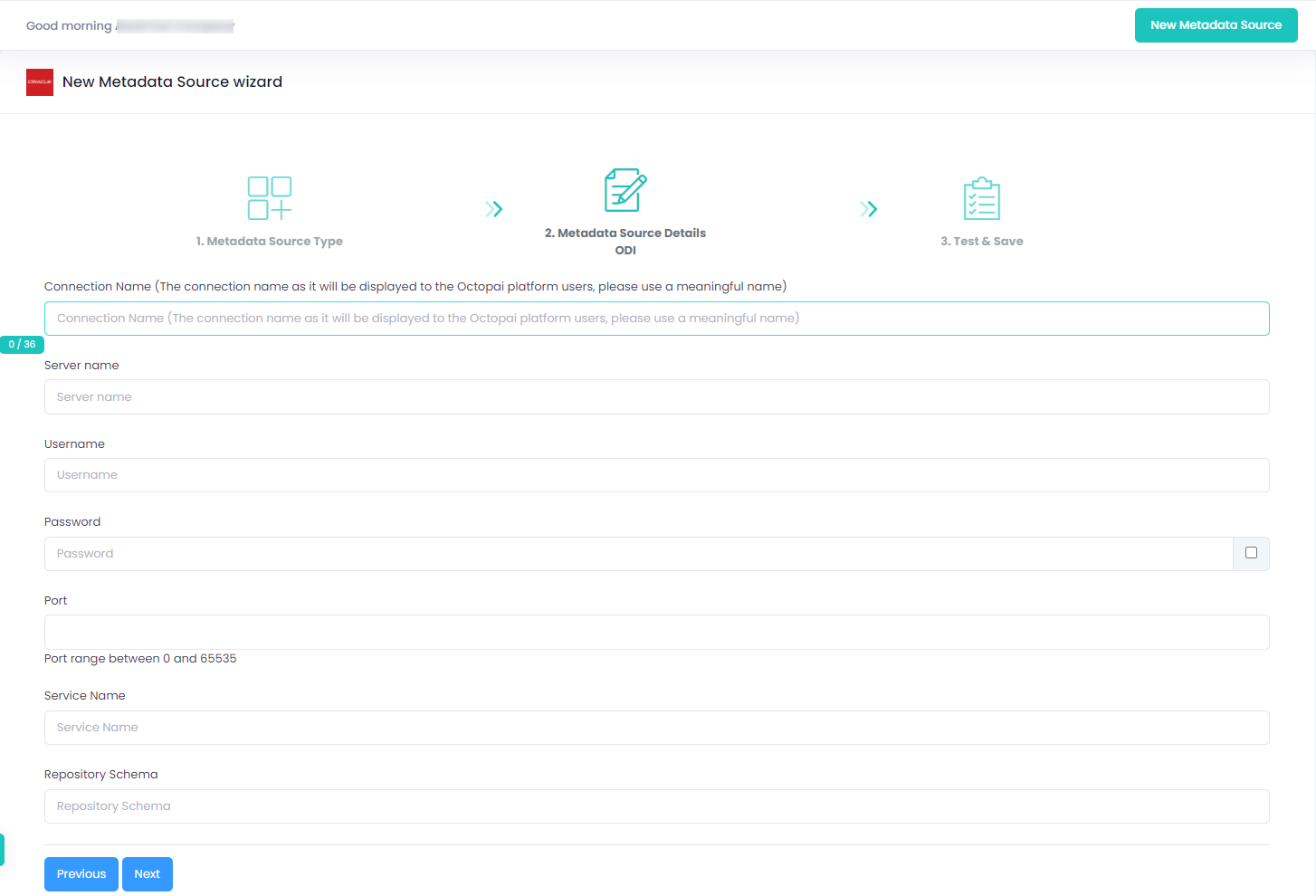
Connection Name: Giving a meaningful name to the connection will be useful for future references.
Verify extraction results
After a successful run, confirm the metadata archive in the target folder. See Verify extracted metadata files.
Troubleshoot
If an error occurs during the extraction, see Troubleshoot connector extraction failures.
