PostgreSQL
How to set up PostgreSQL metadata sources in Cloudera Data Lineage (formerly Octopai), including prerequisites, verification, and troubleshooting.
Tool Permissions Prerequisites
- Postgres ODBC driver installed on the machine running the Octopai Client
- Open Server Port for each Postgre Database Connection
-
Existing/New Postgres user (OCTOPAI_USER) for each connection with grant select permission for the following dictionary tables:
- information_schema.tables;
- information_schema.views;
- information_schema.columns;
- pg_catalog.pg_proc;
- pg_catalog.pg_namespace;
- pg_catalog.pg_attribute;
- pg_catalog.pg_constraint;
- pg_catalog.pg_class;
- pg_catalog.pg_database;
How to set up the permissions
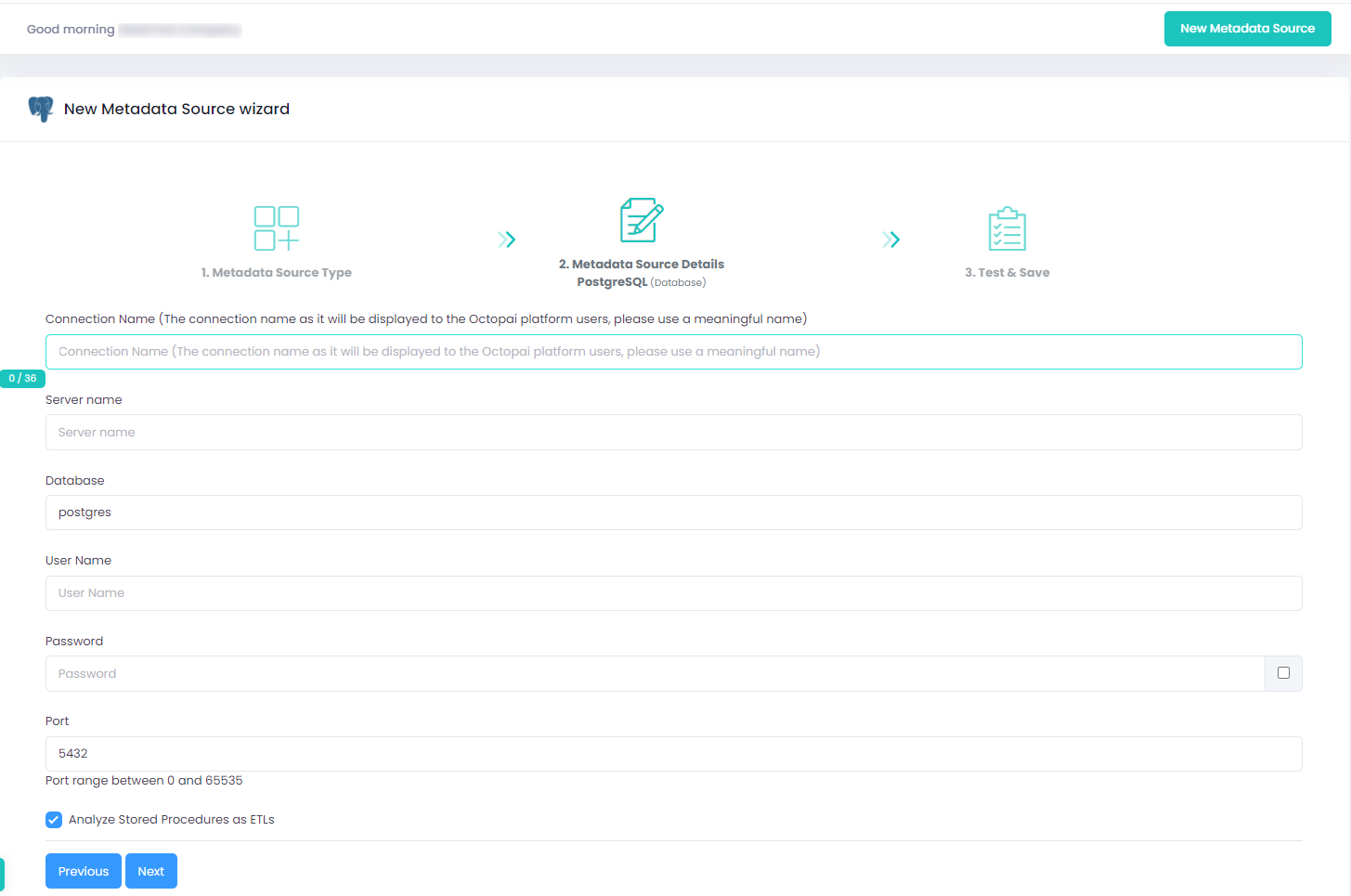
Setting up PostgreSQL Metadata Source
Metadata Sources are set on the Octopai Client
Verify extraction results
After a successful run, confirm the metadata archive in the target folder. See Verify extracted metadata files.
Troubleshoot
If an error occurs during the extraction, see Troubleshoot connector extraction failures.
