SSAS (OLAP + Tabular + Azure Analysis Services)
Learn how to set up and manage SSAS (OLAP, Tabular, and Azure Analysis Services).
Tool Permissions Prerequisites
Missing permissions could end up in broken lineages.
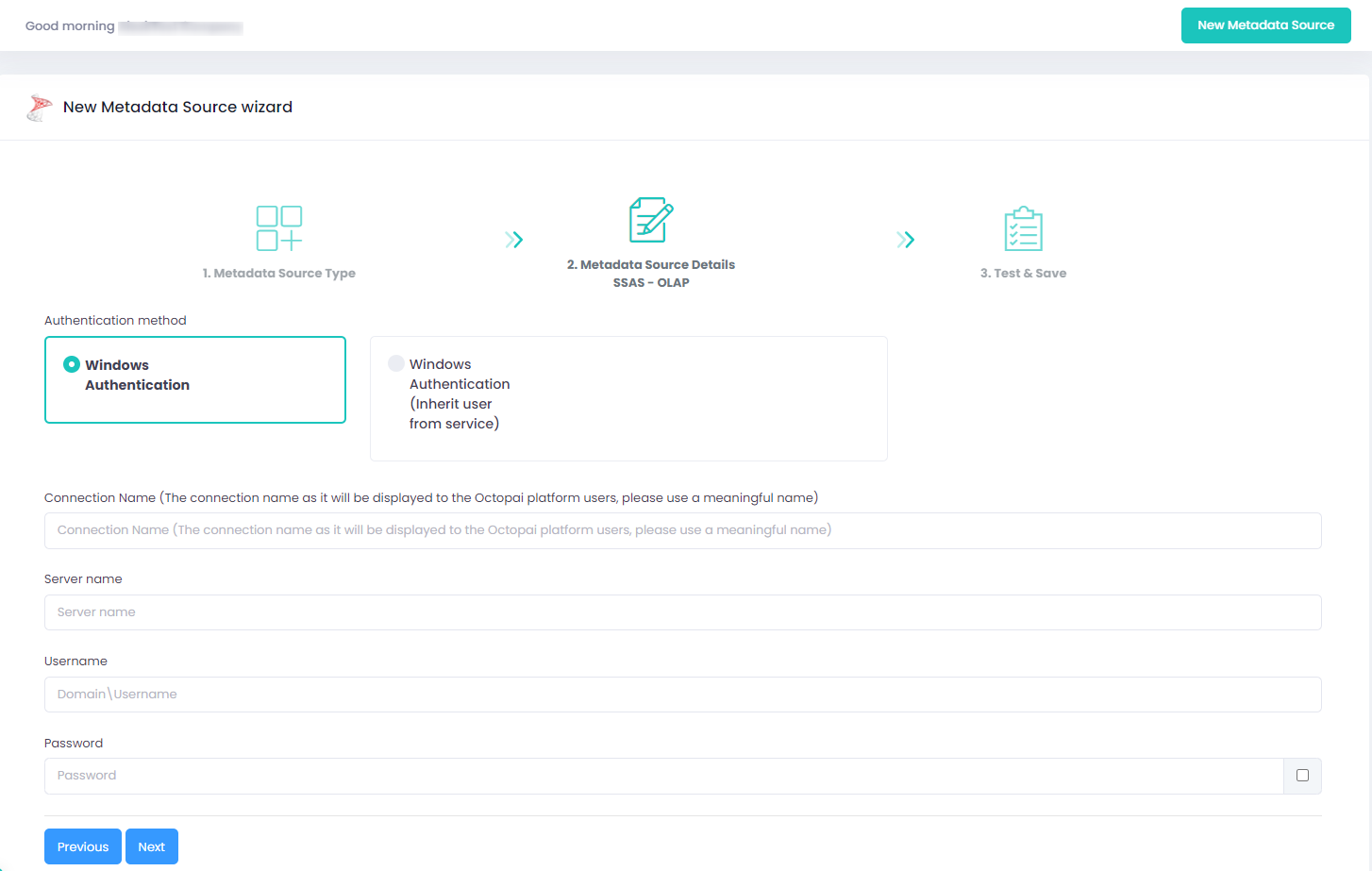
SSAS - OLAP (On Prem or hosted on Azure): NT User with “Read definition” for each DB on the server. (Windows Authentication).
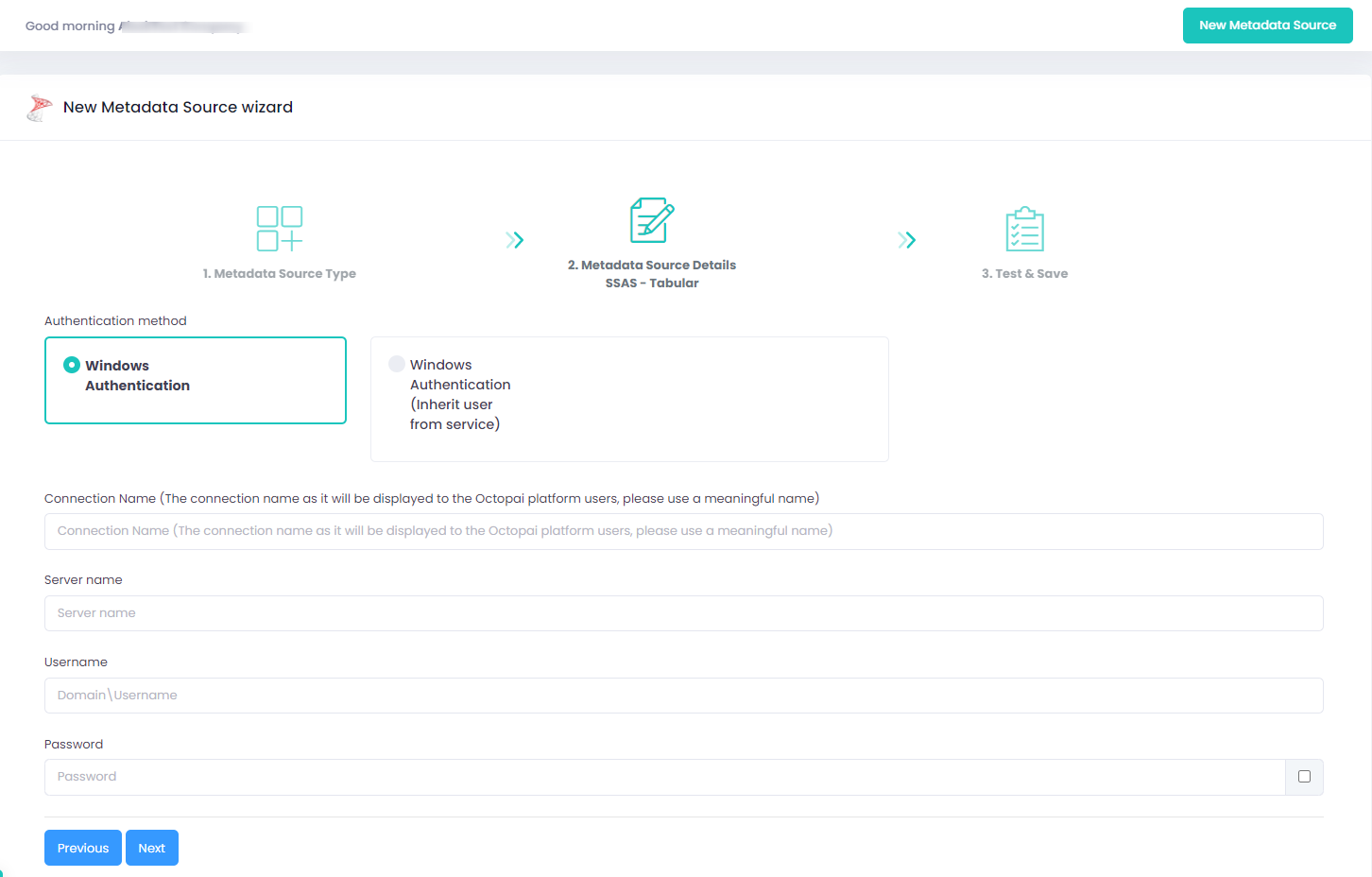
SSAS - Tabular: NT User with “Full control” for each model on the server. (Windows Authentication).
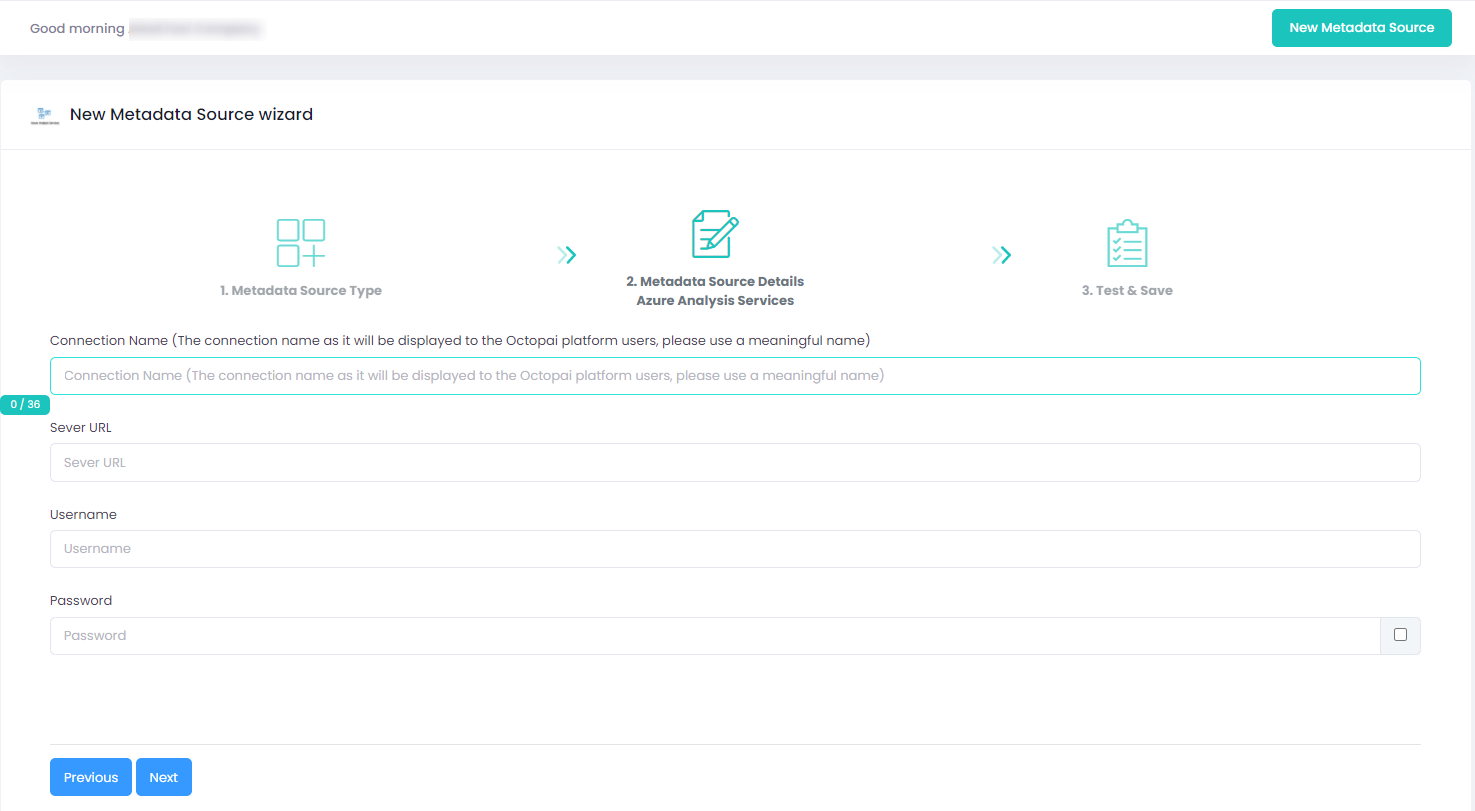
SSAS - Tabular on Azure Analysis Services (managed PaaS): 'Active Directory Password Authentication' User with “Full control” for each model on the server.
Setting up SSAS (OLAP + Tabular + Azure Analysis Services) Metadata Source
Metadata Sources are set on the Octopai Client
Verify extraction results
After a successful run, confirm the metadata archive in the target folder. See Verify extracted metadata files.
Troubleshoot
If an error occurs during the extraction, see Troubleshoot connector extraction failures.
