SSIS (Files / Integration Services / Integration Services Catalog / Azure)
Learn how to configure SSIS (Files, Integration Services, Integration Services Catalog, Azure) as metadata sources for Cloudera Data Lineage (formerly Octopai).
SSIS method
In the Octopai Client, select the SSIS method implemented in your organization.

SSIS Files
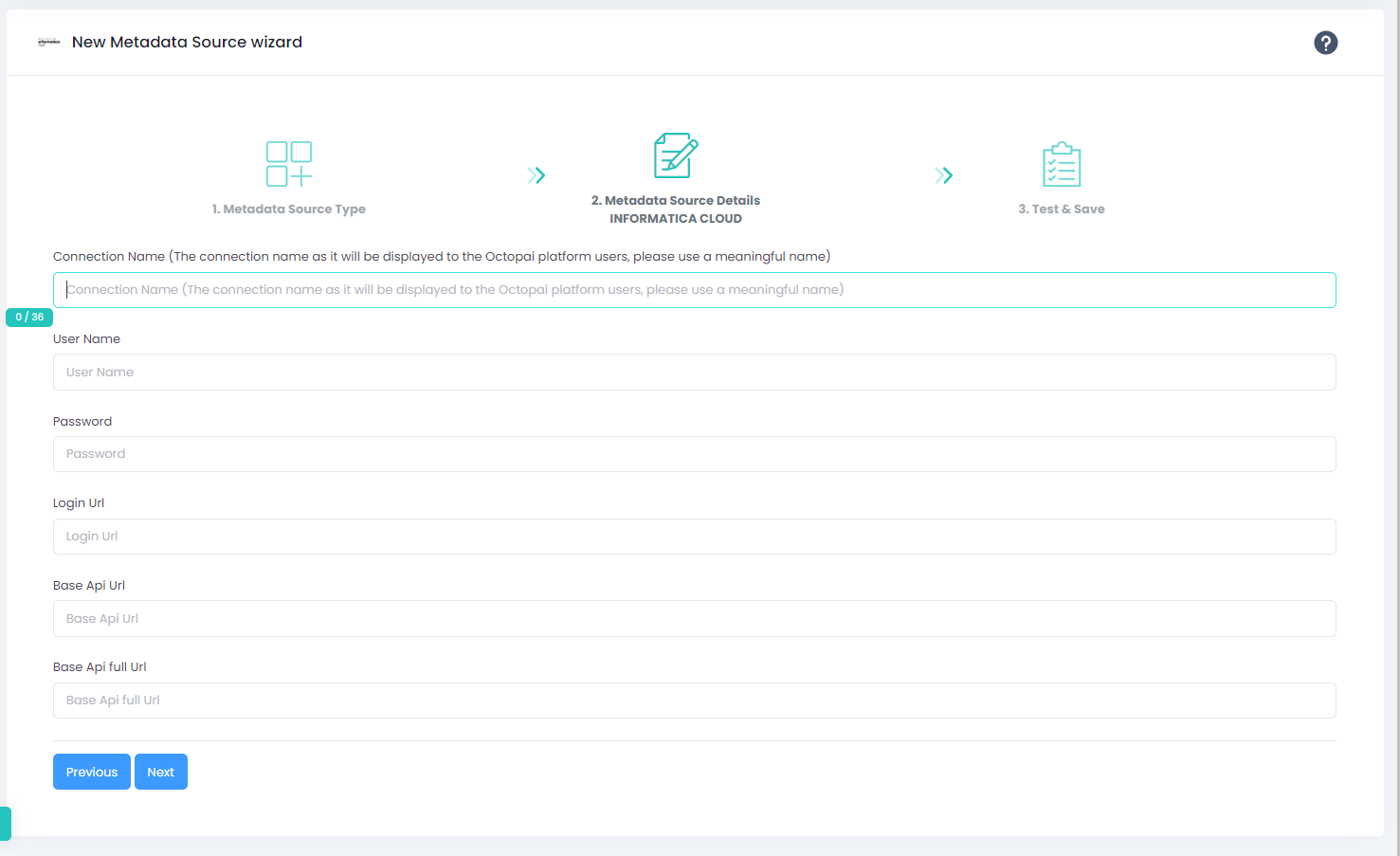
SSIS Integration Services
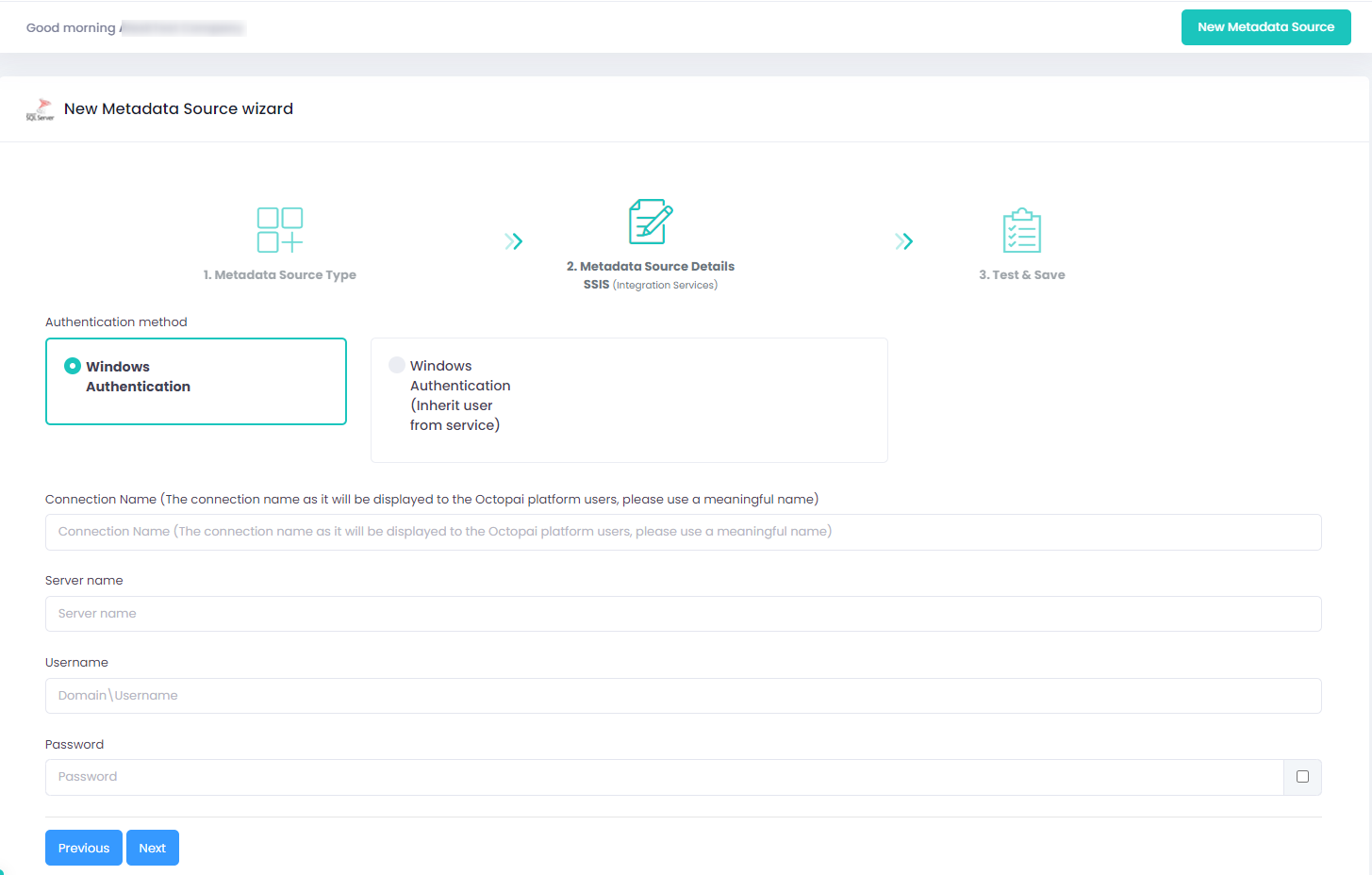
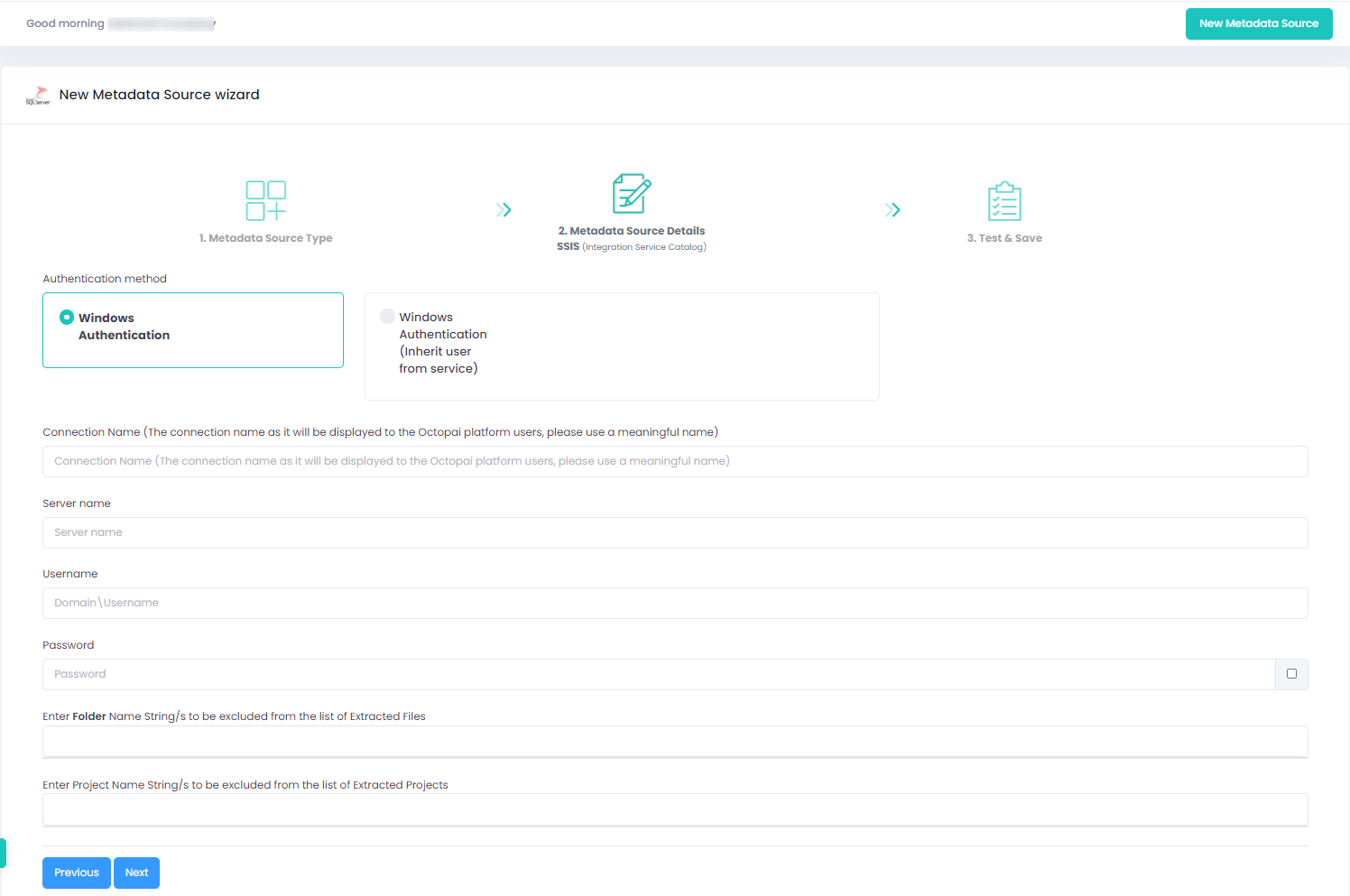
SSIS Integration Services Catalog
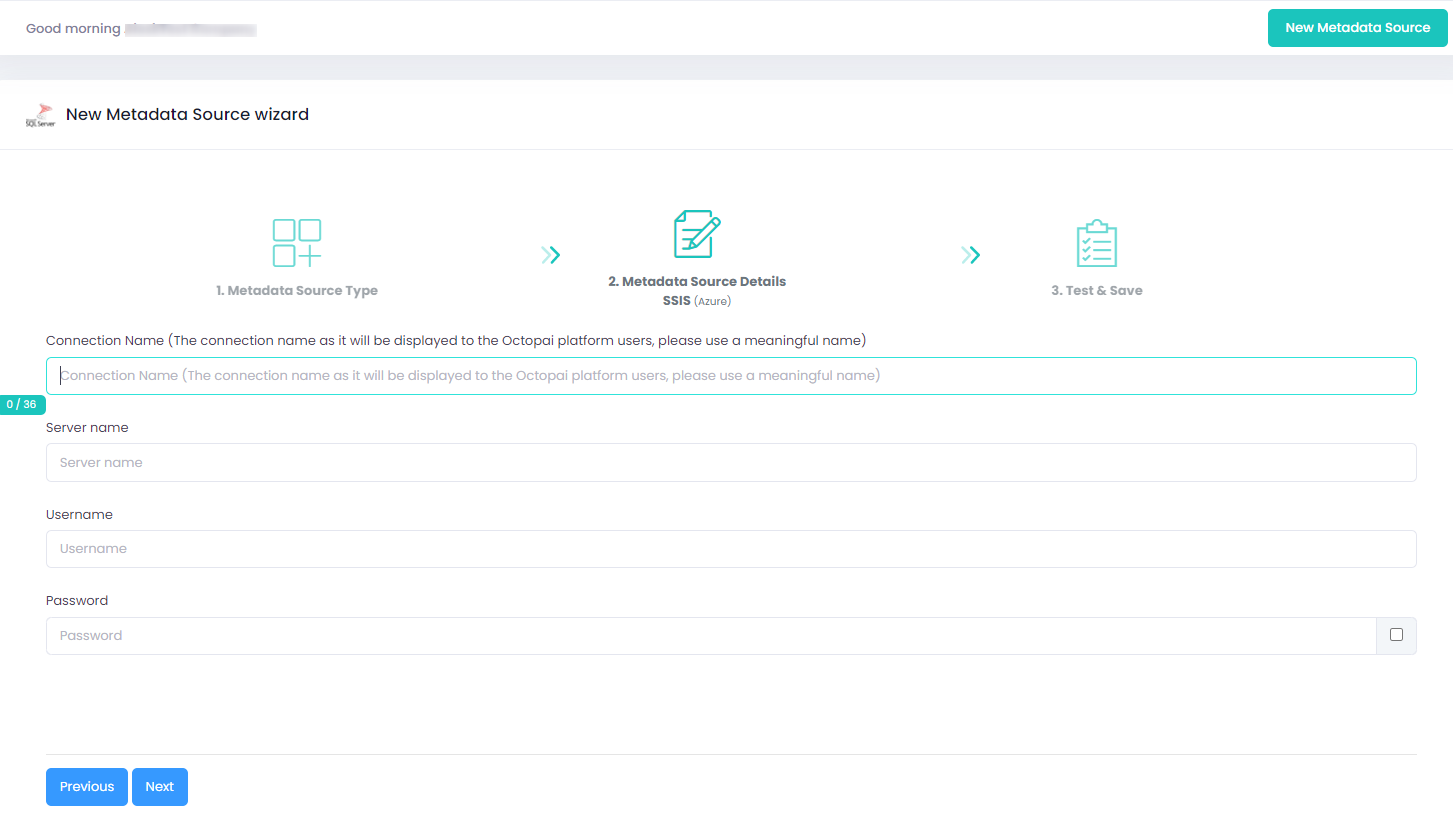
SSIS Azure
Permissions prerequisites
-
Define a user with the db_owner role on the SSISDB instance for the Integration Services Catalog.
Set up the metadata source
Verify extraction results
After a successful run, confirm the metadata archive in the target folder. See Verify extracted metadata files.
Troubleshoot
If an error occurs during the extraction, see Troubleshoot connector extraction failures.
