Tableau Server
Learn how to configure Tableau Server for metadata extraction.
Tool Permissions Prerequisites
Tableau Server/Online – Supported (Tableau Desktop - Not Supported by automation)
- Tableau server from version 10.3 and up
- API of Tableau Server is Enabled (by Default)
-
Login permissions to the Tableau server using one of the following options:
- Tableau Personal Access Token (PAT) associated with a user that has Server/Site Admin permissions to the Tableau API & the relevant Sites (Recommended). More about PAT can be found here: Personal Access Tokens
- Tableau User and password with Server/Site Admin permissions to the Tableau API & the Relevant Sites.
The error message displayed when API is disabled:
System.Net.Http.HttpRequestException: Method: POST, RequestUri: 'http://<Server>/api/<api_version>/auth/signin', Version: 1.1, Content…Check and run Tableau API:
Tableau server version 10.3 or lower:
- Check if the default Rest API of Tableau is enabled -->
tabadmin get api.server.enabled - If it isn’t enabled (false):
tabadmin set api.server.enabled - For this, one of the following pre-requisites is required:
tabadmin stoptabadmin starttabadmin config
Tableau server versions later than 10.3:
- Check if the default Rest API of Tableau is enabled:
tsm configuration get --key api.server.enabled - If it isn’t enabled (false):
tsm configuration set --key api.server.enabled true - For this, one of the following pre-requisites is required:
tsm stoptsm start
Setting up Tableau Metadata Source
Metadata Sources are set on the Octopai Client
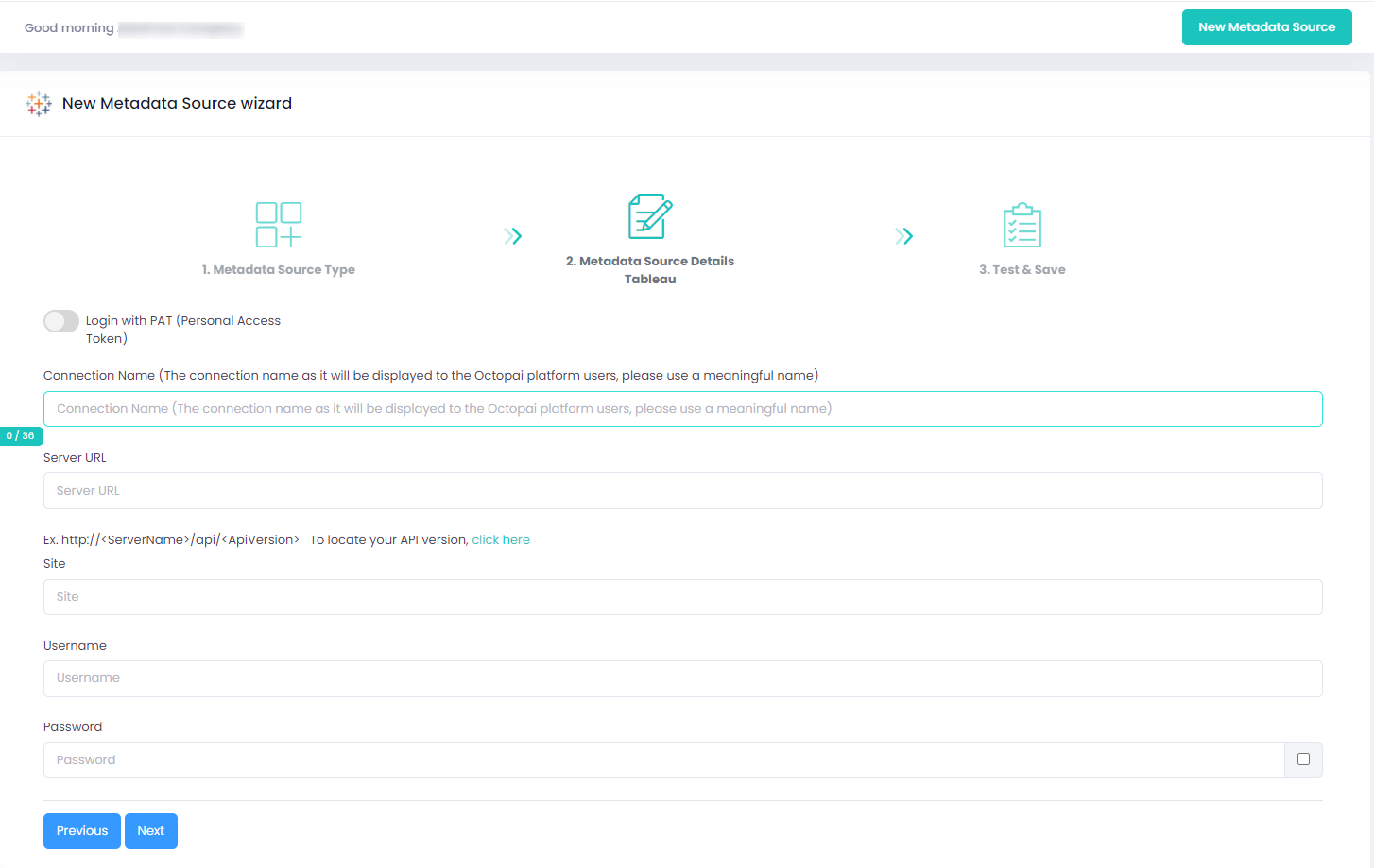
Verify extraction results
After a successful run, confirm the metadata archive in the target folder. See Verify extracted metadata files.
Troubleshoot
If an error occurs during the extraction, see Troubleshoot connector extraction failures.
