Vertica
Learn how to set up Vertica metadata sources with Cloudera Data Lineage (formerly Octopai).
Tool Permissions Prerequisites
Ensure the following prerequisites are met:
- Open Server Port for each Vertica Database Connection
-
Admin Vertica user for each connection with grant permission for the following dictionary tables:
- PROJECTIONS
- TEXT_INDICES
- USER_FUNCTIONS
- USER_PROCEDURES
- USER_TRANSFORMS
- VIEW_COLUMNS
- VIEWS
- VIEW_TABLES
- ALL_TABLES
- DATABASES
- COLUMNS
- COMMENTS
- HCATALOG_TABLES
- CONSTRAINT_COLUMNS
- HCATALOG_COLUMNS
- HCATALOG_SCHEMATA
- HCATALOG_TABLE_LIST
- PROJECTION_COLUMNS
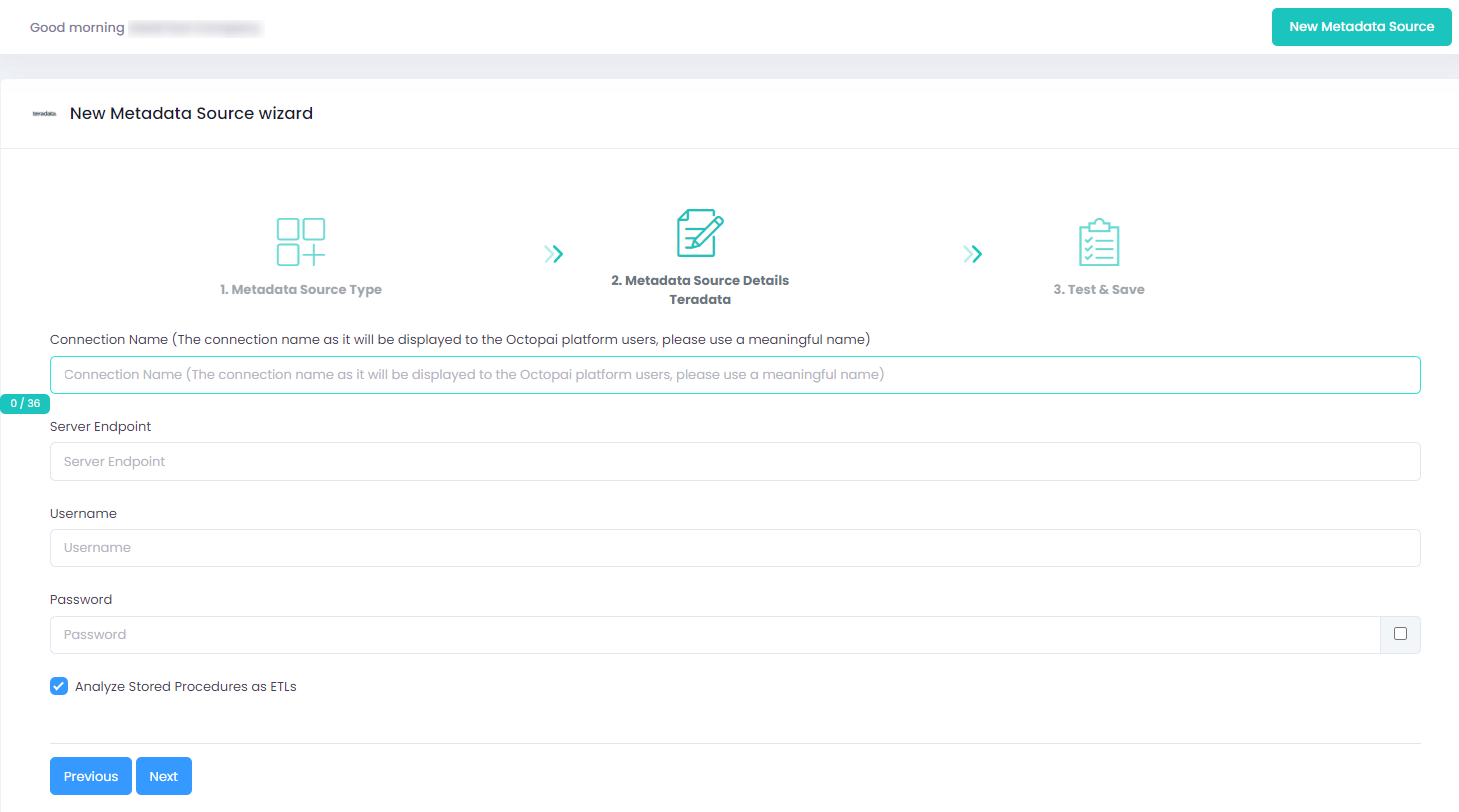
Setting up Vertica Metadata Source
Metadata Sources are set on the Octopai Client.
Verify extraction results
After a successful run, confirm the metadata archive in the target folder. See Verify extracted metadata files.
Troubleshoot
If an error occurs during the extraction, see Troubleshoot connector extraction failures.
