Product Release Notes - Feb 26th, 2025
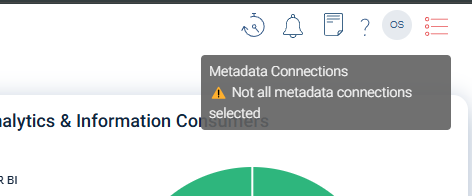
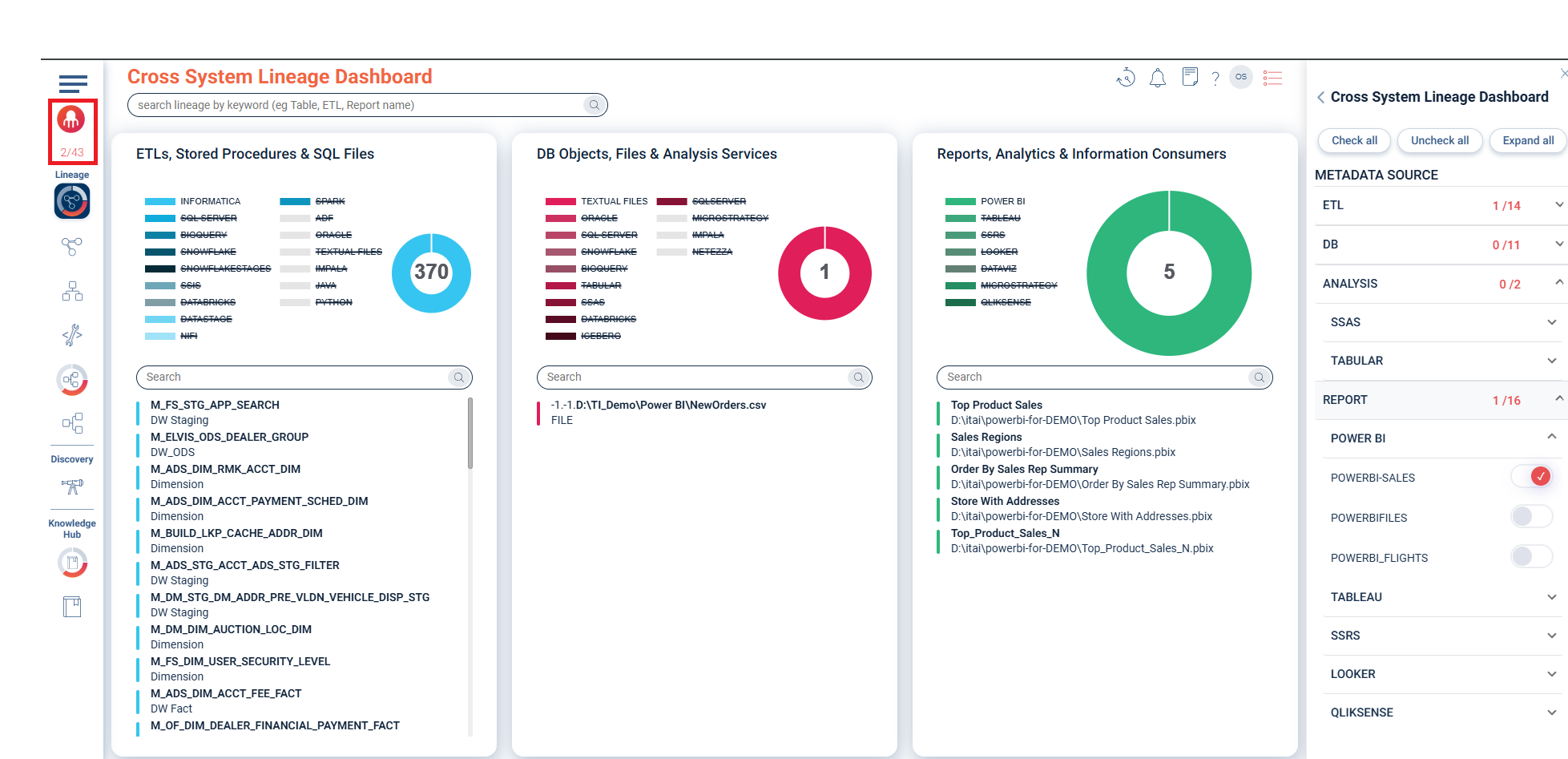
A new color indication has been added to metadata filtering in Cross-System, Inner-System, E2E, and Discovery views, making it easier to see which filters are active at a glance. This enhancement provides immediate visual feedback on the selected sources, improving usability when working across multiple systems.
UI enhancement – color indication for applied metadata filters
Description
A new color indication has been added to metadata filtering in Cross-System, Inner-System, E2E, and Discovery views, making it easier to see which filters are active at a glance. This enhancement provides immediate visual feedback on the selected sources, improving usability when working across multiple systems.
Why metadata filtering matters
Metadata filtering allows users to focus on specific sources, systems, or objects within the lineage maps, enabling:
-
Targeted investigations into specific data movements.
-
Impact analysis on a selected subset of systems.
-
Efficient troubleshooting by isolating relevant metadata sources.
How filters work
-
Source selection: Users can select metadata sources to narrow down the lineage map display for Cross-System, Inner-System, E2E, and Discovery views.
Key UI enhancement
-
Color indication for active filters: Applied filters are now visually highlighted, ensuring users immediately recognize which filters are in use.
-
This enhancement applies to Cross-System, Inner-System, E2E, and Discovery views.
-
-
Quick visibility of filtered vs. unfiltered sources: Users can instantly identify whether all sources are selected or only a subset is applied.
Inner system lineage toggle – column vs. component-level view
Description
Users can now toggle between two levels of inner-system lineage visualization:
-
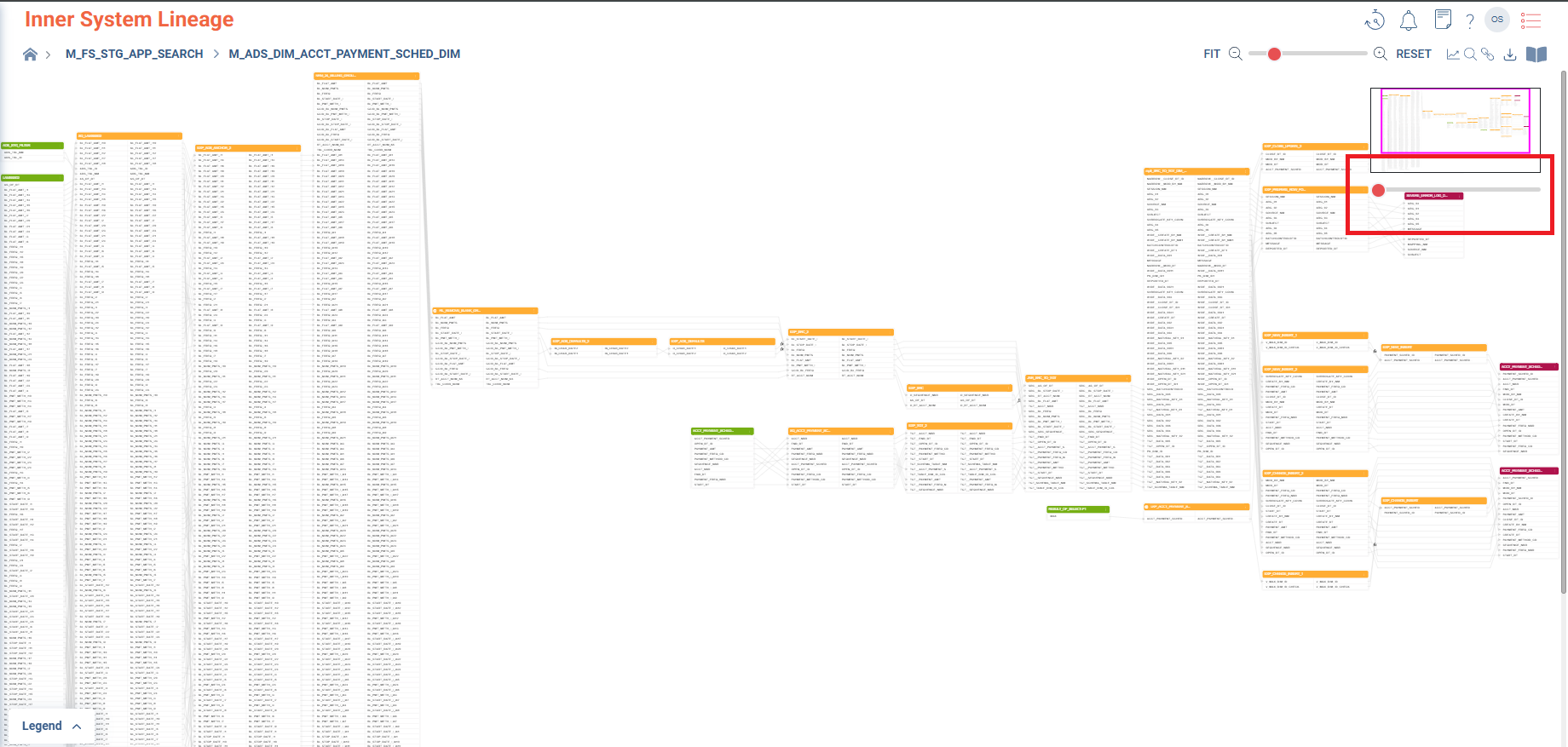
Detailed column-level view – Displays lineage at the granular column level, showing precise transformations.
-
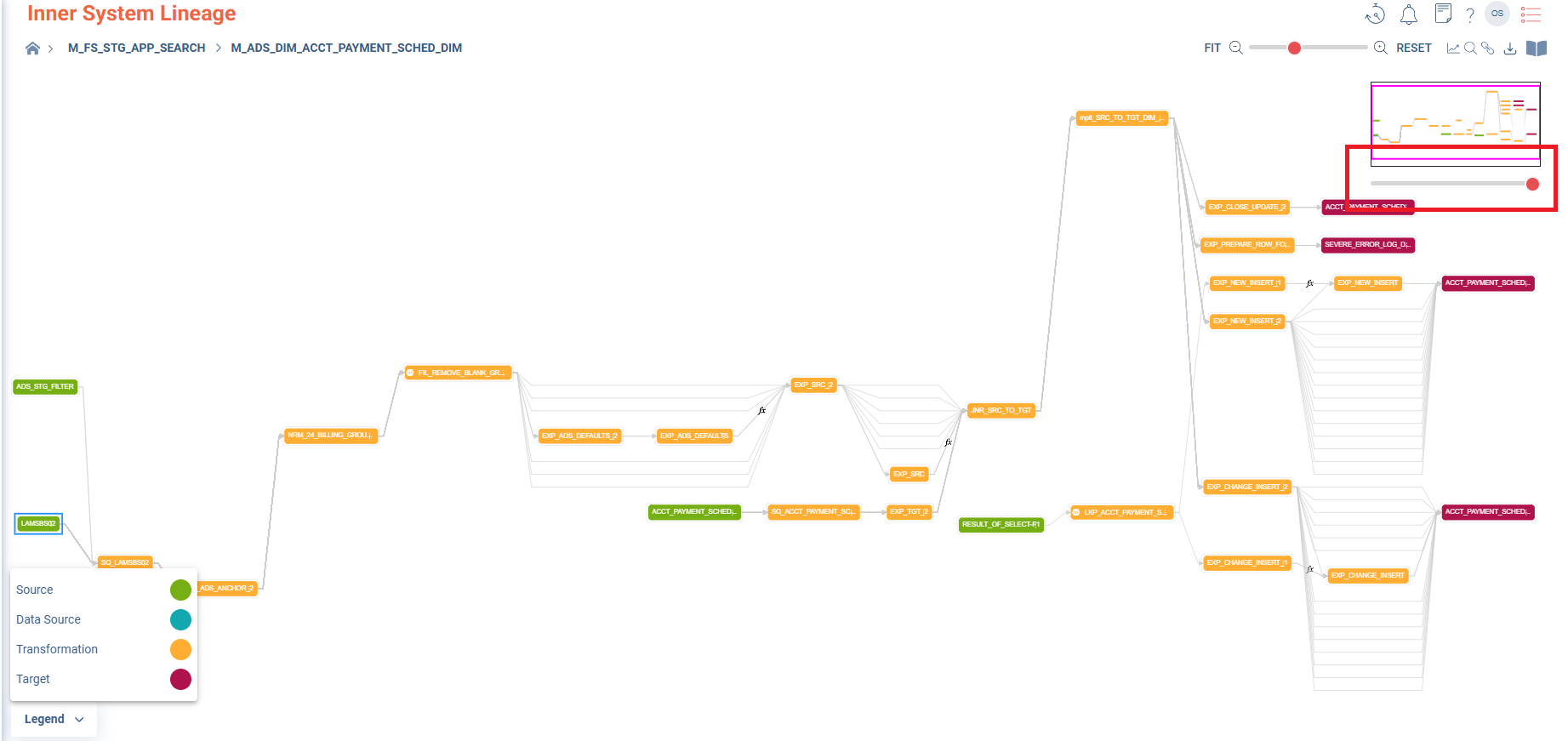
Component-level view – Provides a high-level graphical visualization, simplifying complex lineage relationships.
Key enhancements
-
Toggle feature: Users can seamlessly switch between detailed and component-level lineage views.
-
Optimized graph display: The component-level view reduces clutter for easier interpretation of dependencies.
-
Applies across inner-system maps: Works across all inner-system lineage views, ensuring a consistent experience.
Benefits
-
Improves readability for large, complex lineage structures.
-
Enhances performance by reducing the rendering load when switching to component view.
-
Provides flexibility for users to analyze lineage at the desired level of granularity.
How it works
-
A new toggle button in the Inner-System Lineage map toolbar.
-
Users can switch between:
-
Column-level view: Displays detailed lineage at the column level.
-
Component-level view: Groups elements into a higher-level visualization.
-
-
Switching views dynamically updates the map without requiring a full refresh.
Search fixes – Discovery & Knowledge Hub
We've been hard at work crushing some search bugs in the Discovery and Knowledge Hub areas to ensure users get accurate and relevant results every time.
