Product Release Notes - May 14, 2023
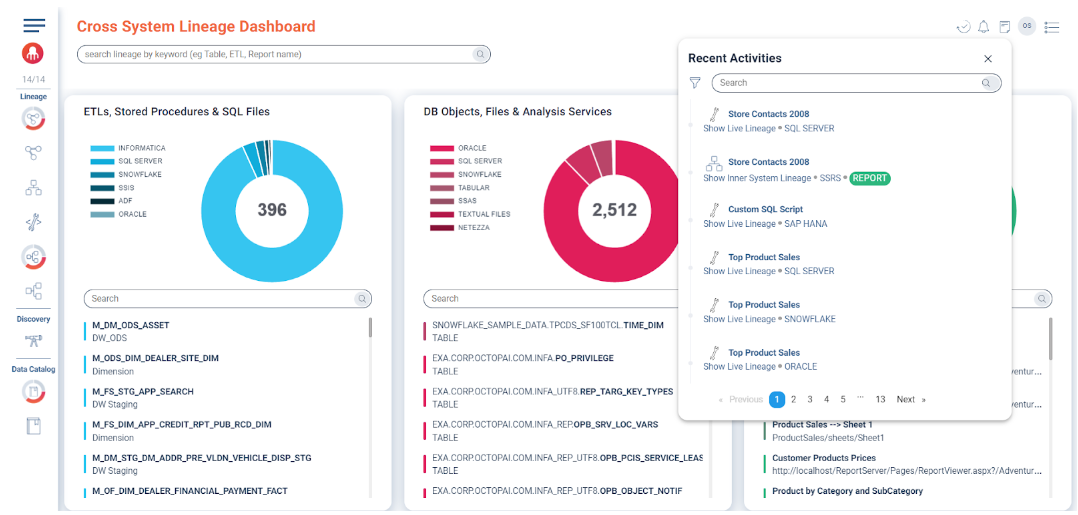
You now have the convenience of accessing your Live Lineage activities and tracking the scripts you've parsed in relation to Change Impact Analysis or Migration Projects. Whether you're editing an existing script or creating a new one, both activities will be recorded in your Recent Activities.
Live Lineage now appears in Recent Activities
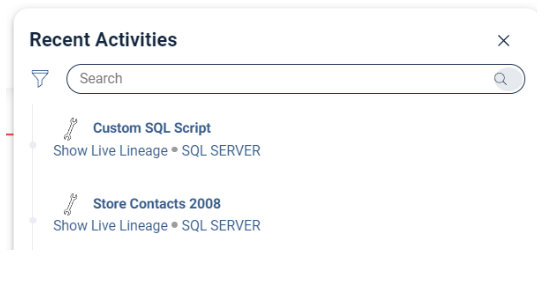
You can now access Live Lineage activity history directly from Recent Activities. Whether you're editing an existing script via Inner System Lineage or creating a new one, each action is captured for quick reference.
Functionality
Navigate to Recent Activities to review your work. Tasks processed through Live Lineage are labeled Show Live Lineage. Scripts derived from existing lineage retain their source names, while edited or newly added scripts appear as Custom SQL Script.
Revamped login page
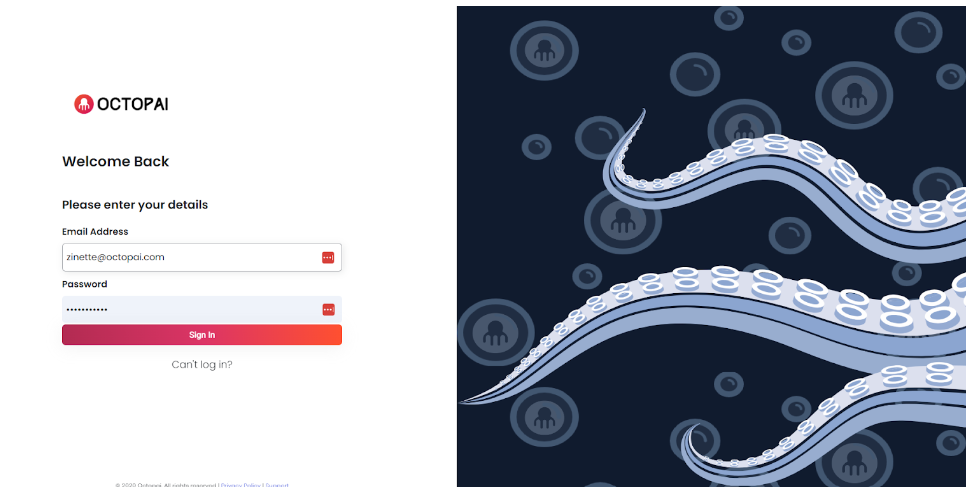
Experience the refreshed Cloudera Octopai look and feel with the redesigned login page. The new interface offers a visually engaging, user-friendly experience from the moment you sign in.
Power BI Paginated Reports support
Cloudera Octopai now supports Power BI Paginated Reports, enriching lineage tracing across RDL, RDS, and RSD assets. The integration reveals embedded calculations and ties them back to their source systems for deeper insight.
Paginated Reports provide print-ready analytics with detailed metadata. Cloudera Octopai uncovers these components and connects them to upstream sources, enabling precise analysis and governance.
Key capabilities
-
Enhanced impact analysis – Trace column-level lineage to predict how changes propagate across reports.
-
Boosted root cause analysis – Inspect transformations and dependencies to identify the source of issues quickly.
-
Expanded catalog coverage – Catalog Paginated Reports as distinct data assets for a fuller view of your landscape.
