How to check when the system was last refreshed
Learn about how to check when the Cloudera Data Lineage (formerly Octopai) system was last refreshed.
-
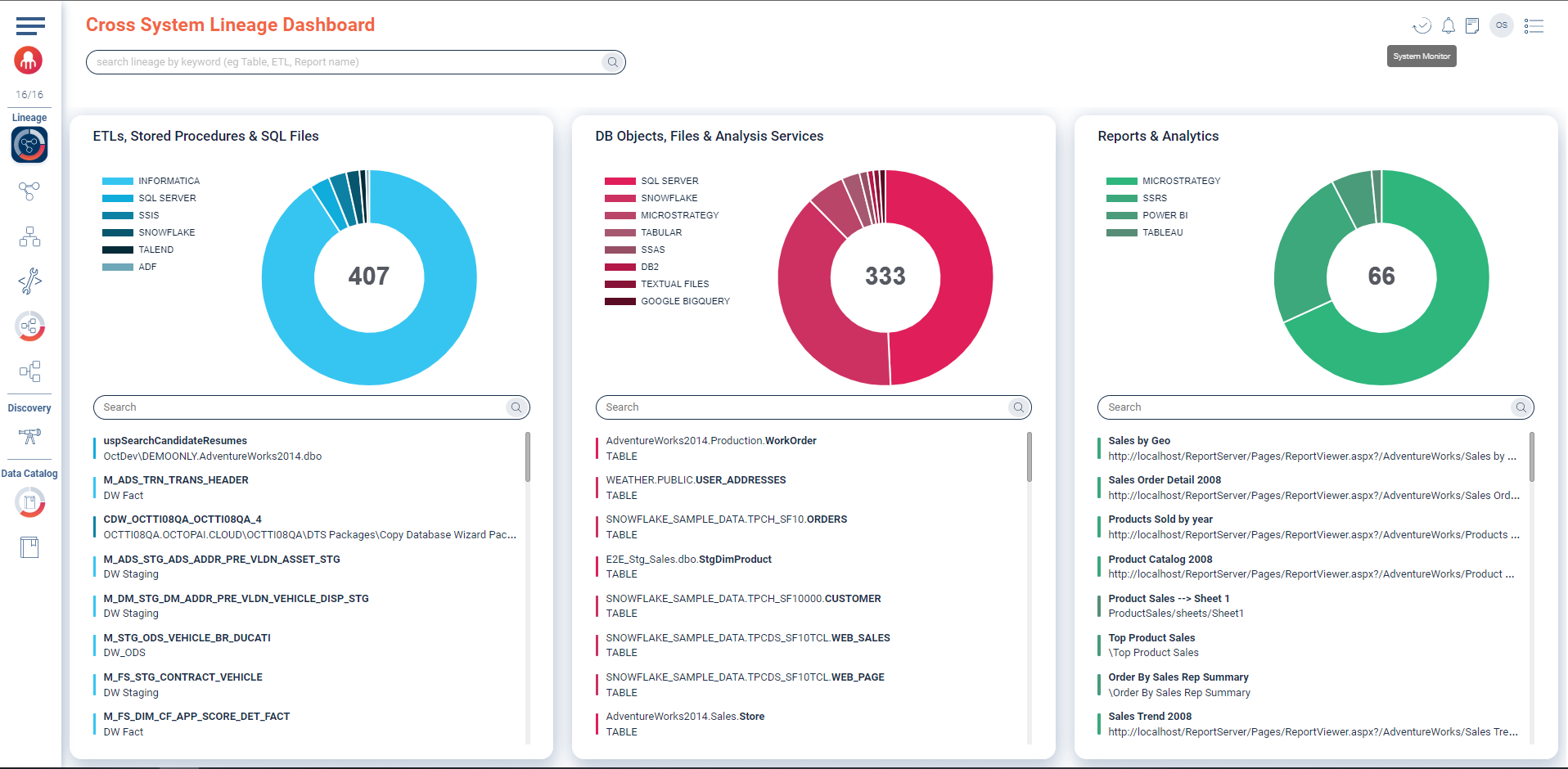
Click the System Monitor icon in the upper-right corner.
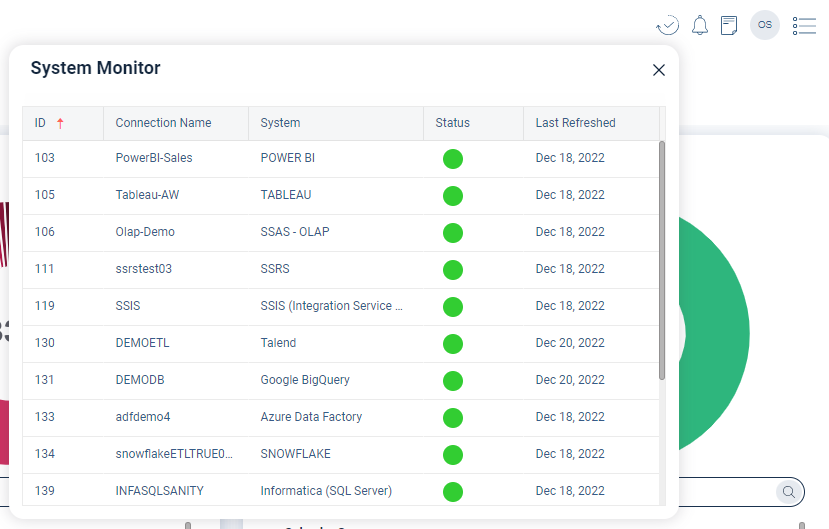
 The System Monitor window opens and shows the following information:
- ID that is the connection ID number
- Connection Name
- System that is the system name
- Status
- Last Refreshed that is the date when the analysis was published to the site
Figure 1. System Monitor