How to reset your password
Learn about resetting your password.
-
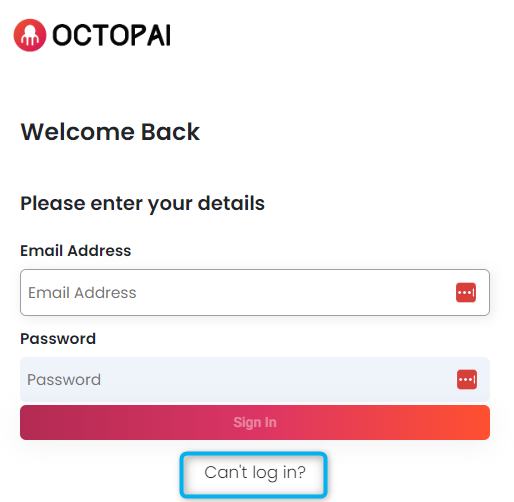
Click Can't Login on the login page.
-
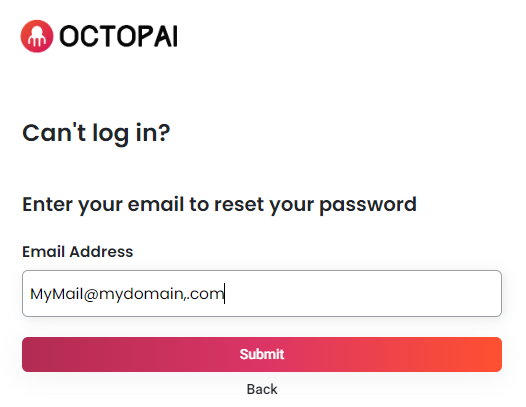
Enter you password and click Submit to submit your password
reset request.
-
Check your mailbox for the password reset email.
Figure 1. Example password reset email 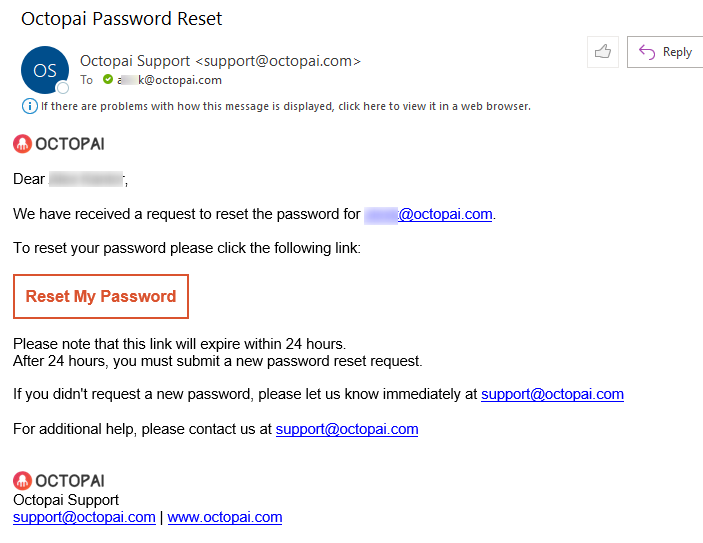
-
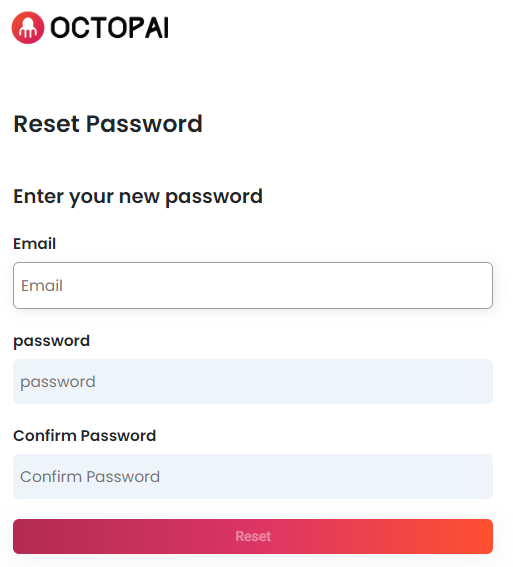
Complete the form with your email and new password, and click
Reset.