Learn about the change in certain functionality of Ranger that has resulted in a change
in behavior from the previously released version to this version of Cloudera Runtime.
Summary:
Policy resources in the Ranger Admin UI are being added
using React JS instead of Backbone JS
Previous behavior:
Earlier with Backbone JS, when you copied and
pasted resource values containing commas or spaces (for example, in Hive policy resources:
database1, database2), the UI automatically split them into separate values — database1 and
database2. The same behaviour applied to space-separated values. Because of this, you were not
allowed to enter resource names containing commas and spaces, and this limitation affected all
service policy resources.
New behavior:
After upgrading from Backbone JS to React JS, this
restriction has been removed. Now, React JS treats pasted values with commas or spaces as a
single entry. Hence, you can no longer paste multiple values at once; you must manually add
each resource value.
Summary:
Added support for Ranger TagSync and UserSync HA
Previous behavior:
In versions < 7.2.18, port information for UserSync and Tagsync was not visible nor
configurable.
New behavior:
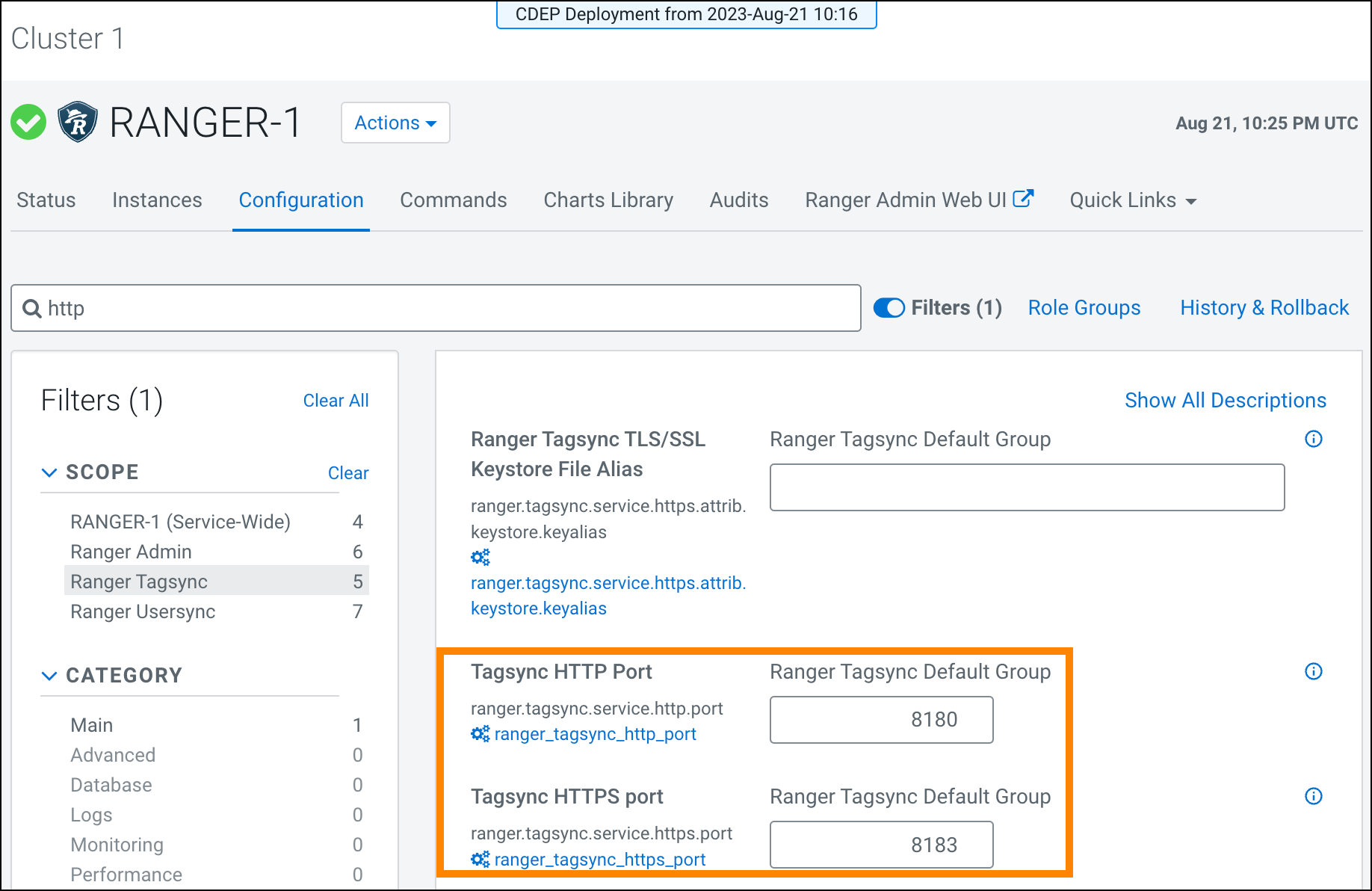
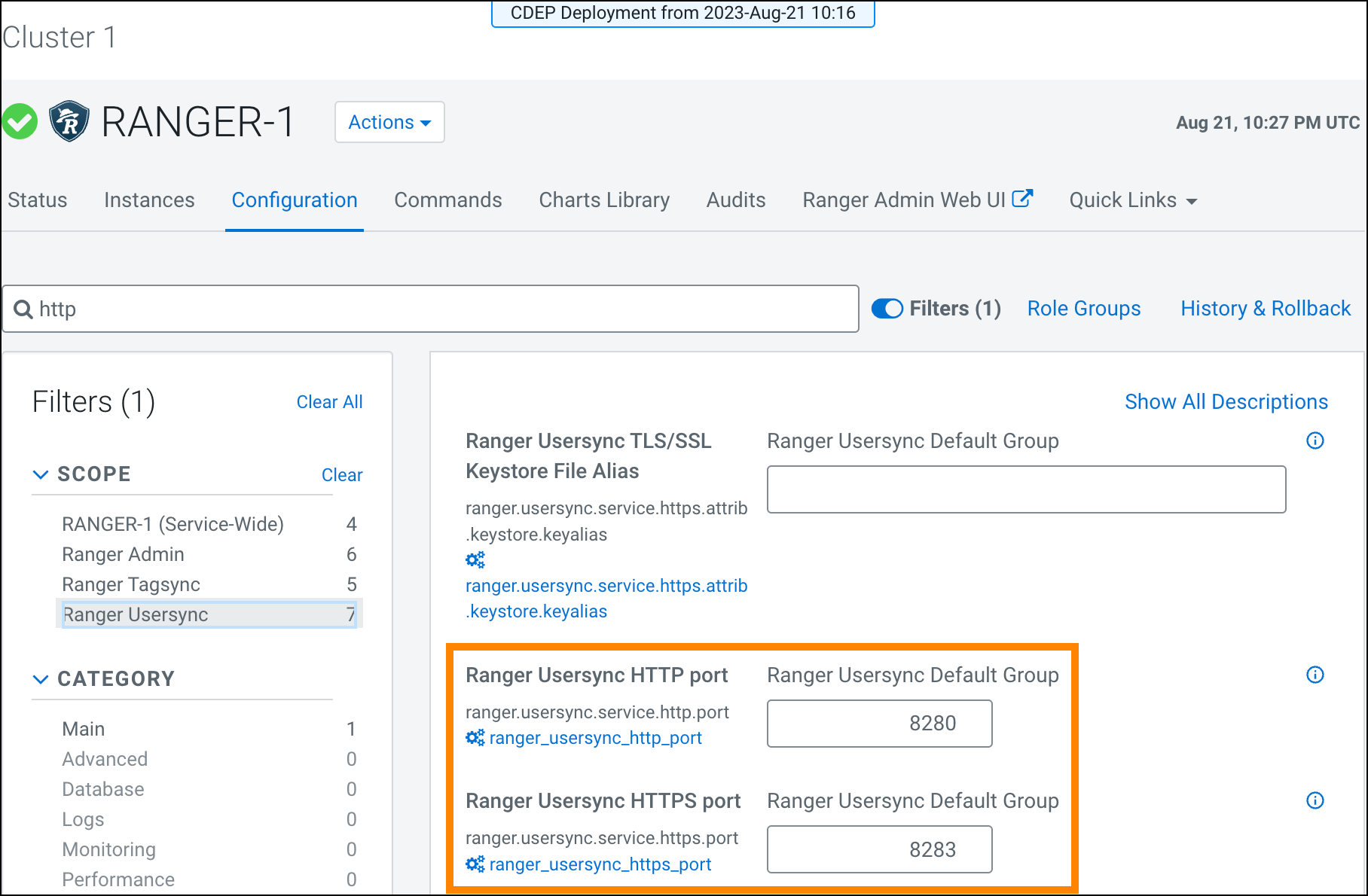
In version 7.2.18 +, UserSync and TagSync port numbers are available at Cloudera Manager > Ranger > Configuration.
For example:
In Configuration > Filters, highlight Ranger TagSync. Then, in
Search, type http:
The following, configurable
settings are now available:
Figure 1. Ranger TagSync port settings
In Configuration > Filters, highlight Ranger UserSync. Then, in
Search, type http:
The following, configurable
settings are now available: