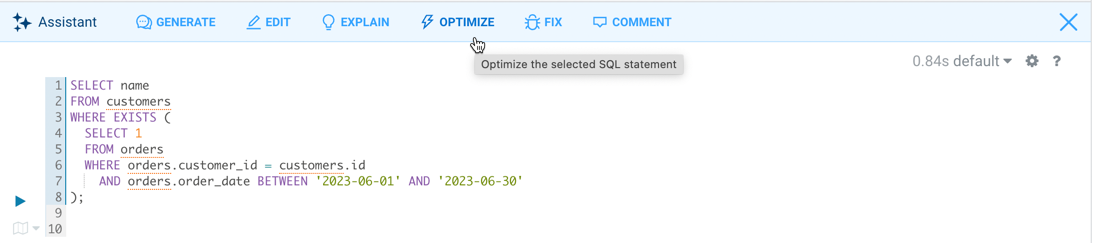
You can use the SQL AI Assistant to optimize a SQL query. Hue identifies the issues in the source query, optimizes it,
and provides the optimized version of the SQL query. Hue
also summarizes the issues and how it optimized the query in natural language.
Log in to the Hue web interface.
Insert a SQL query in the Hue editor that you
would like to optimize.
Click Assistant on the Hue
SQL editor:
Click OPTIMIZE.
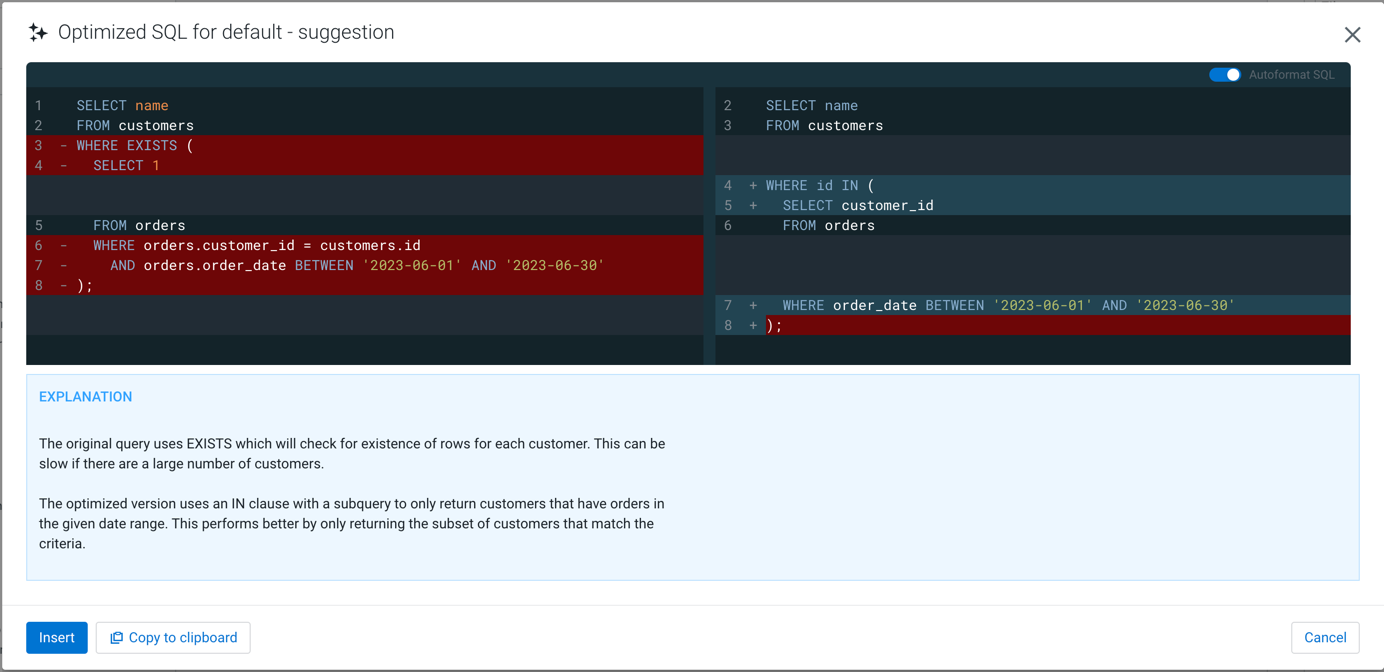
Hue displays the original and the
optimized SQL query side-by-side. It also provides an explanation of the issues
in the original query and how it was optimized.
 Assistant on the Hue
SQL editor:
Assistant on the Hue
SQL editor: