Adding attributes to Business Metadata
Business Metadata attributes allow you to extend the metadata for a given entity type. Create them in a Business Metadata collection from the Administration page.
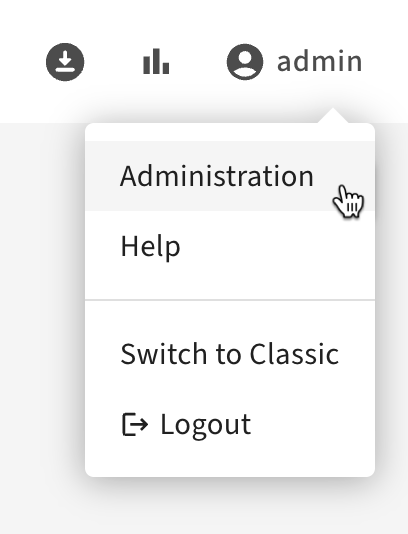
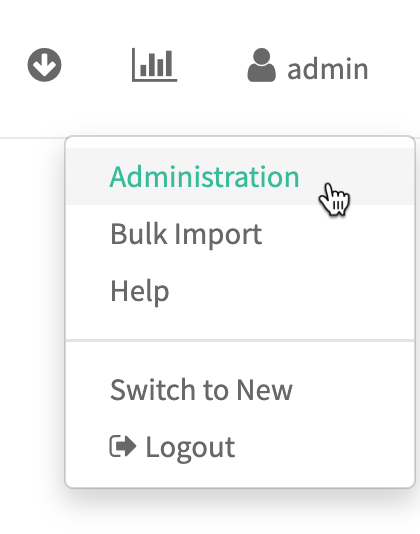
- To access the Atlas Administration features, choose Administration from the user menu in the top right of the Atlas window. Users need administrator privileges to access the Administration panel features.
- Open the Business Metadata tab.
-
You can add attributes when you define the Business Metadata collection:
Figure 1. Add attributes when defining a Business Metadata collection in New UI 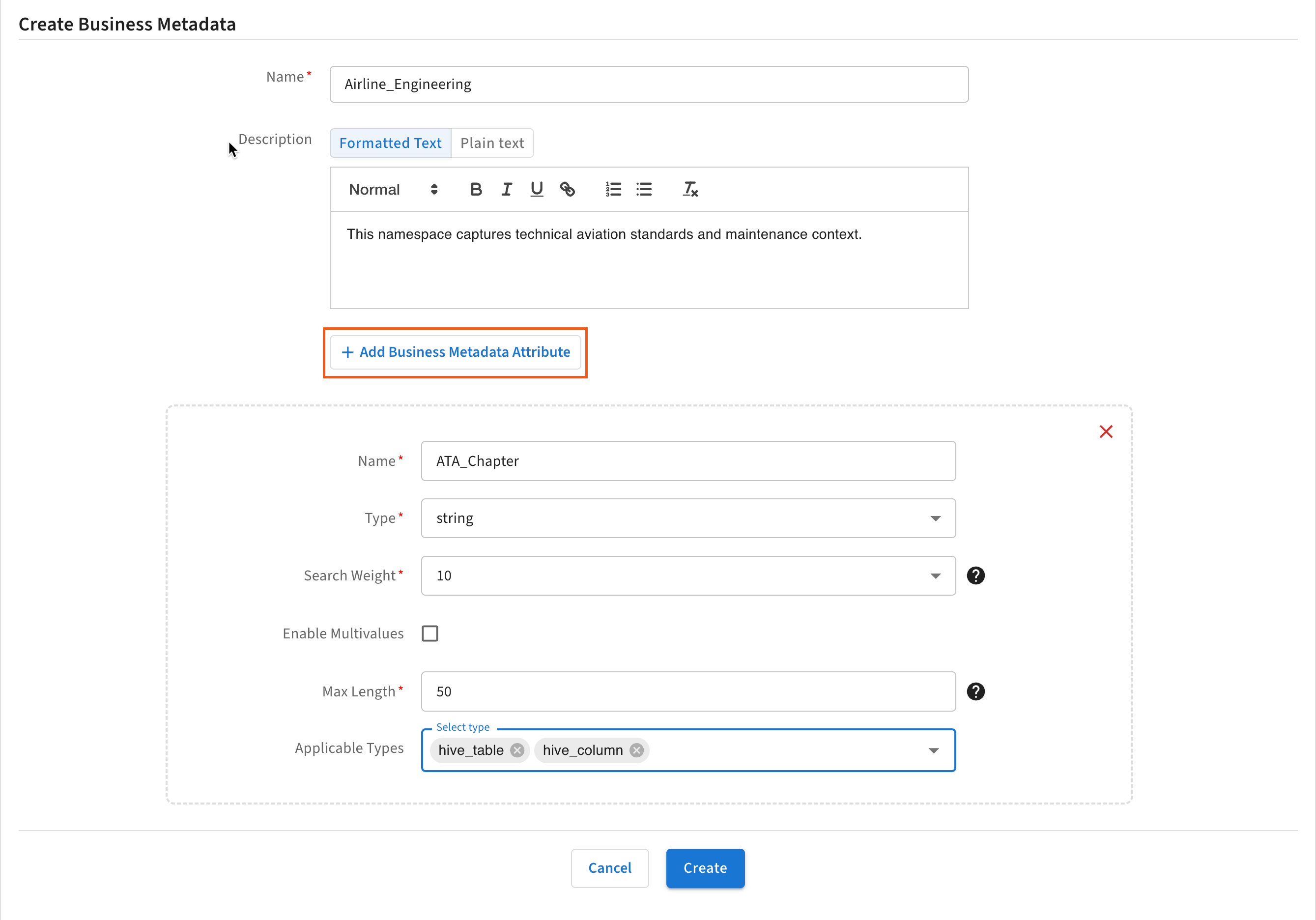
-
You can also add attributes to an existing Business Metadata collection.
Figure 2. Add attributes to an existing Business Metadata collection in New UI 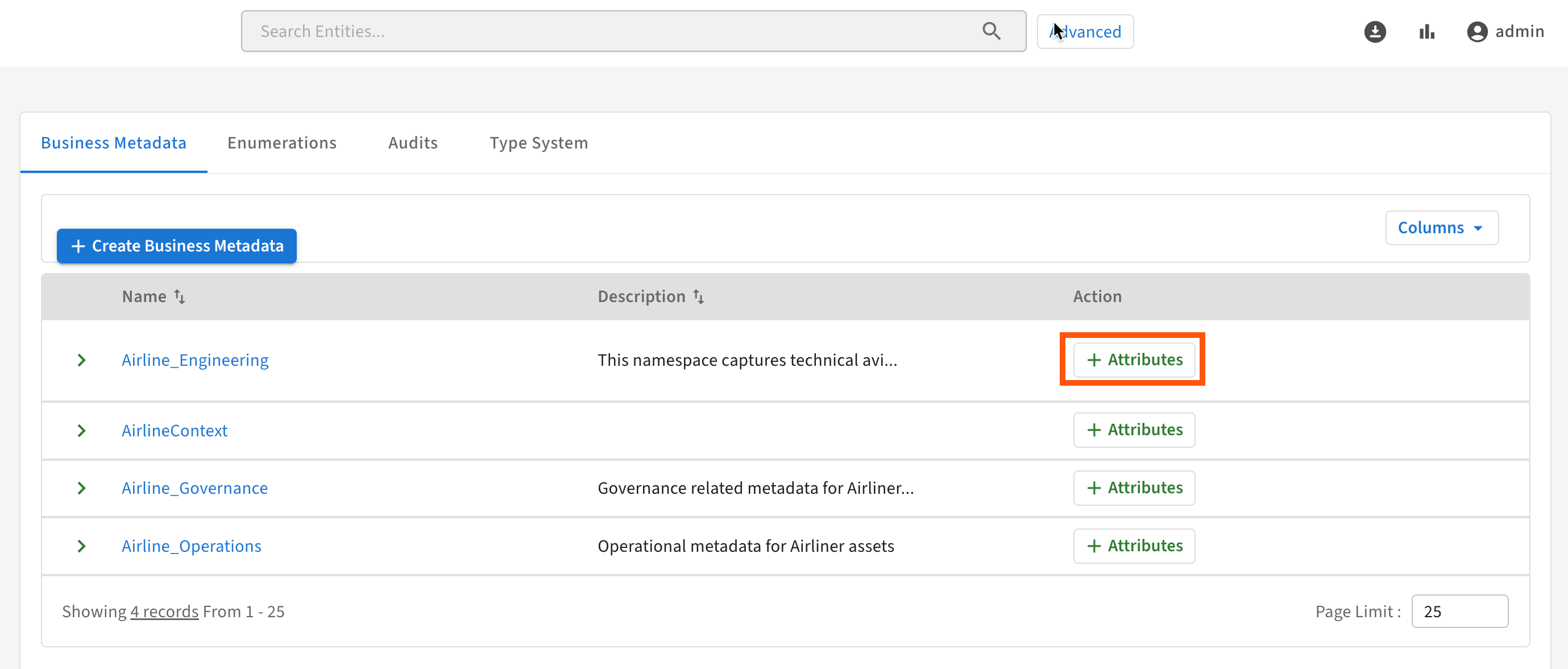
-
You can add attributes when you define the Business Metadata collection:
Figure 3. Add attributes when defining a Business Metadata collection in Classic UI 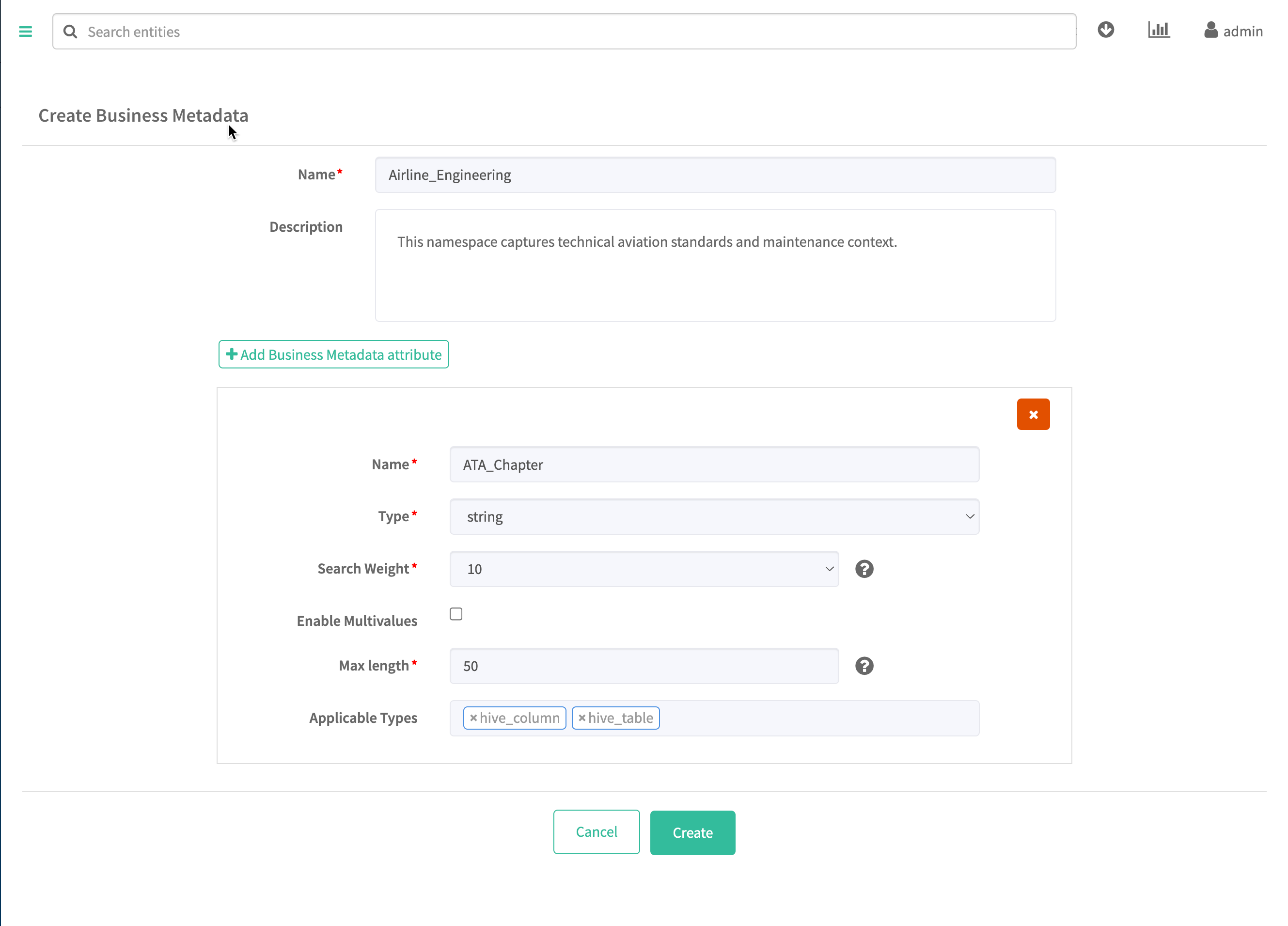
-
You can also add attributes to an existing Business Metadata collection.
Figure 4. Add attributes to an existing Business Metadata collection in Classic UI 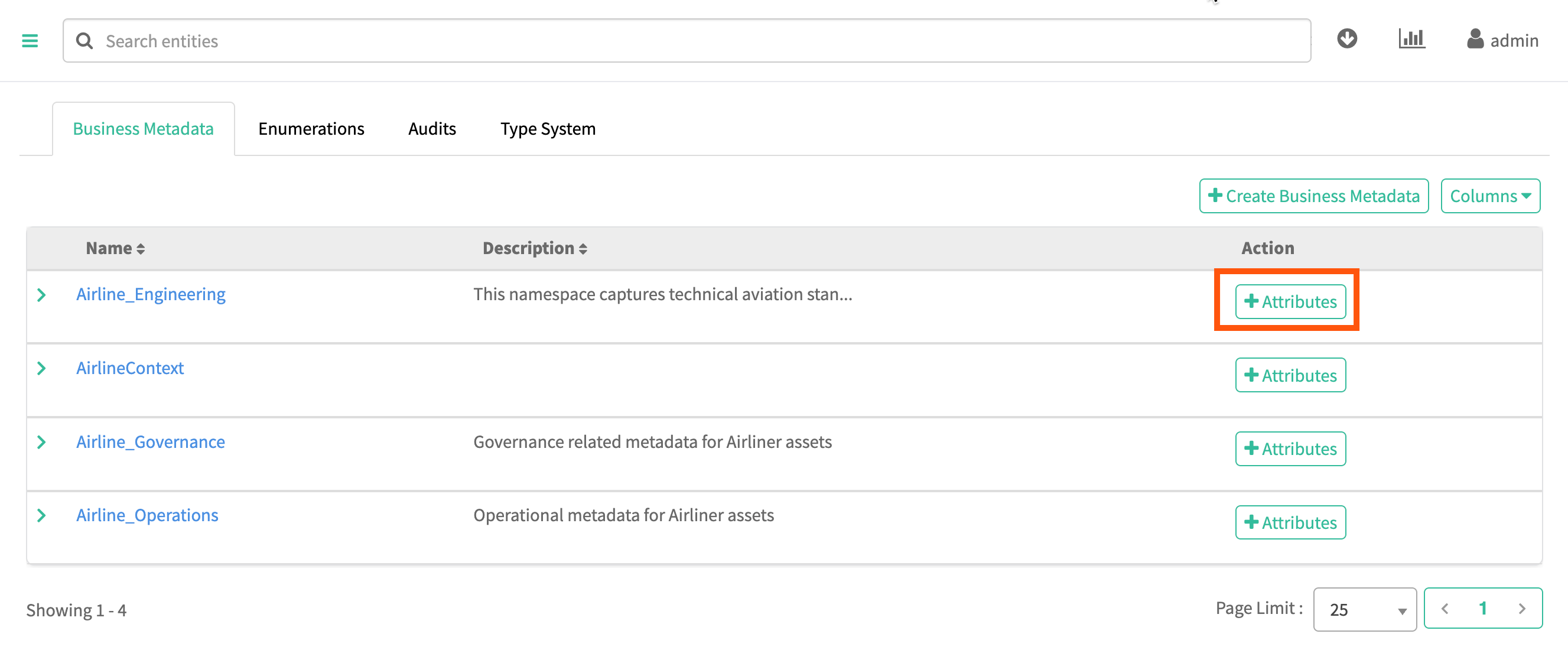
-