Associating Business Metadata attributes with entities

Assign Business Metadata attributes to entities in the entity detail page.

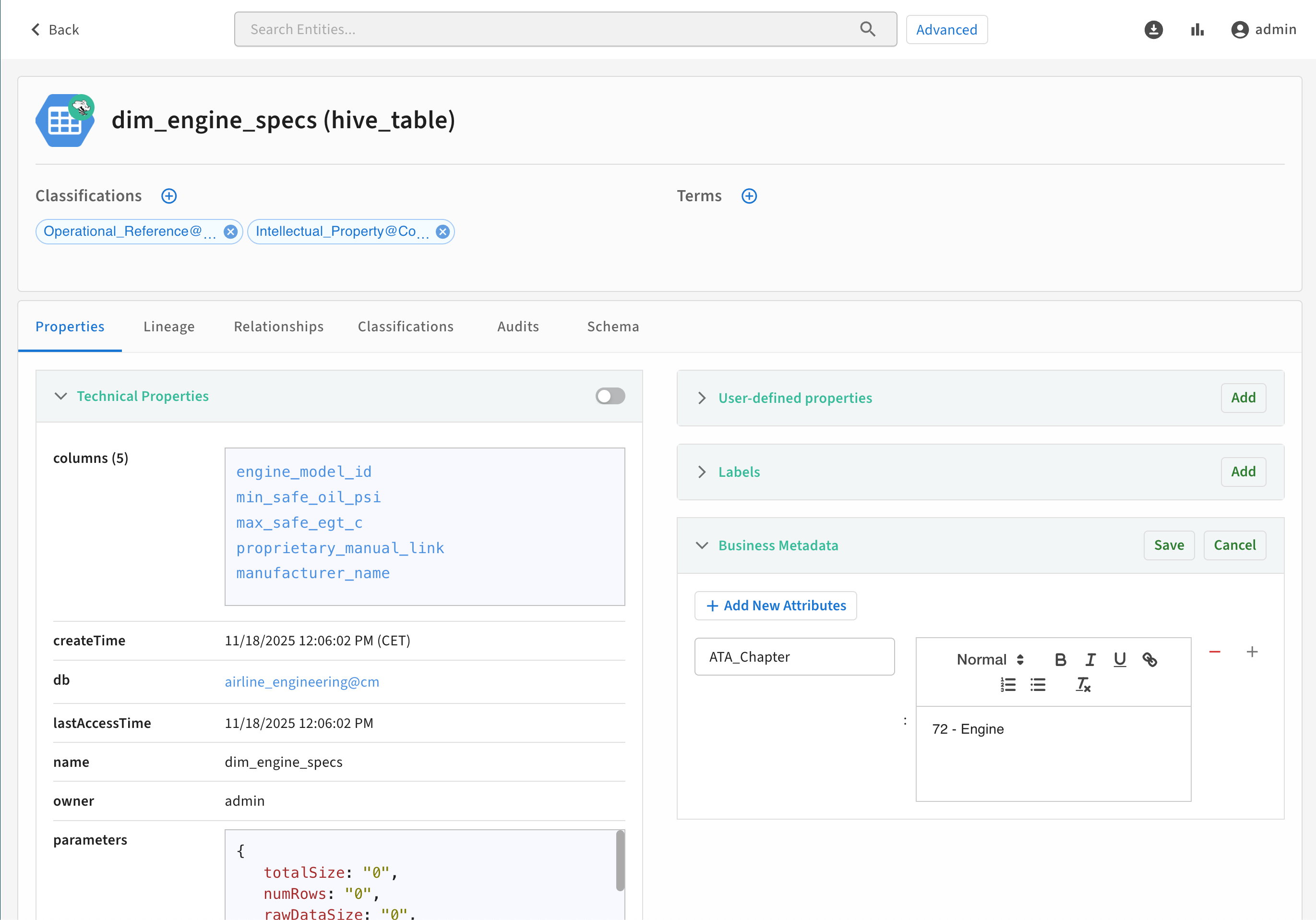
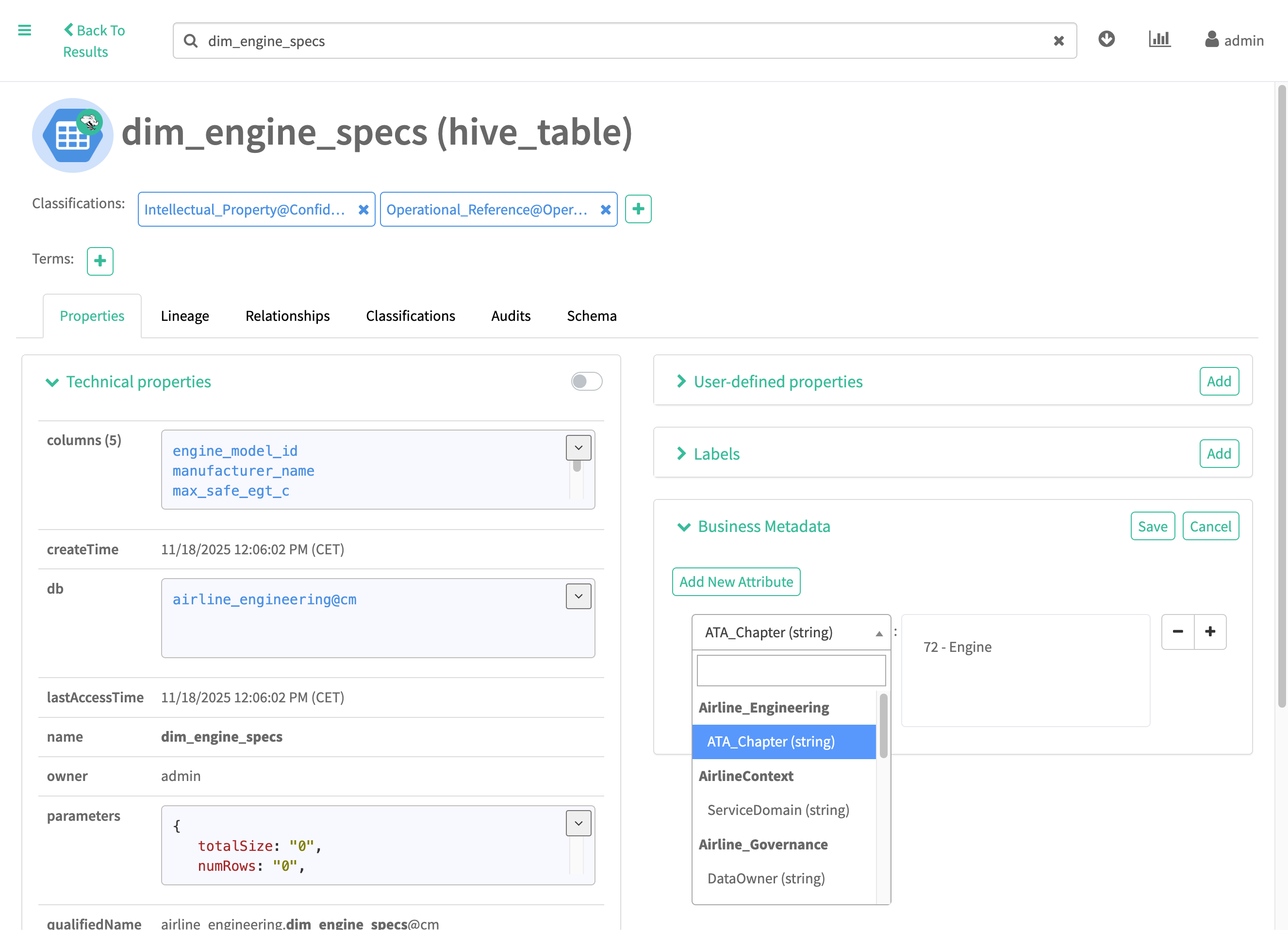
To add a Business Metadata attribute and value in the detail page for an entity:

  1. Click Add in the Business Metadata section.
  2. Select the Business Metadata collection and attribute from the drop-down menu.
  3. Set the attribute value associated with this entity.
  4. Click Save.
    Figure 1. Assign Business Metadata attribute on entity detail in New User Interface
    Figure 2. Assign Business Metadata attribute on entity detail in Classic User Interface
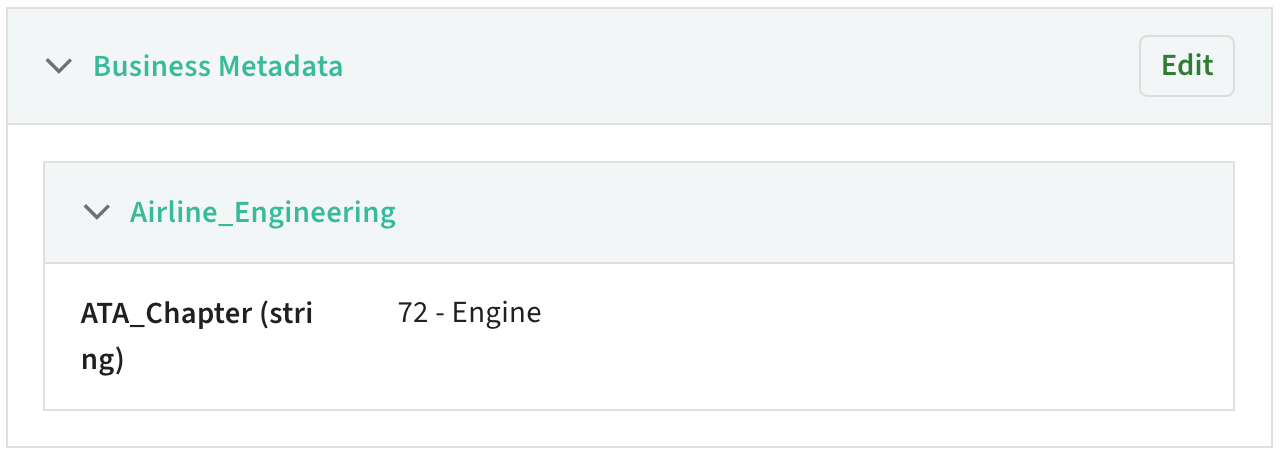
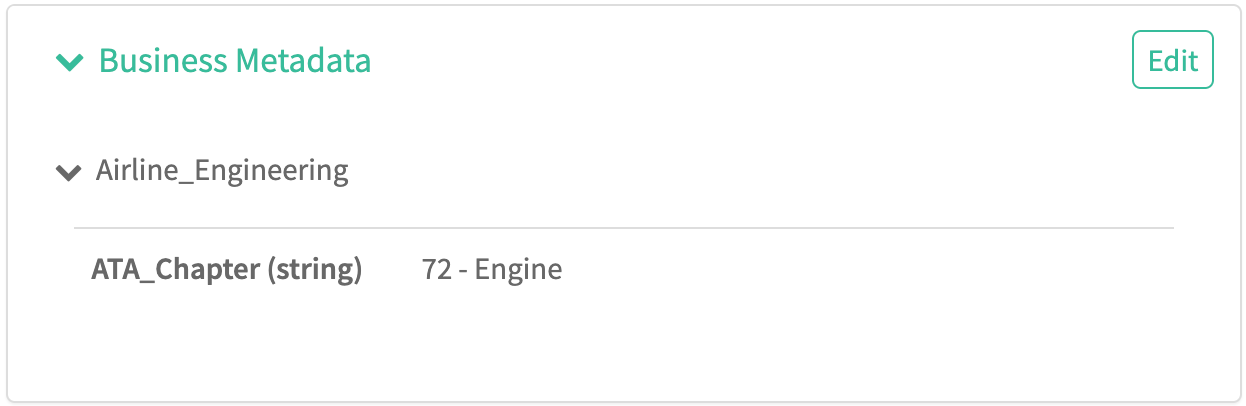
The final result appears in the Business Metadata section:
Figure 3. Assigned Business Metadata on entity detail in New User Interface
Figure 4. Assigned Business Metadata on entity detail in Classic User Interface


You can update the value of Business Metadata attributes from an entity by clicking Edit, then entering or removing a new value. Be sure to click Save.