Creating categories
Categories form the layers in a hierarchy so you can organize glossary terms to make them intuitive to find.
-
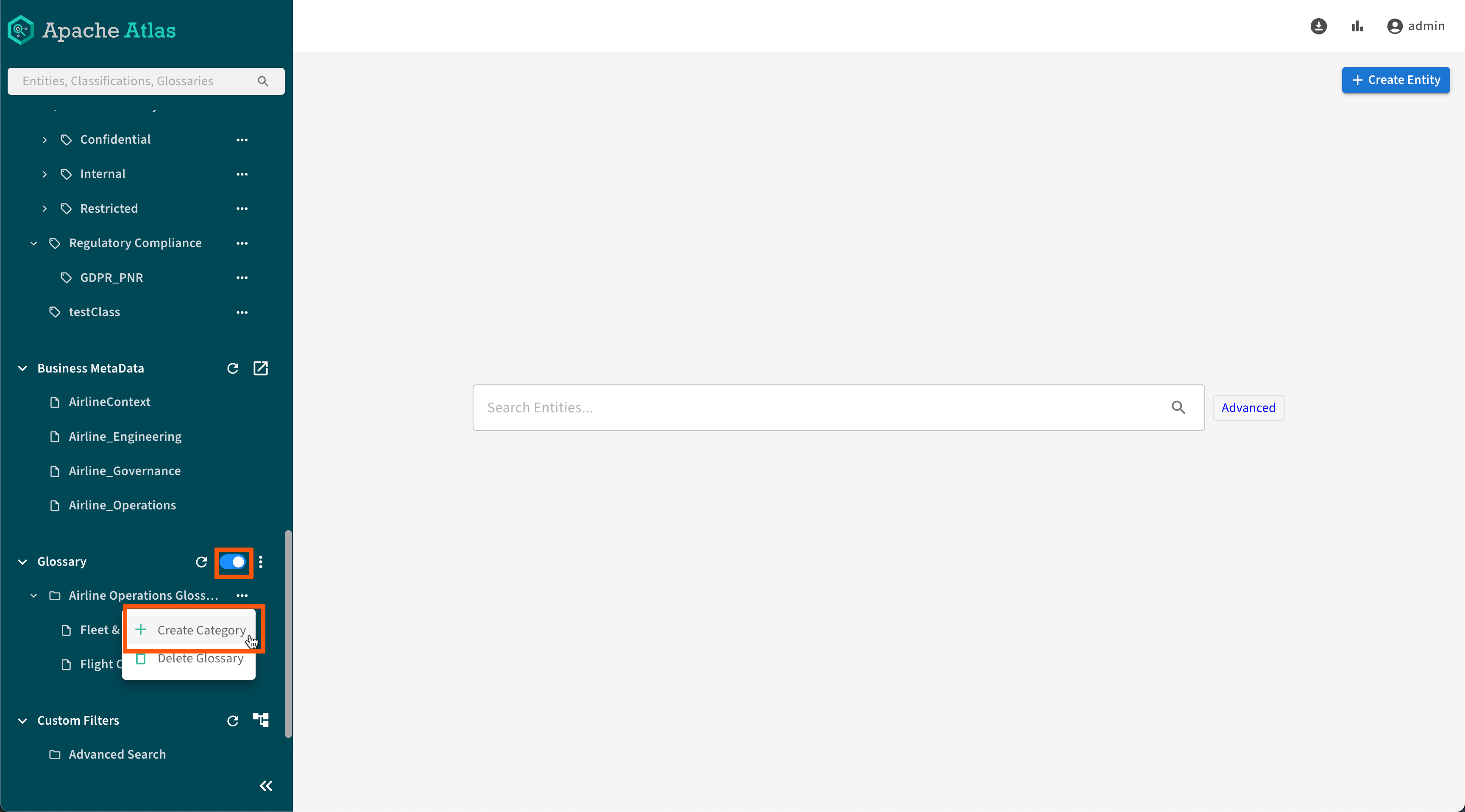
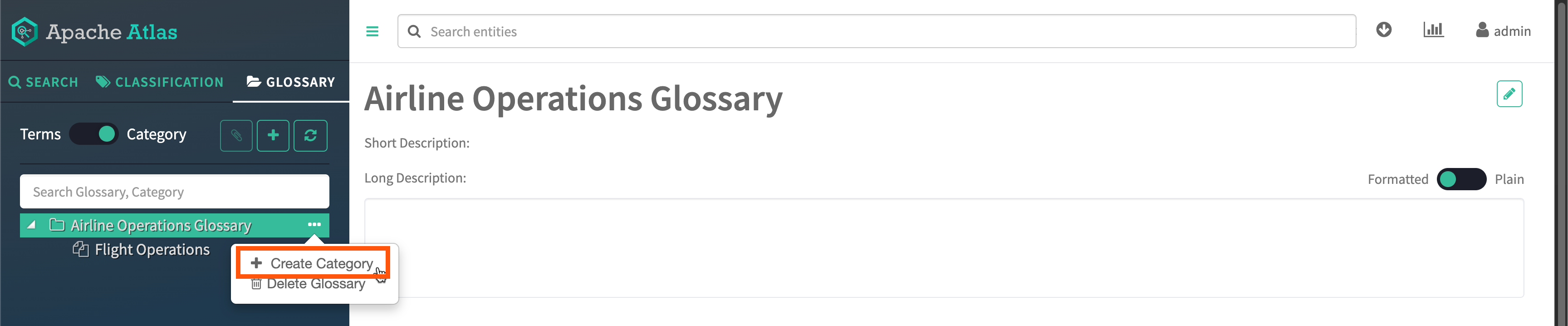
Create a glossary category by switching the toggle to Category,
then click
 Create
Category.
Create
Category.
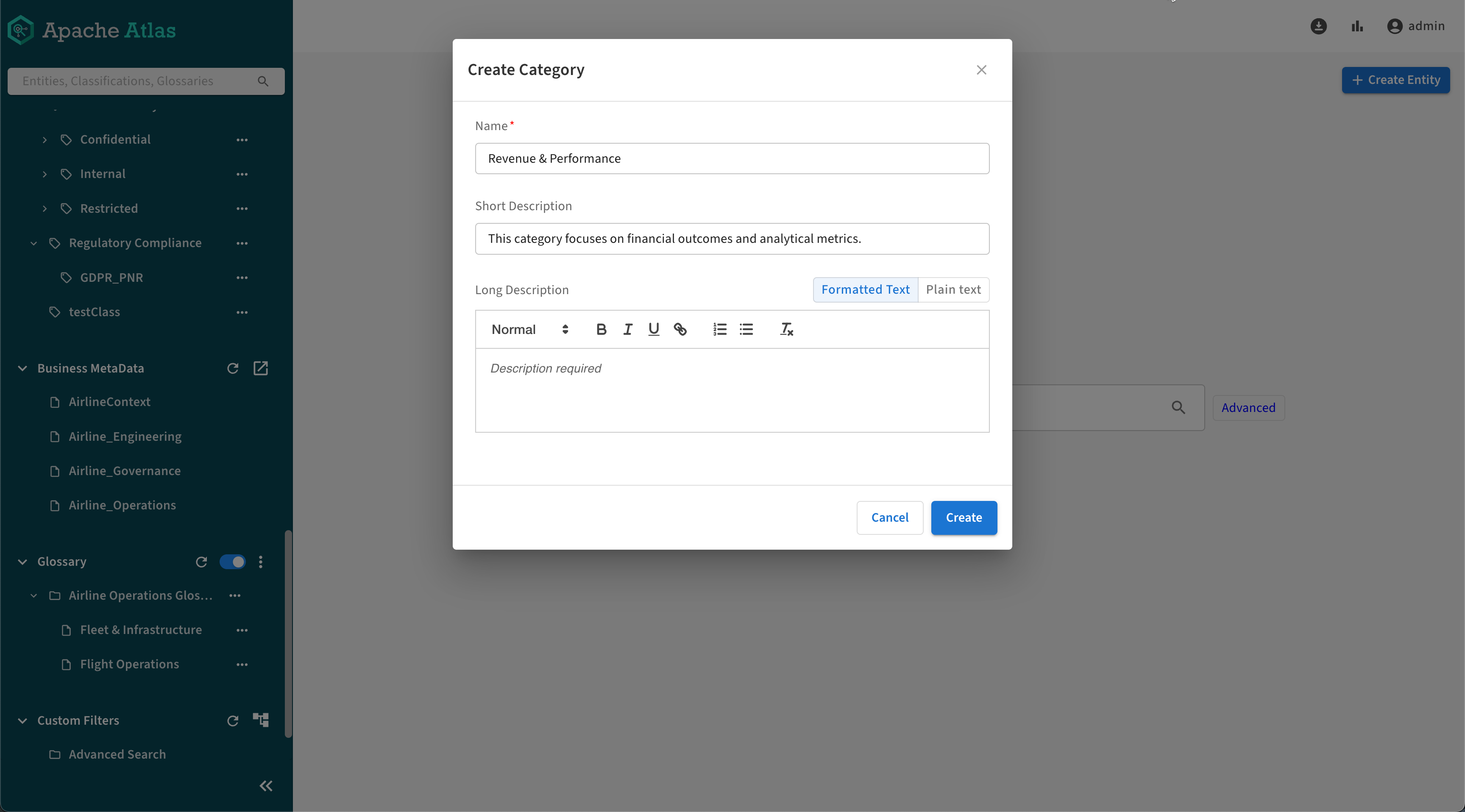
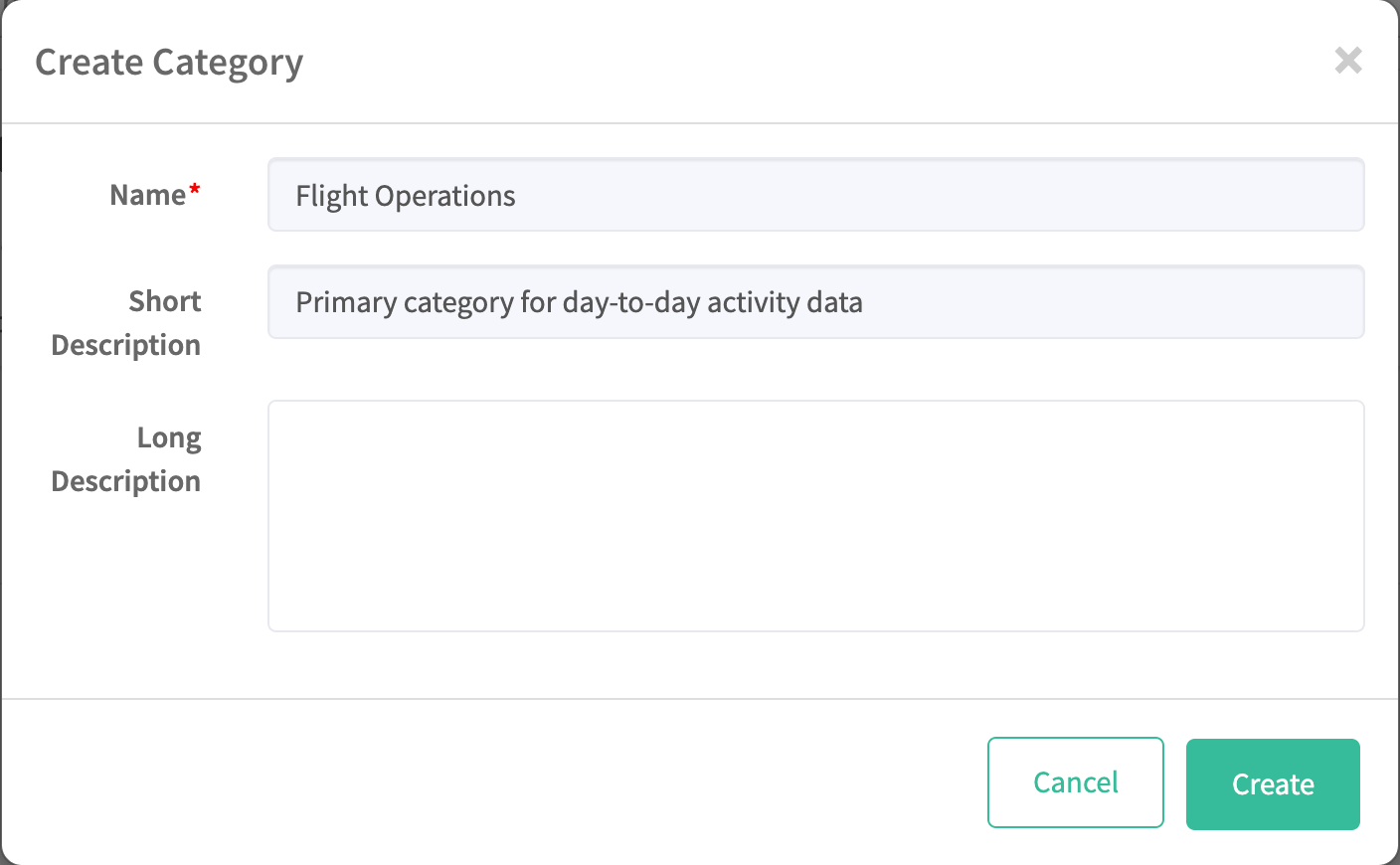
- Enter the name and description of your category.
-
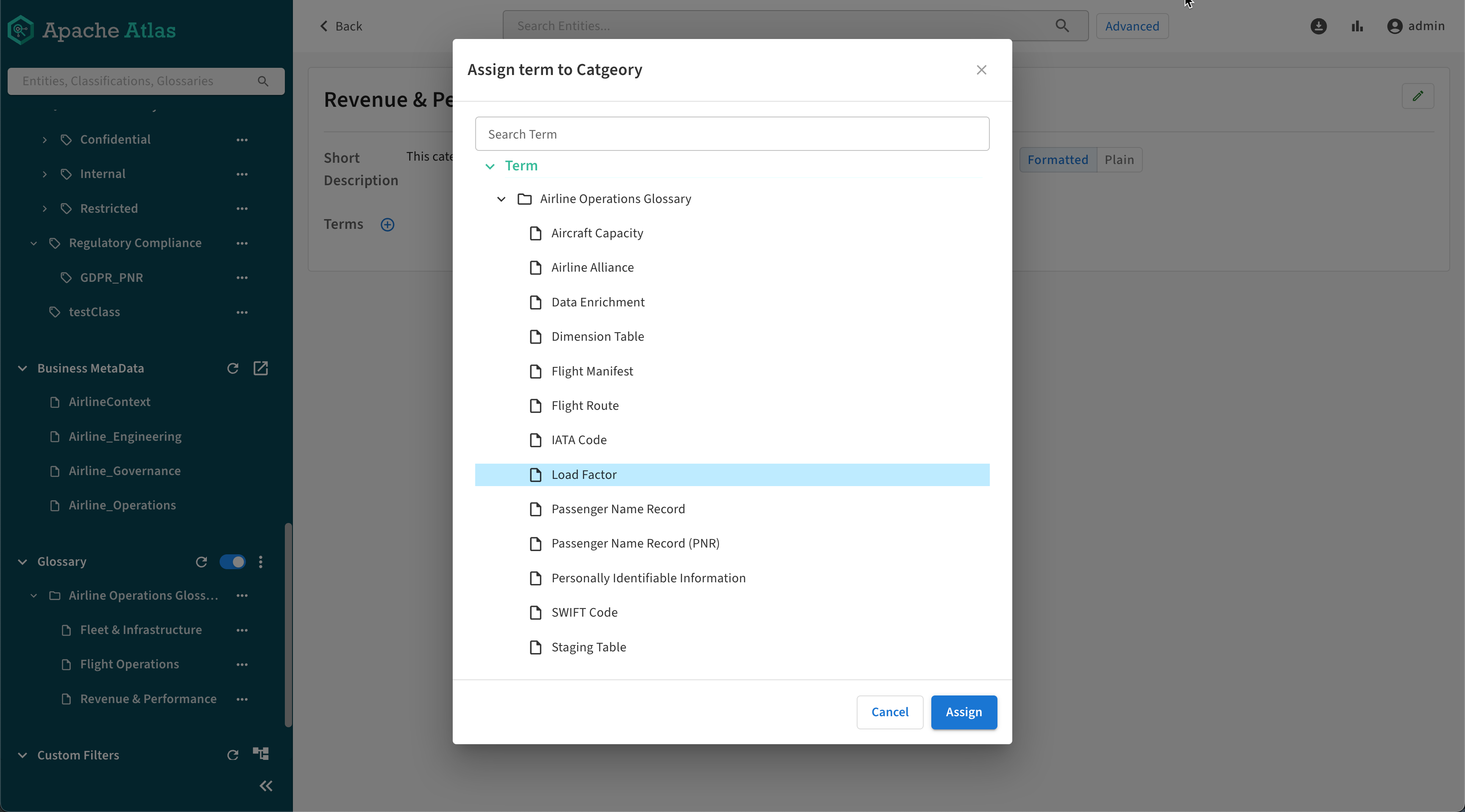
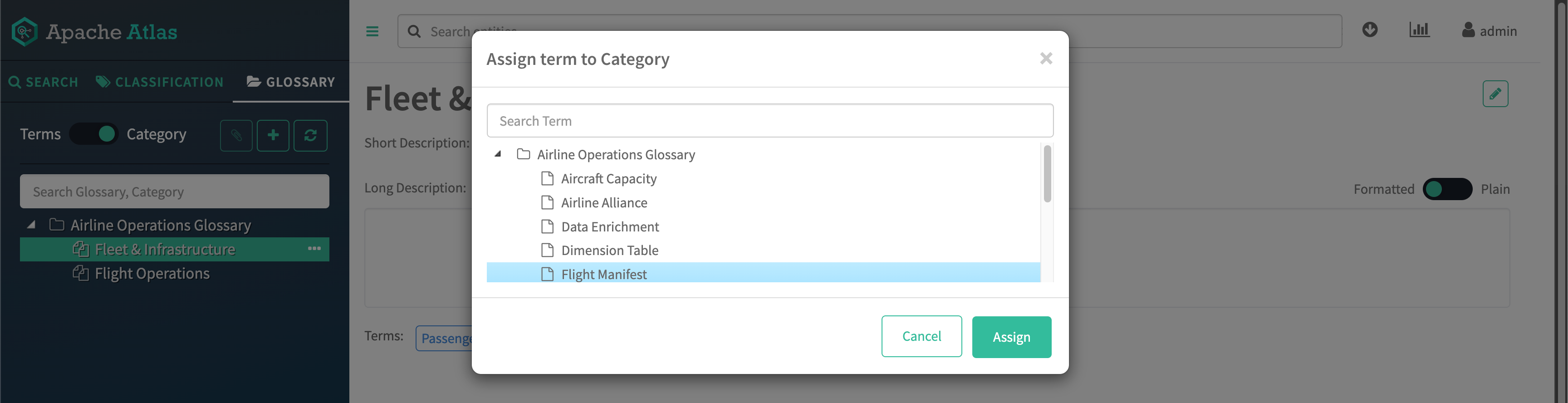
Assign terms to your category by selecting one, then clicking the
 /
/ icon.
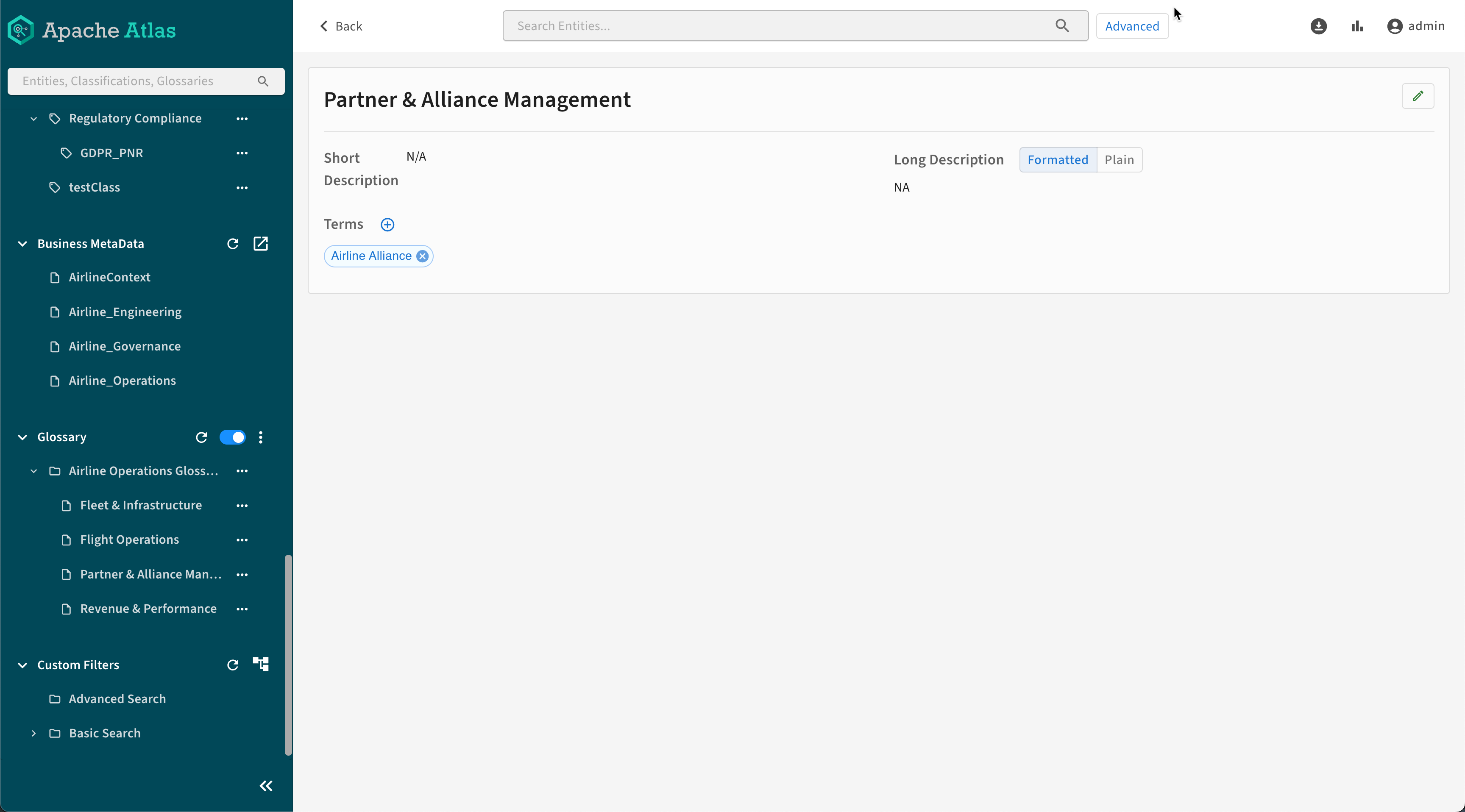
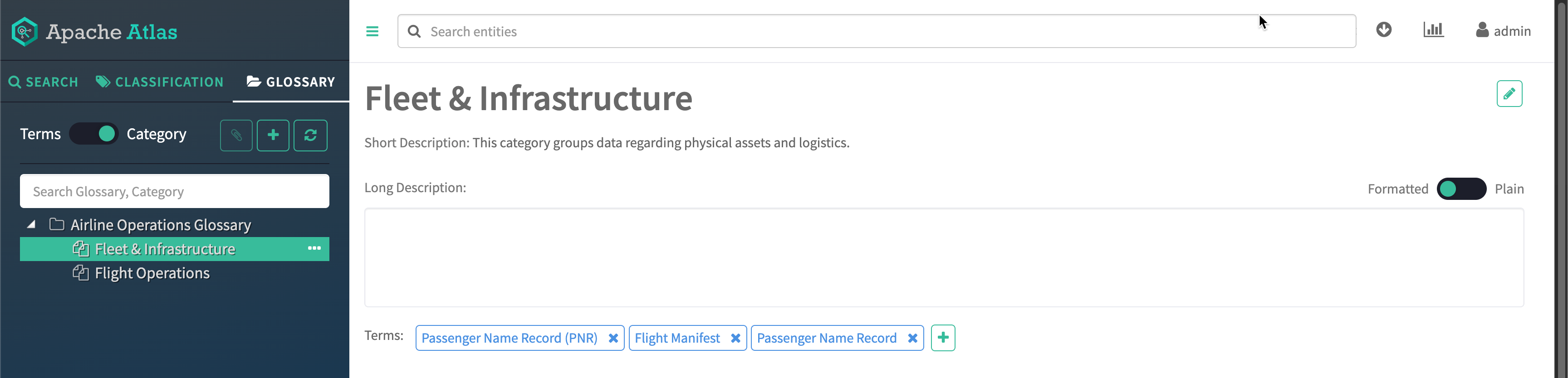
Your category can contain multiple terms.
icon.
Your category can contain multiple terms.