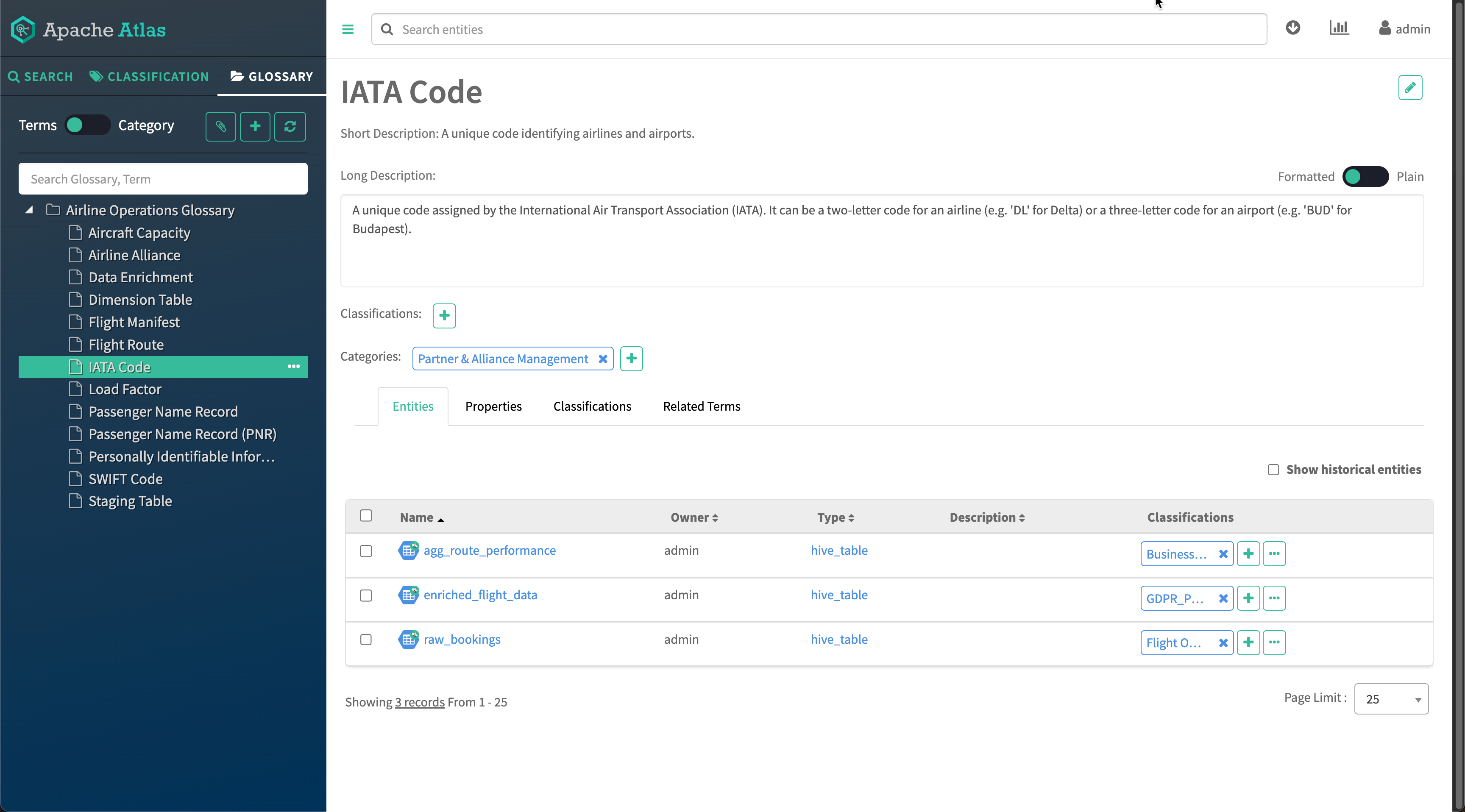
Searching using terms
Now that you have terms defined and associated with entities, you have a search index that lets you quickly find data assets based on their value in your organization.
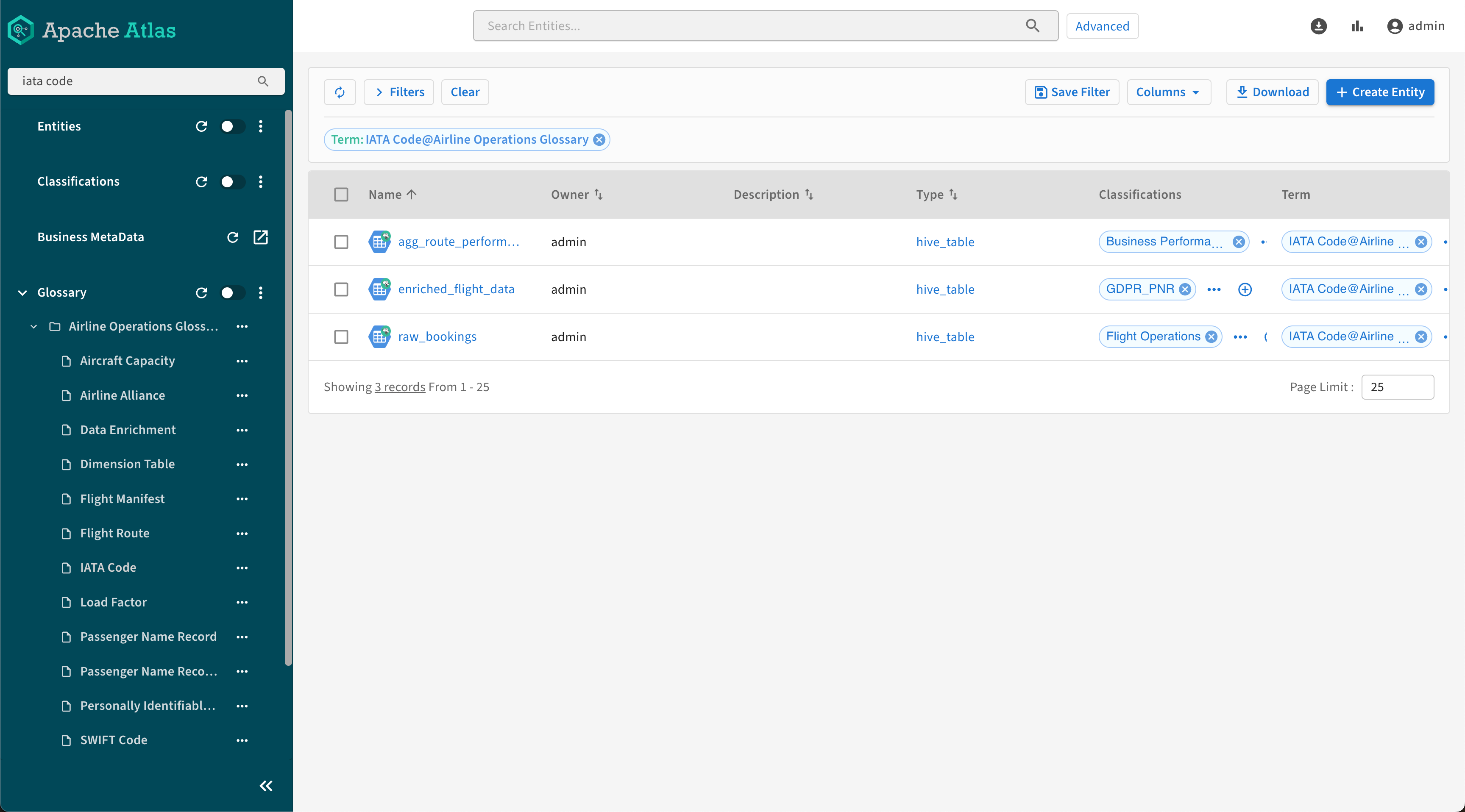
You can also use the filters of the global search tool to limit your results to entities with a specific term:

You can select your term in the Search by Term field then click Search to display the entities with that term in the Search tab.
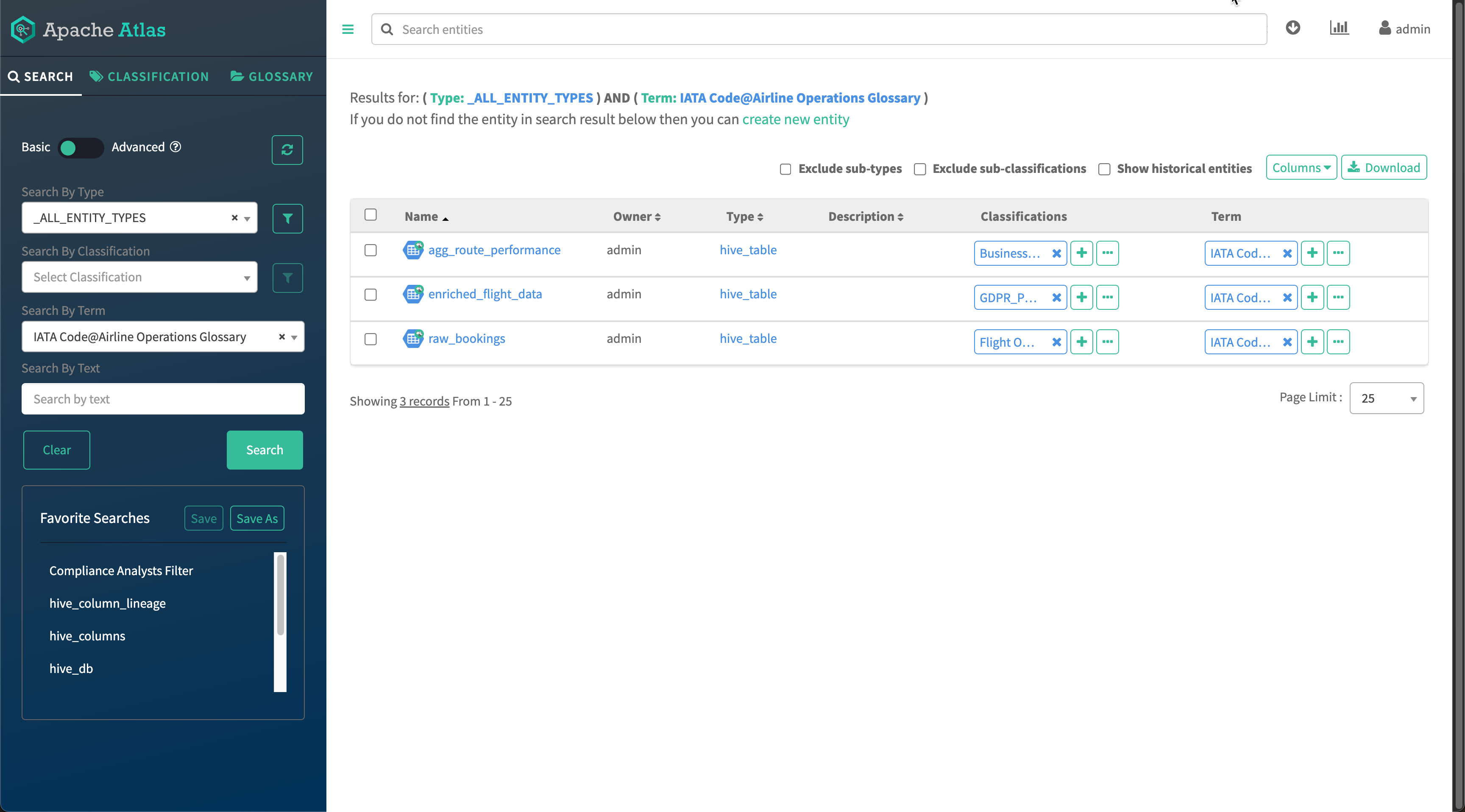
Alternatively, you can directly select the term in glossary after switching to the Glossary tab.