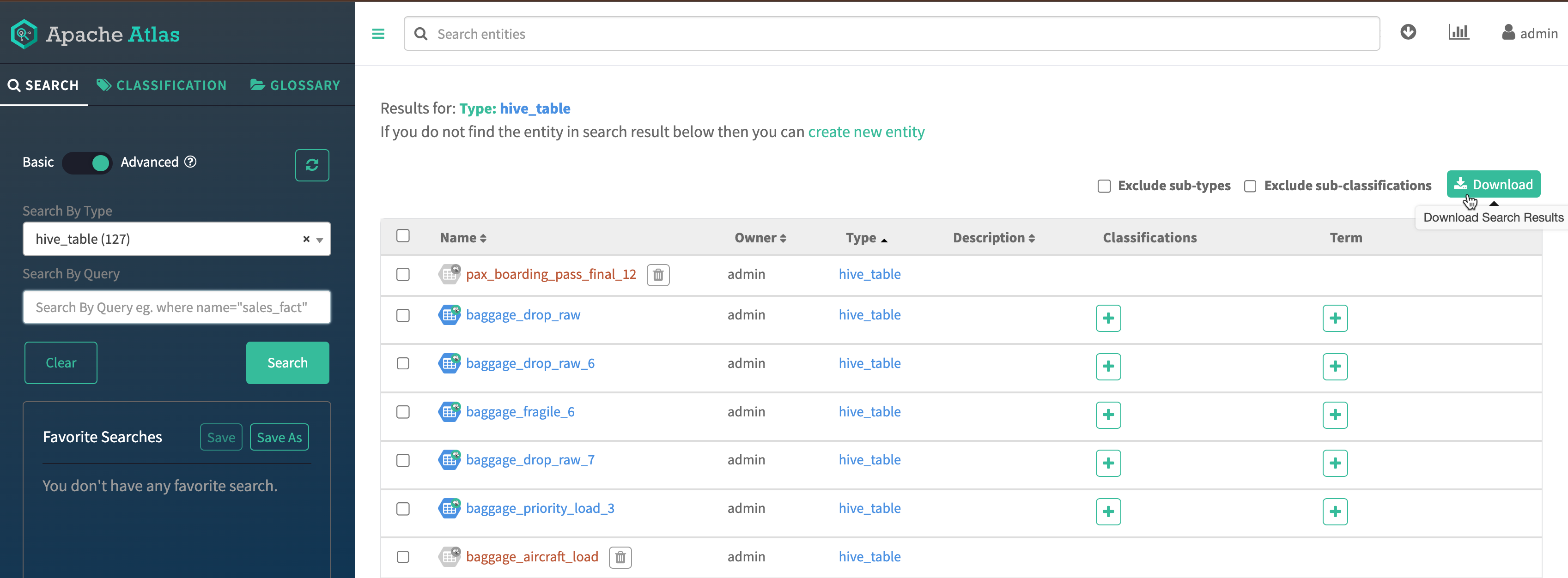
How to download results using Basic and Advanced search options
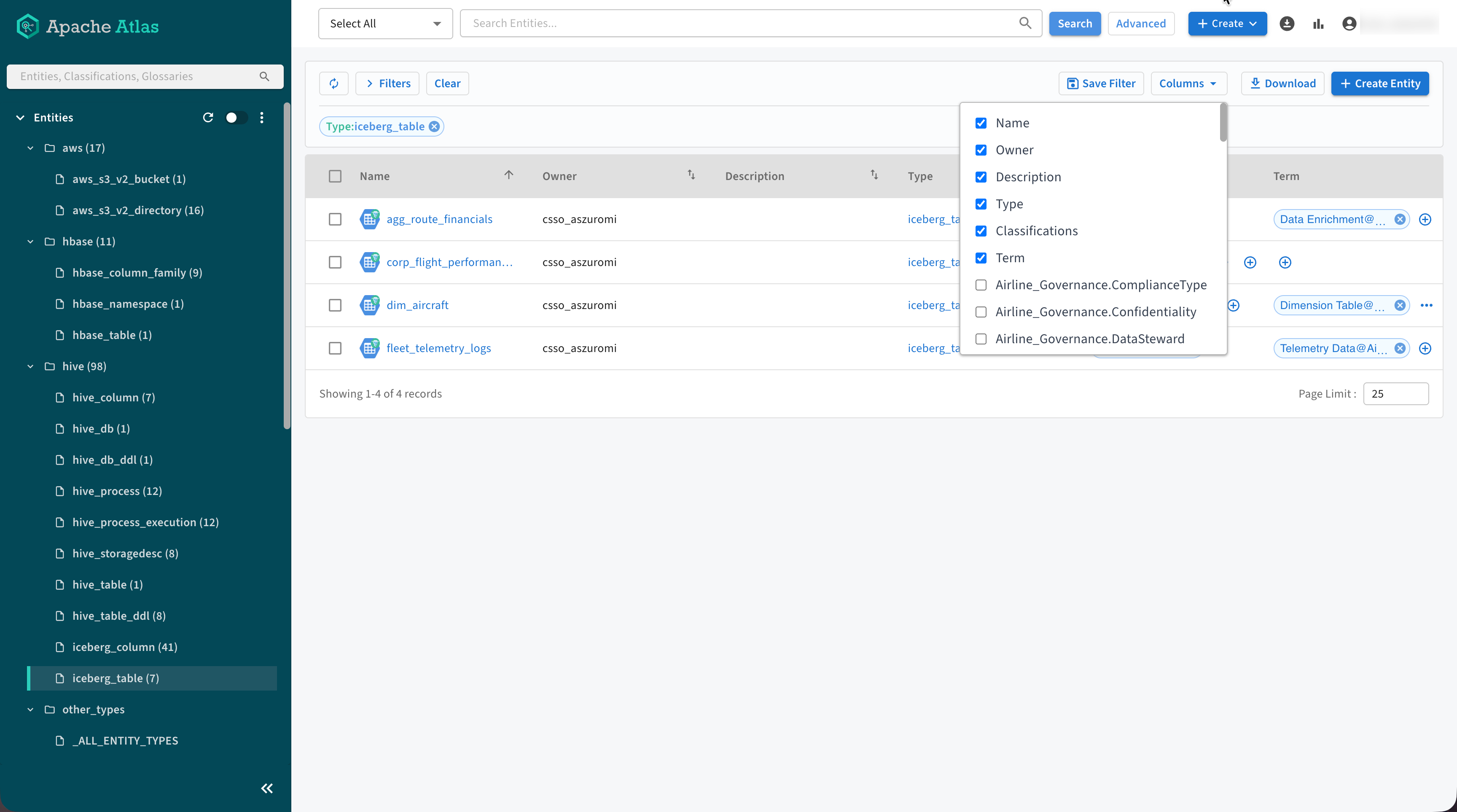
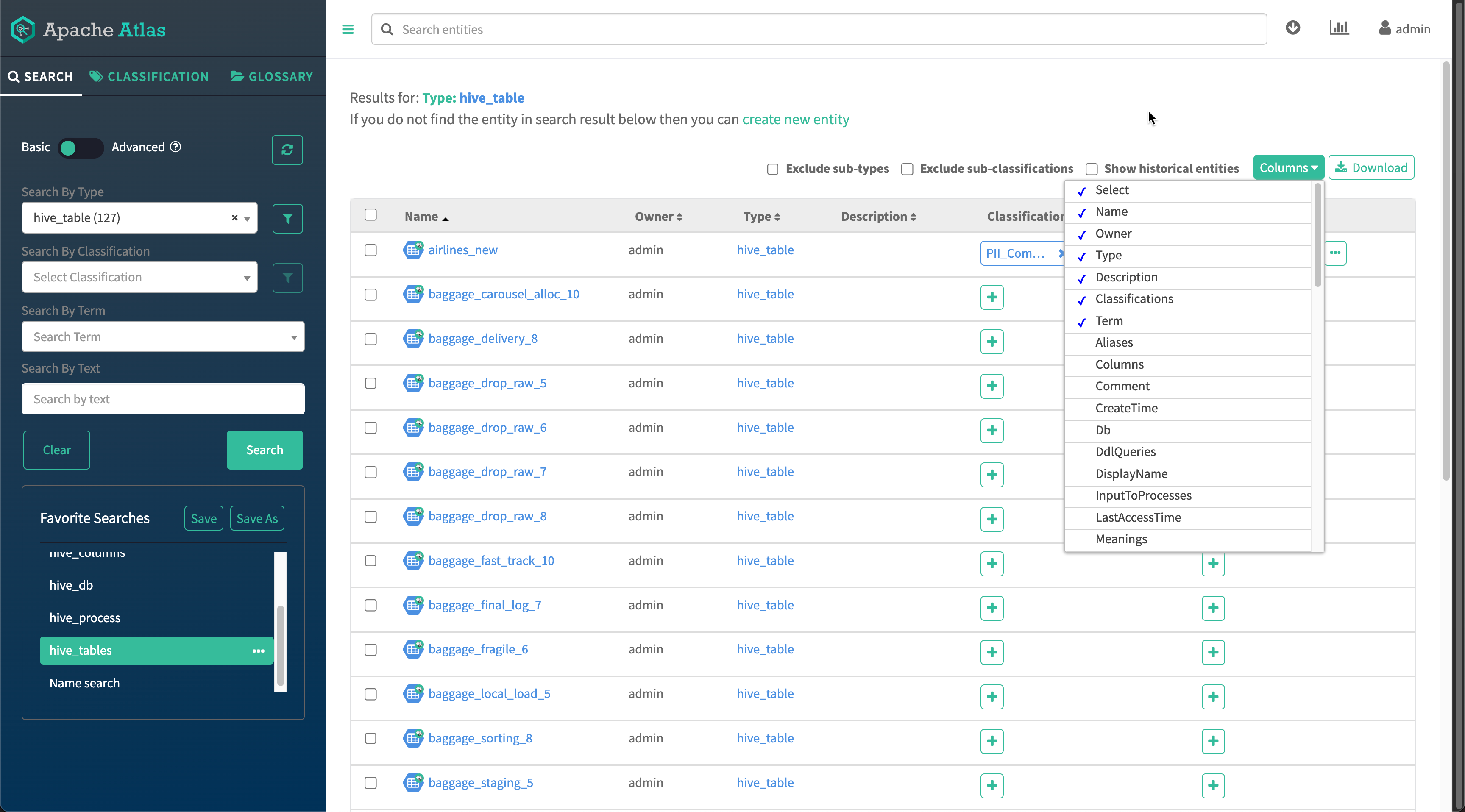
Expand the scope of downloaded search results by selecting specific columns from the Columns drop-down menu. This allows you to customize the data included in the CSV files for better analysis and reporting.
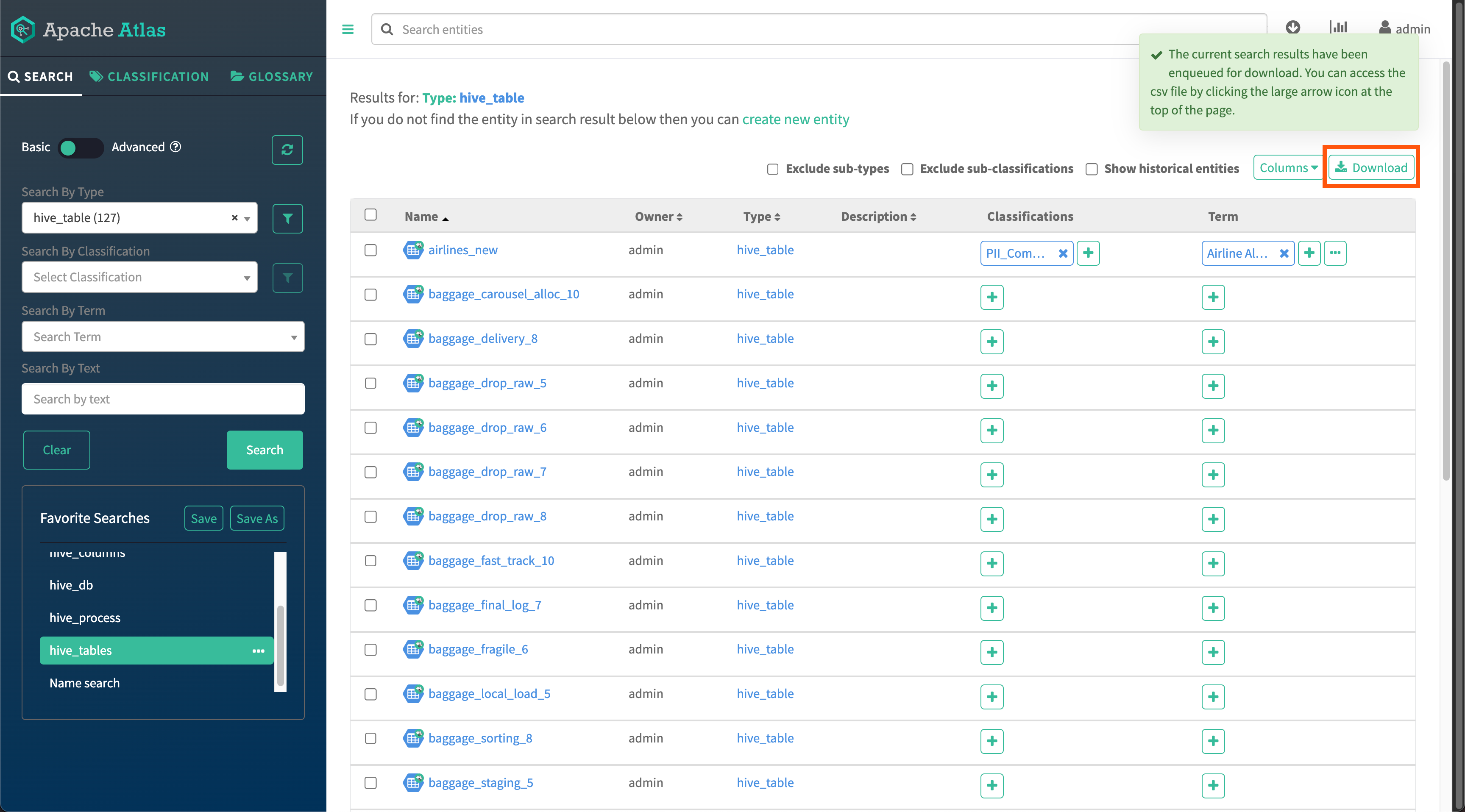
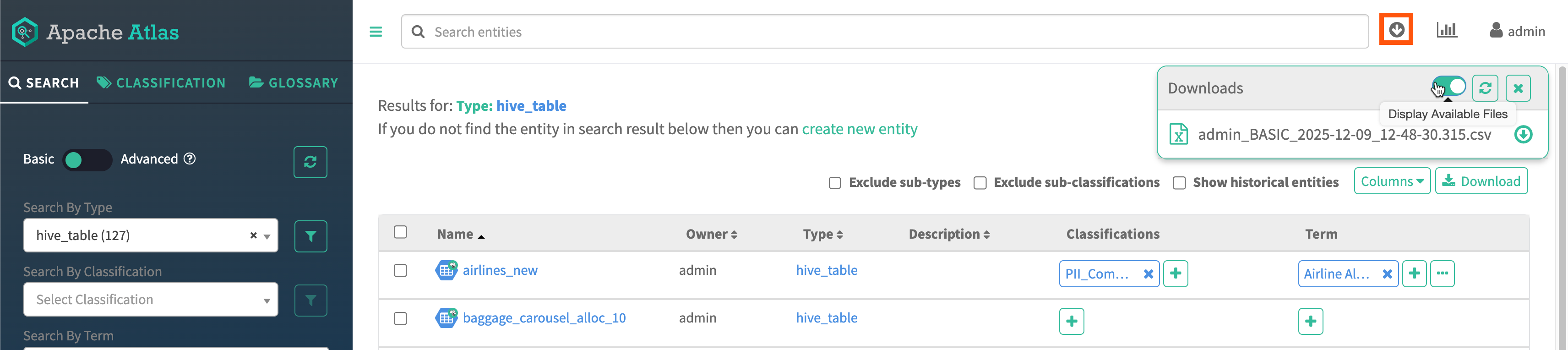
Using the Basic search option you can search and download the results. You must select the type of query and search for the results and later click the Download option.
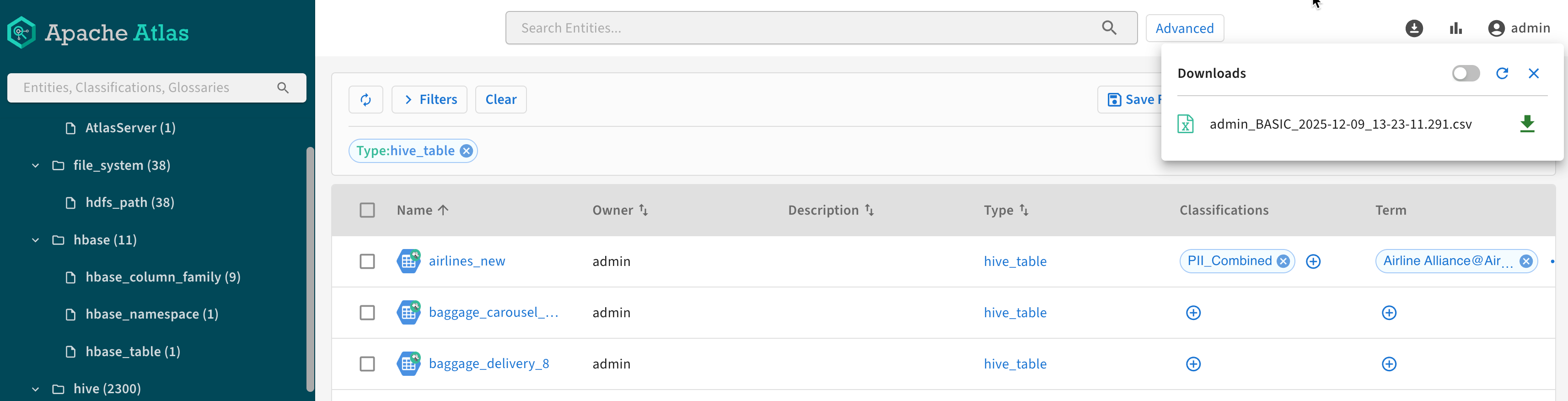
The search query queues up the results. Click  to view the resultant
queue.
to view the resultant
queue.
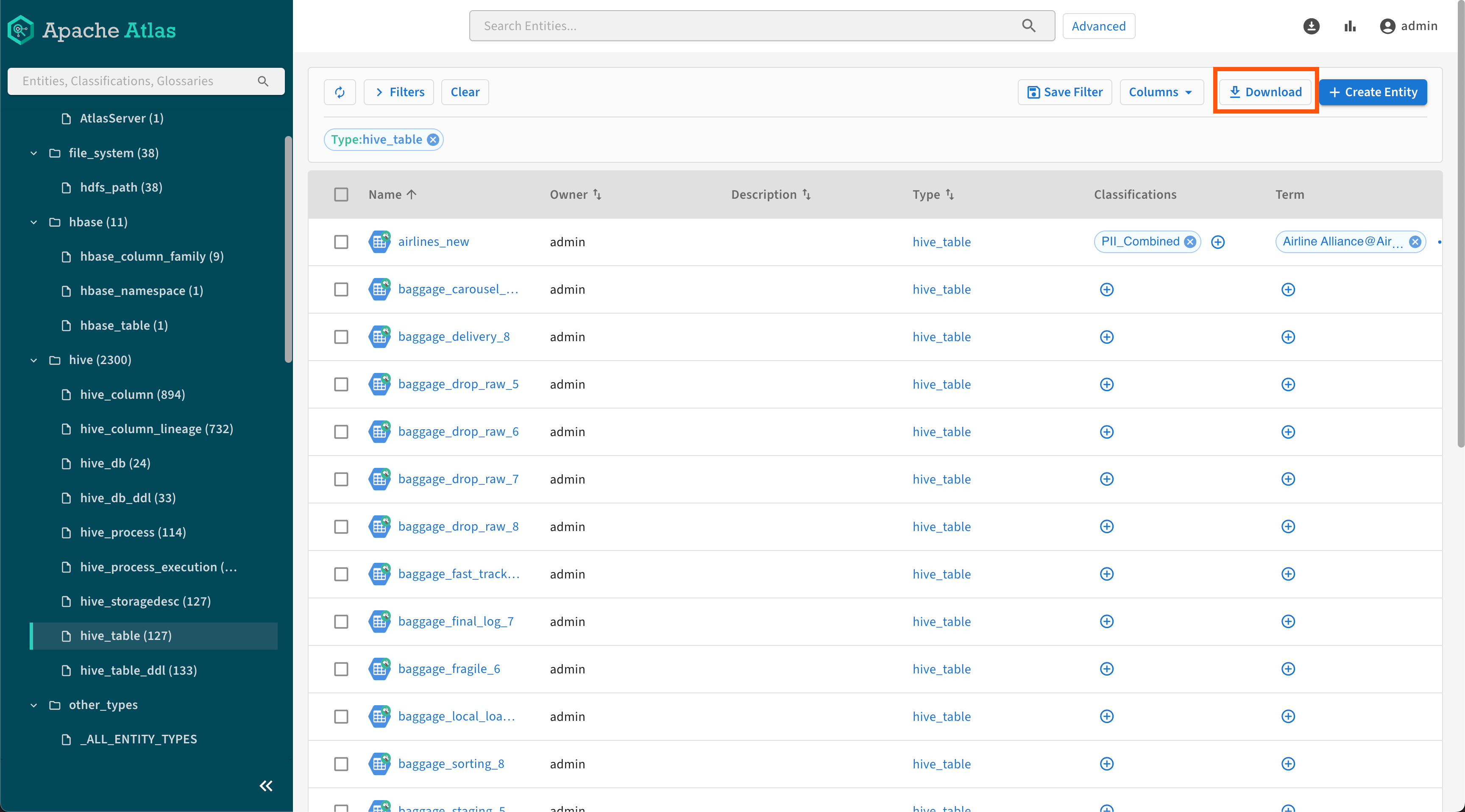
You can search using the Advanced option and download the search results. For example, you can search by using the name and owner criteria. Click Download and follow the same process as described while performing the Basic search operations.