Search query enhancements
Atlas search query enhancements simplify search operations by removing the need to prefix attribute names, handling special characters effectively, and differentiating between text-based and string-based attributes for precise results.
Searching for qualified names
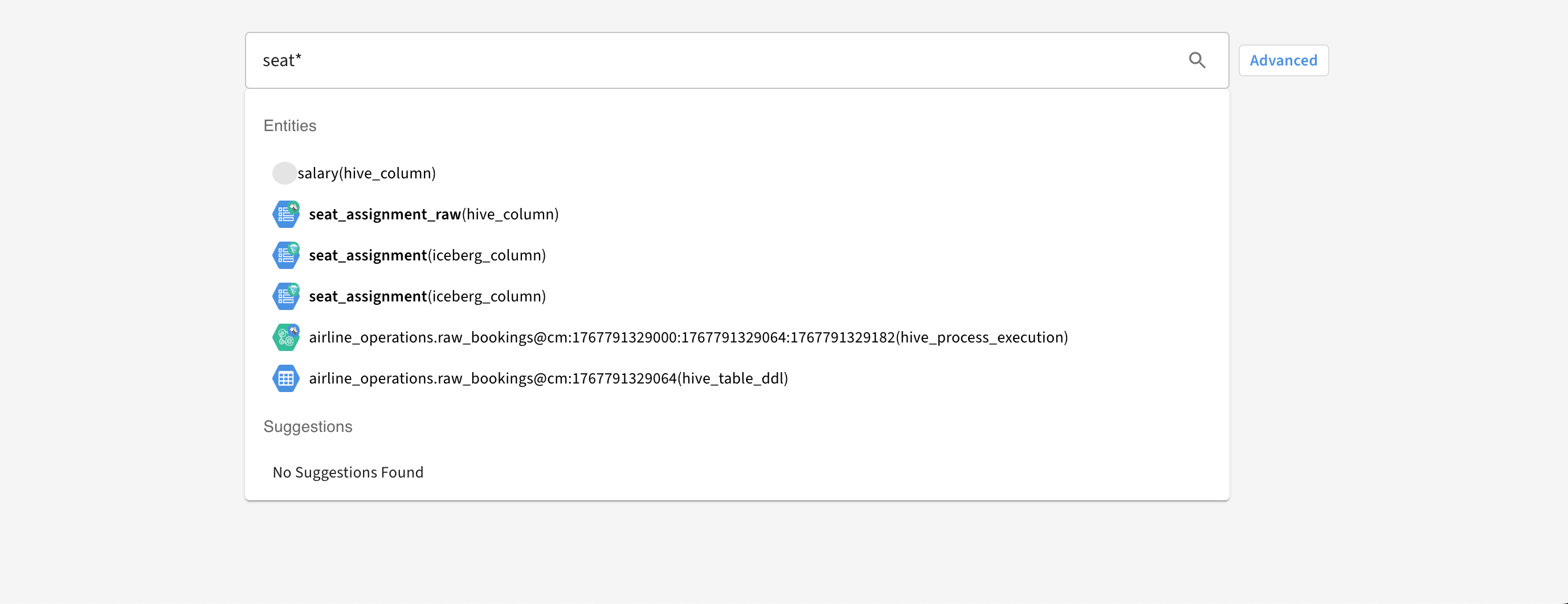
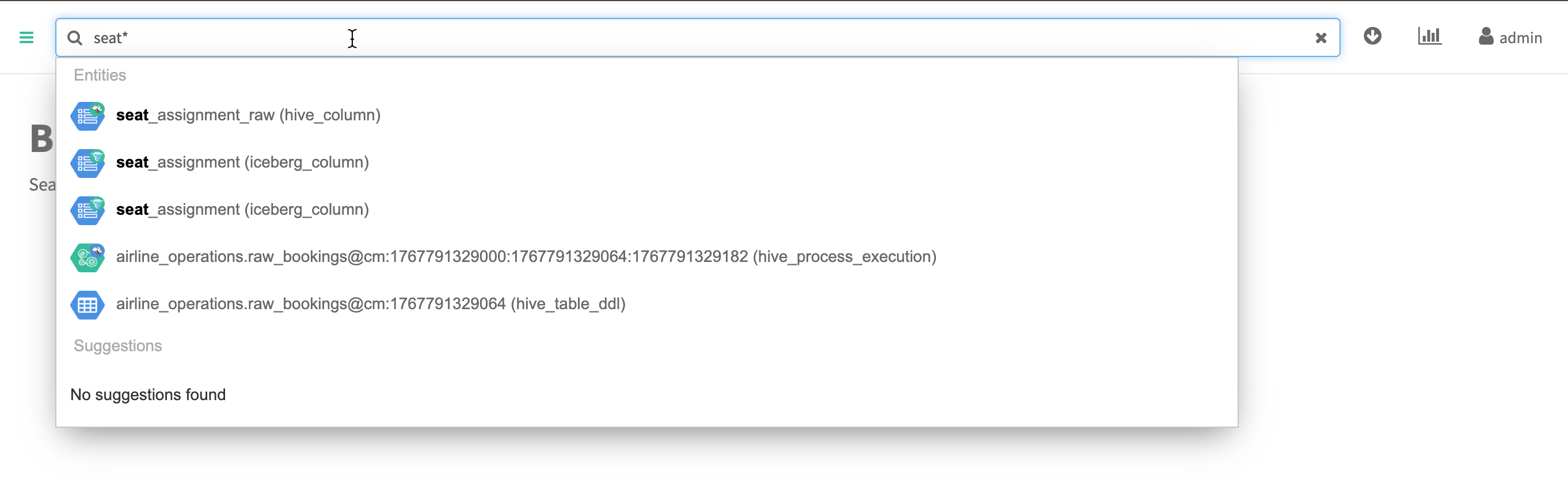
Performing free-text or quick search does not require adding a prefix to the attribute name in the search text query. You can directly search for the entities by searching with its value.
To search an entity with the qualified name airline_operations.raw_booking@cm:
You can directly add airline_operations.raw_booking@cm in the search bar instead of qualifiedName="airline_operations.raw_booking@cm".
Handling of special characters
While using the quick search in Atlas, the characters which are not alphabetic and numeric are considered as special characters except for the following characters:
- _
- .
- :
- ‘
For example:
- By default.1marketing, the character . is considered as a special character because the suffix is numeric not alphabetic
- By default.marketing, the character . is not considered as a special character because prefix and suffix are alphabetic.
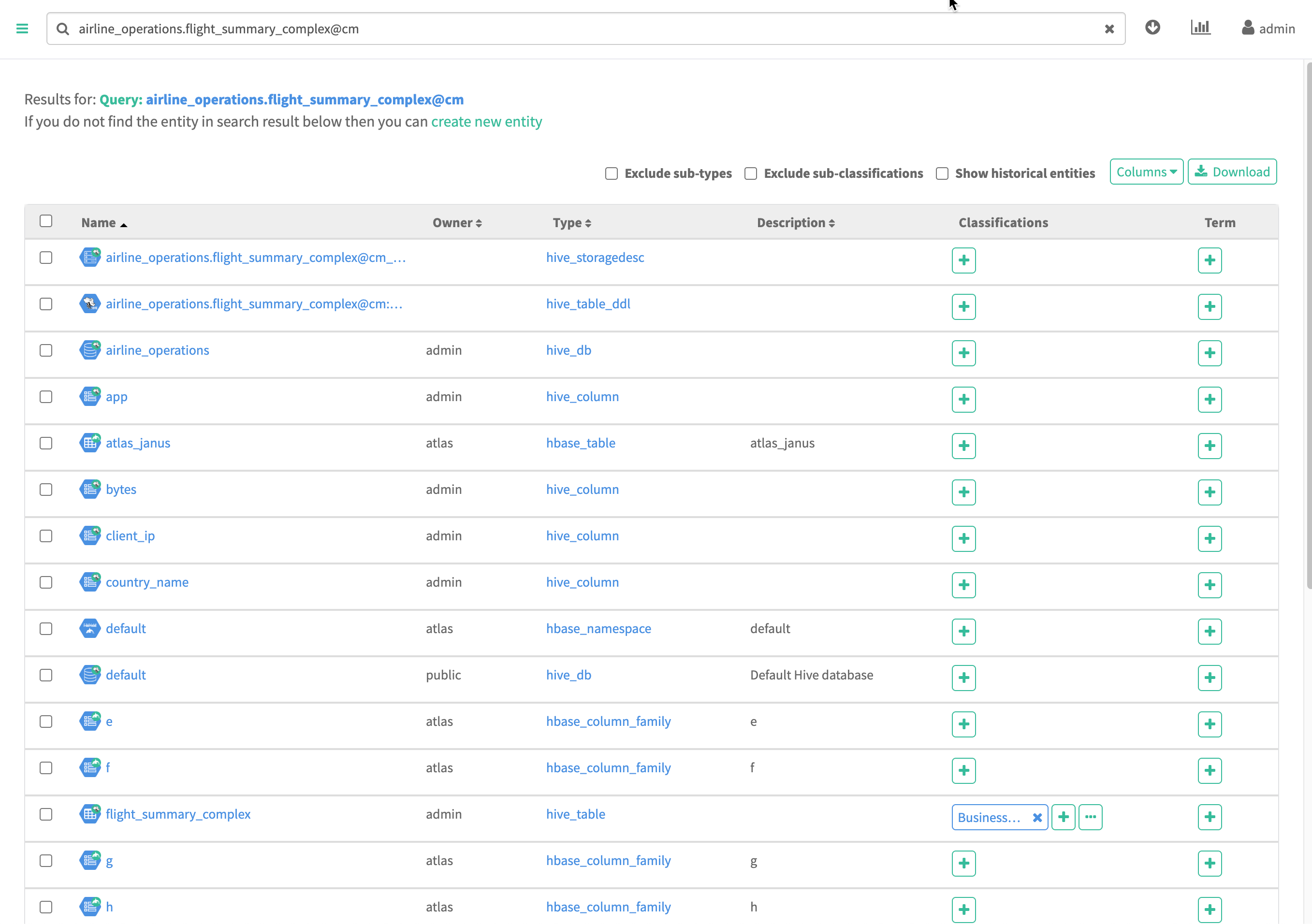
When the search string has special characters, Solr tokenizes the string. This
results in the search result query using OR conditions between each
tokenized string.
For example:
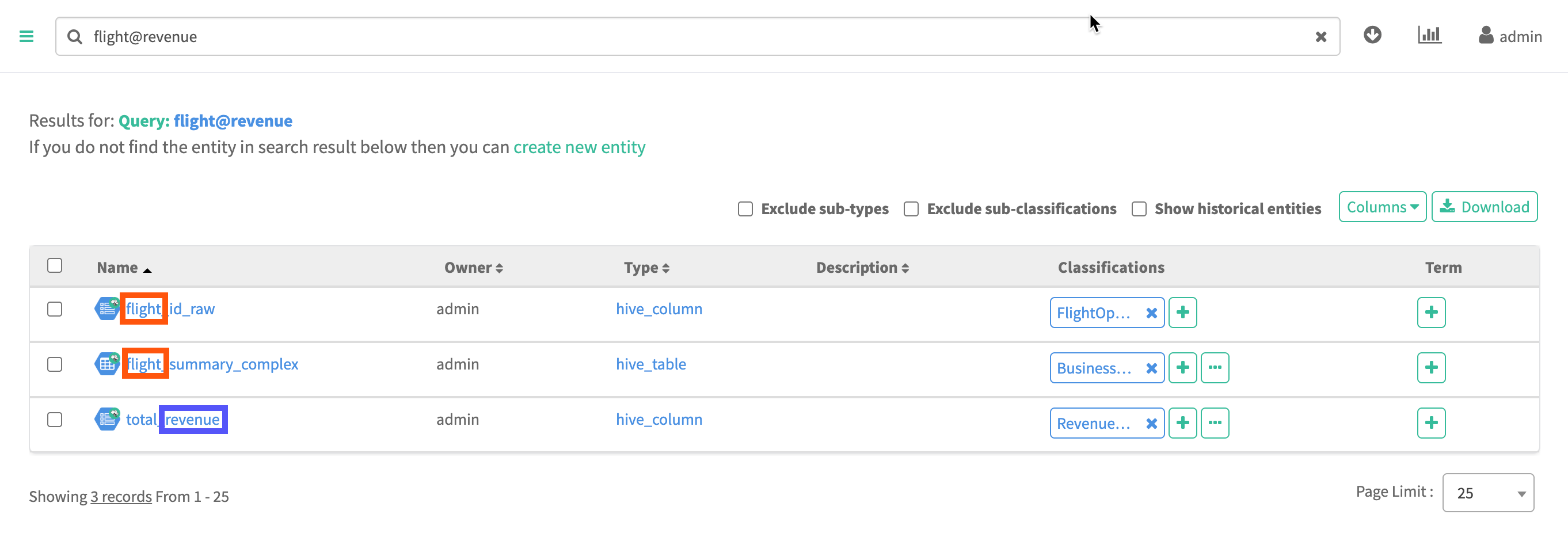
The search string flight@revenue returns all assets whose name
or its attribute's contains flight
OR
revenue.
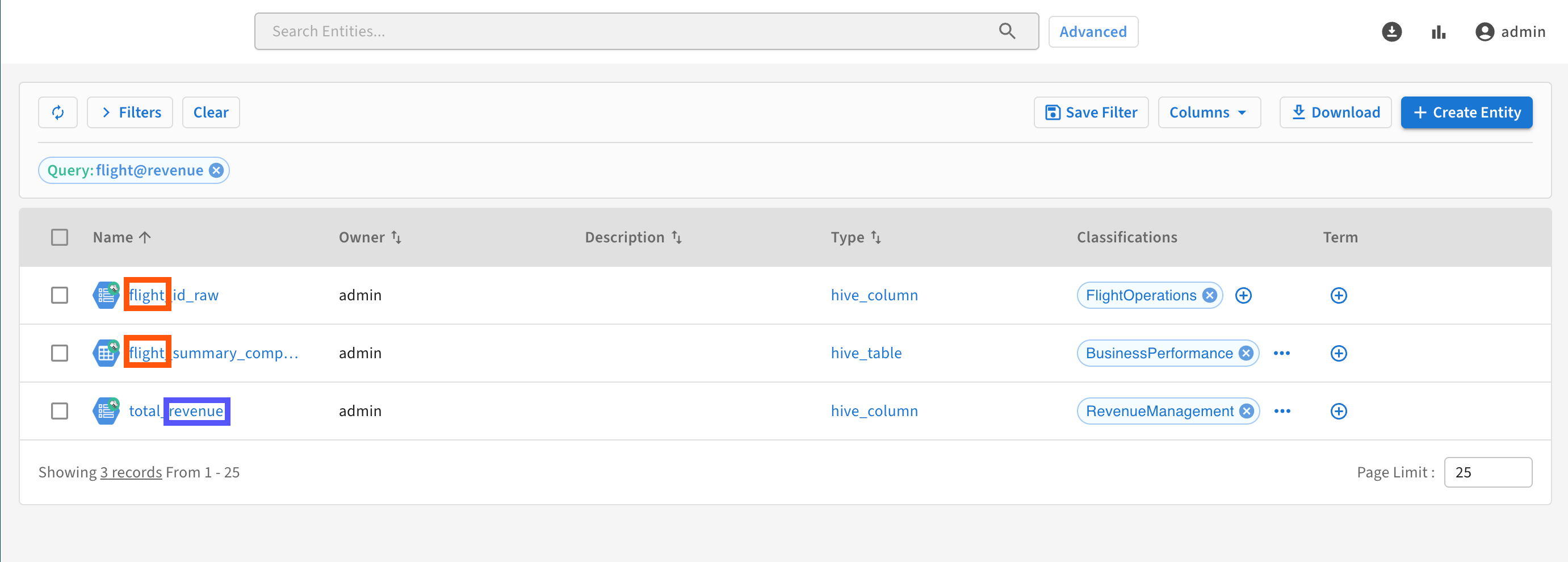
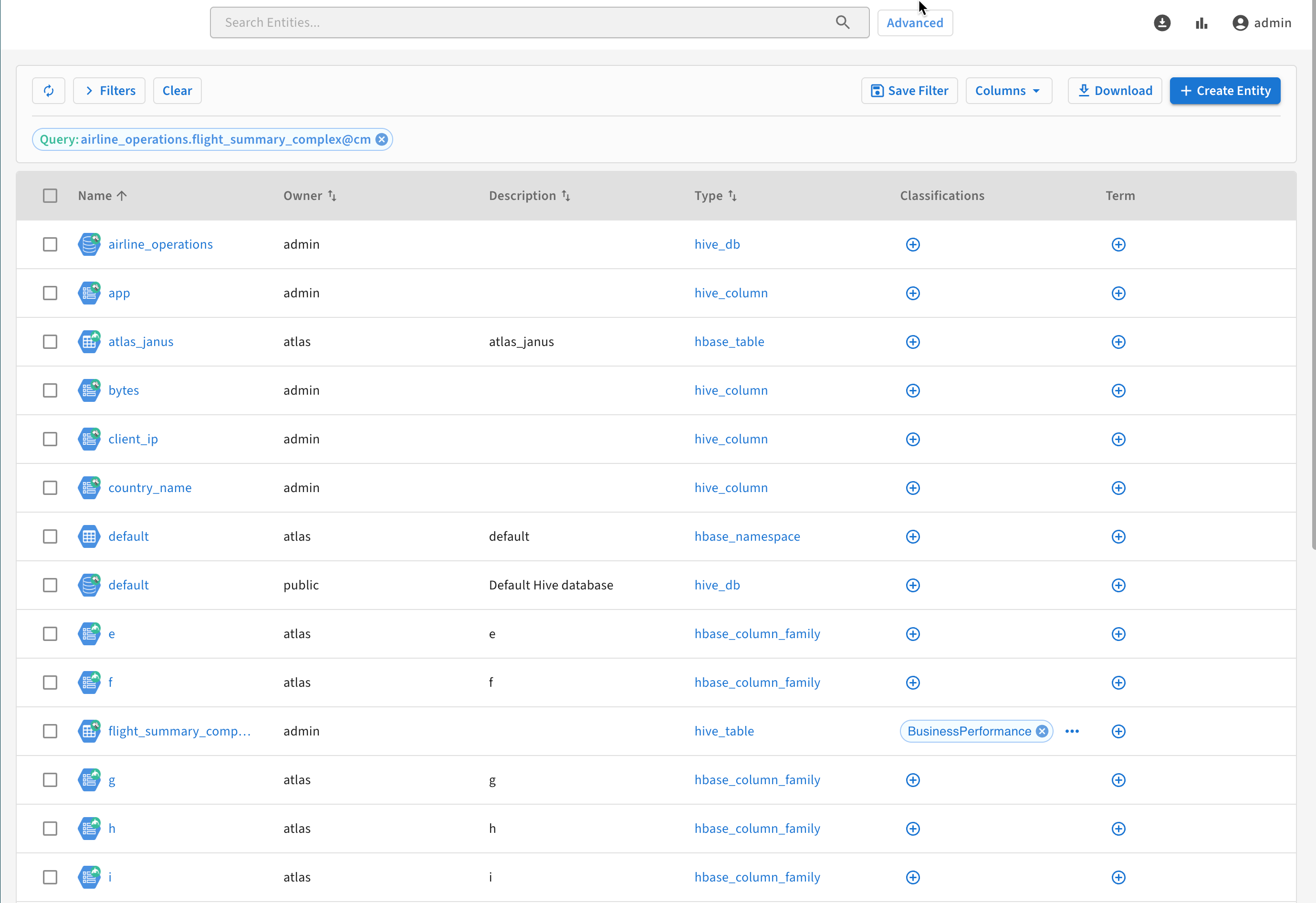
If a string is enclosed with double quotes (""), Solr does not tokenize it. The search behaves as a single string.
For example:
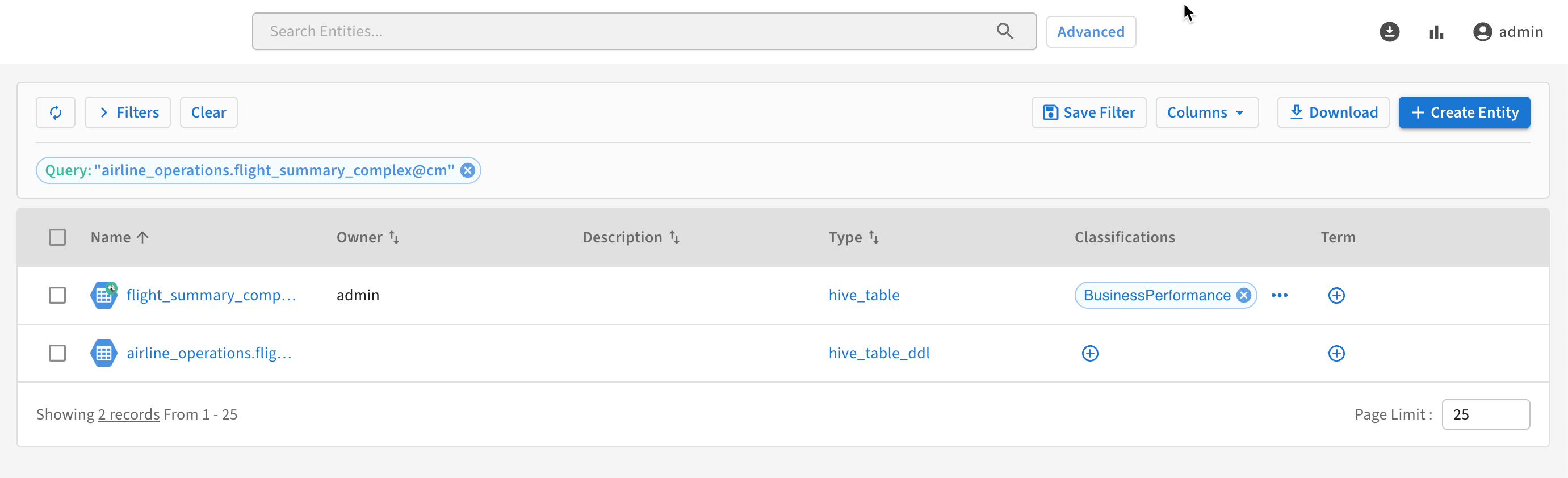
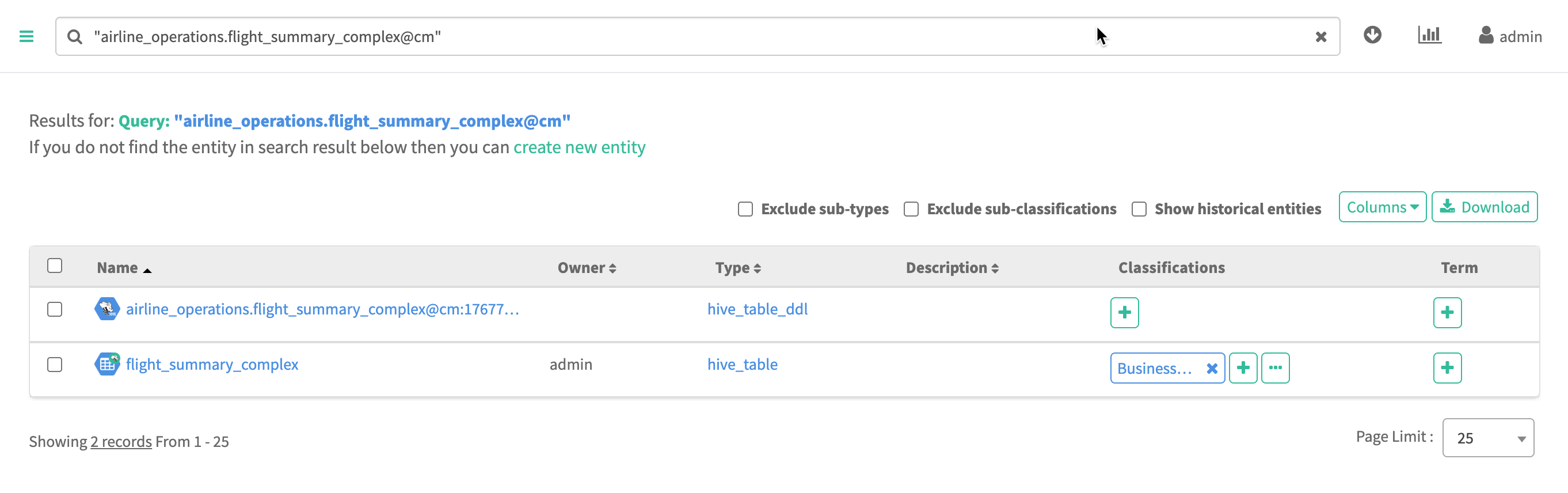
The search "airline_operations.flight_summary_complex@cm"
returns all assets whose name or its attribute's contains
"airline_operations.flight_summary_complex"
AND
cm.
Handling of names and qualifiedNames of assets
In Atlas, name and qualifiedName attributes operate
differently. The qualifiedName is a text-based attribute while the
name is a string-based attribute. Solr does not tokenize any
string type attribute (name). However, it does tokenize the
text-based attribute (qualifiedName).
Searching string attributes (name) |
Searching text attributes
(qualifiedName) |
|---|---|
|
|
For example, while searching for a name string
such as, finance department@axis, use the search
expression finance\ department*. |
For example, while searching for a qualifiedName
text string, such as finance department@axis, use
search expression finance department or finance\
department@axis. |