Using Relationship Search
Entities in Atlas can be searched based on the relationships that describe various metadata between entity endpoints.
As an example, a relationship between entities hive_table and hive_db can be attributed or
defined as hive_table_db, which has a standalone metadata that can be added
as an attribute to this format. By searching for hive_table_db, you can
retrieve the relationship between hive_table and hive_db
entities. This enhancement ensures that those relationships which are tied to the entities and
that match the filter criteria on attributes of the relationships, can be searched.
Enabling relationship search
You can enable Relationship Search in Cloudera Manager under
Atlas Server Advanced Configuration Snippet for
conf/atlas-application.properties by setting the
atlas.relationship.search.enabled property to true.
Configuring Relationship Search
For the entities to be searchable in the relationship definition model, the attributes must be added and marked as indexable before starting the Atlas service.
Use the POST API typedef for the following configuration:
As an example of the configuration setup is as follows:
{
“attributeDefs”: [{
“Name”: “edge_property1”,
“isIndexable”: true
}]atlas.relationship.search.enabled property is set
to true, you can switch between Entity Search and
Relationship Search in the classic user interface:When using the new user interface, Relationships will appear in the Basic Search pane, following the other metadata categories, such as, Entities, Classifications, Glossary.
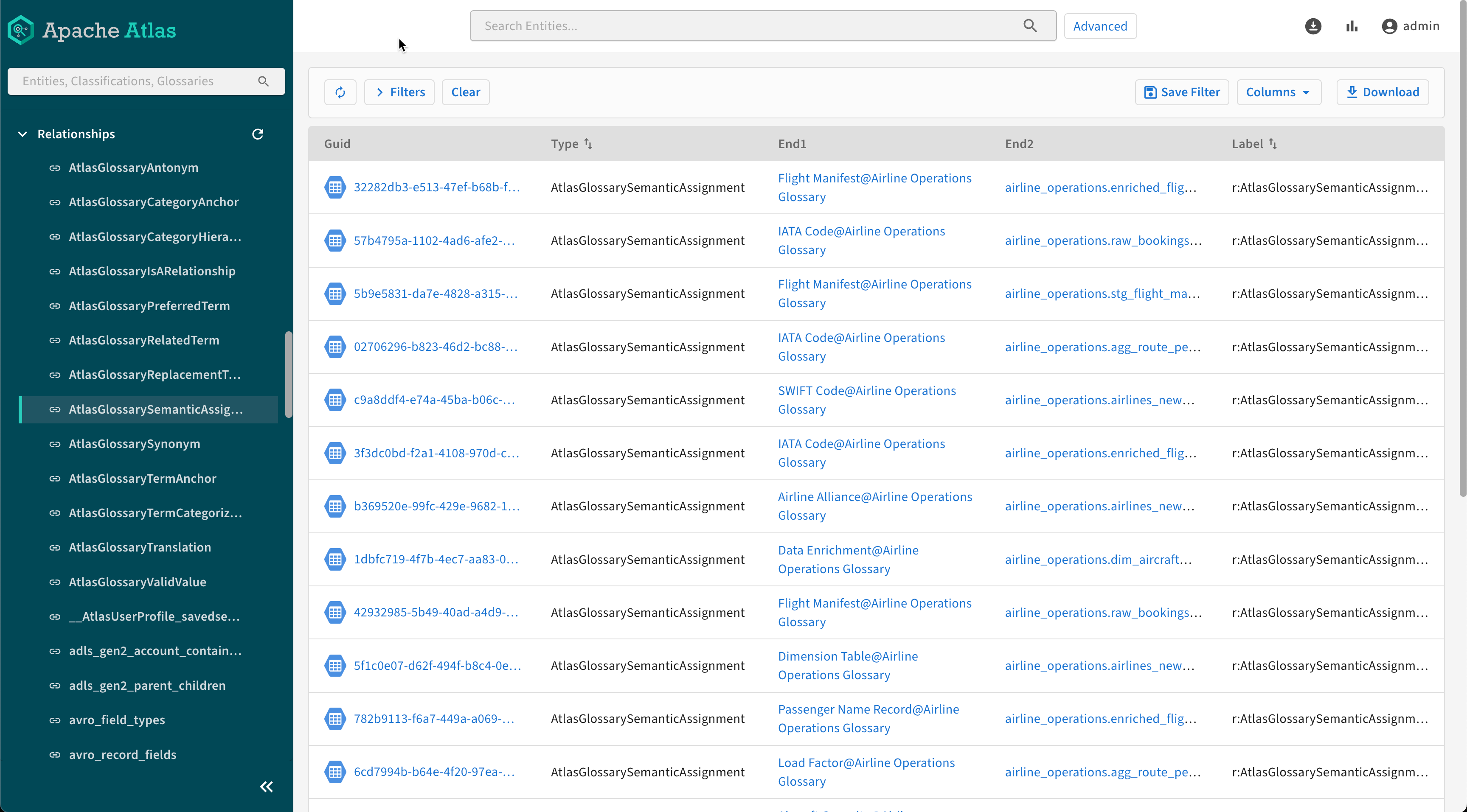
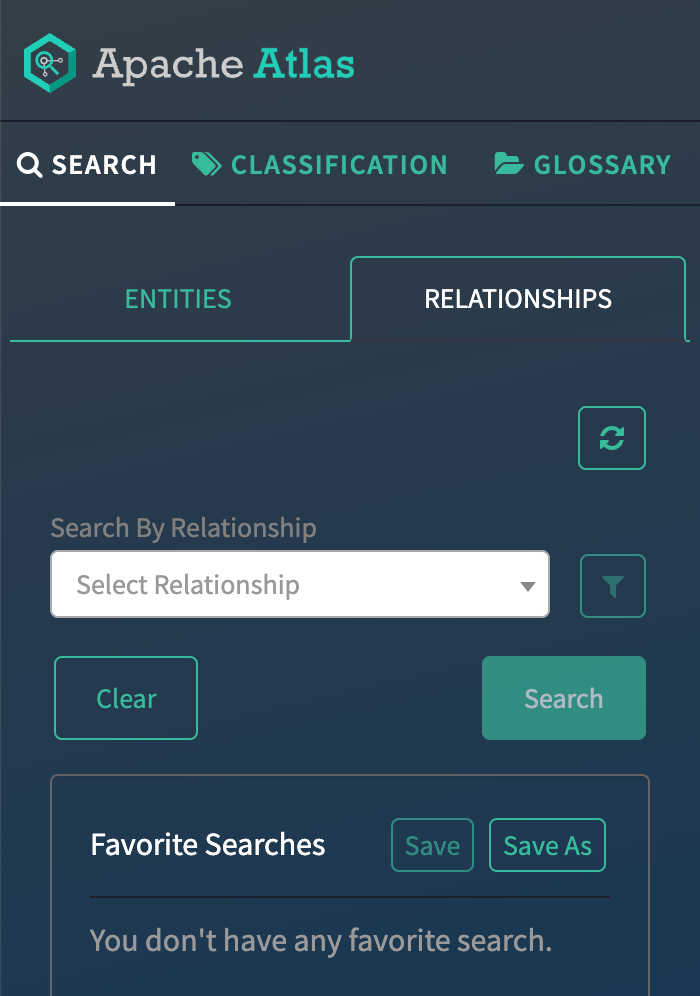
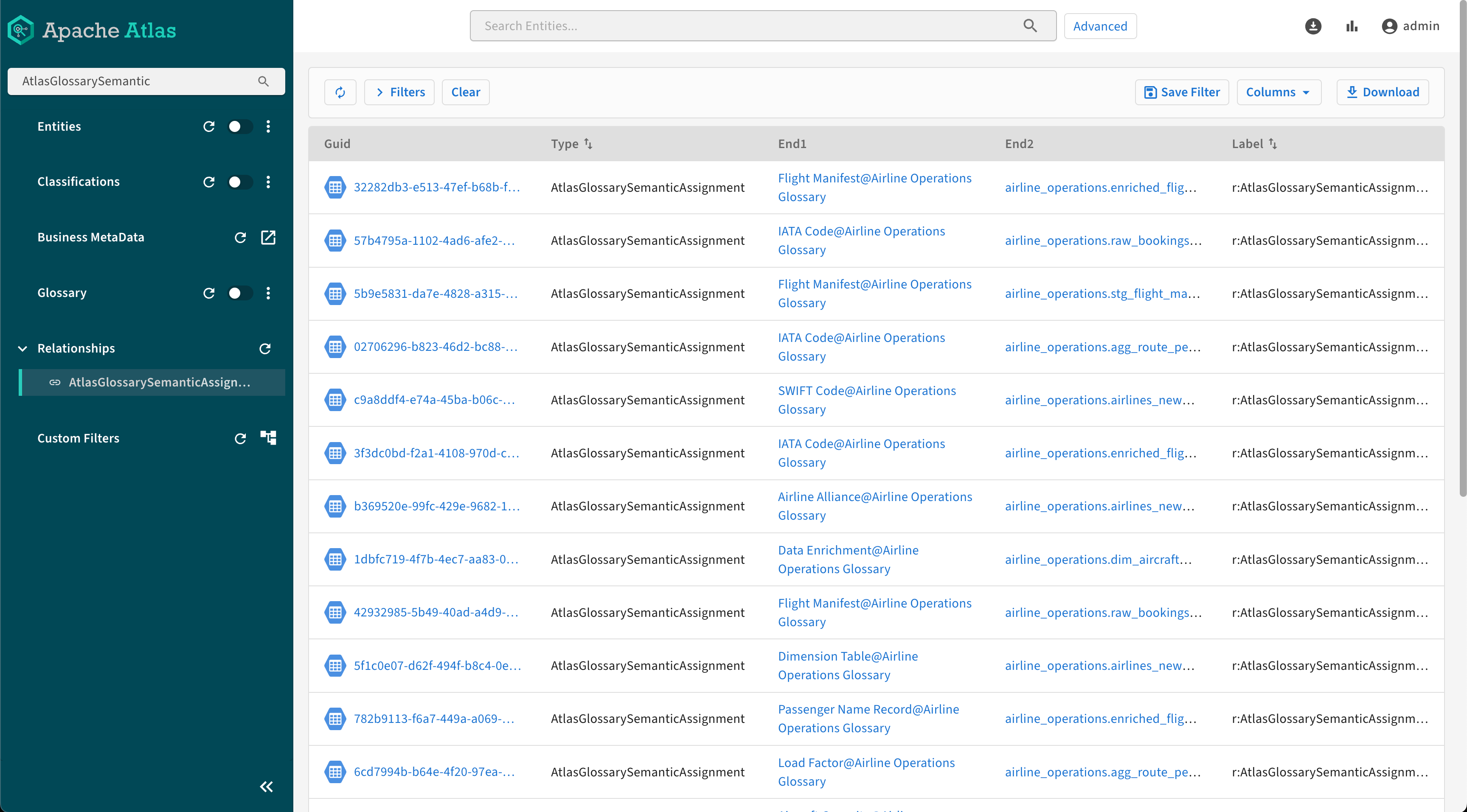
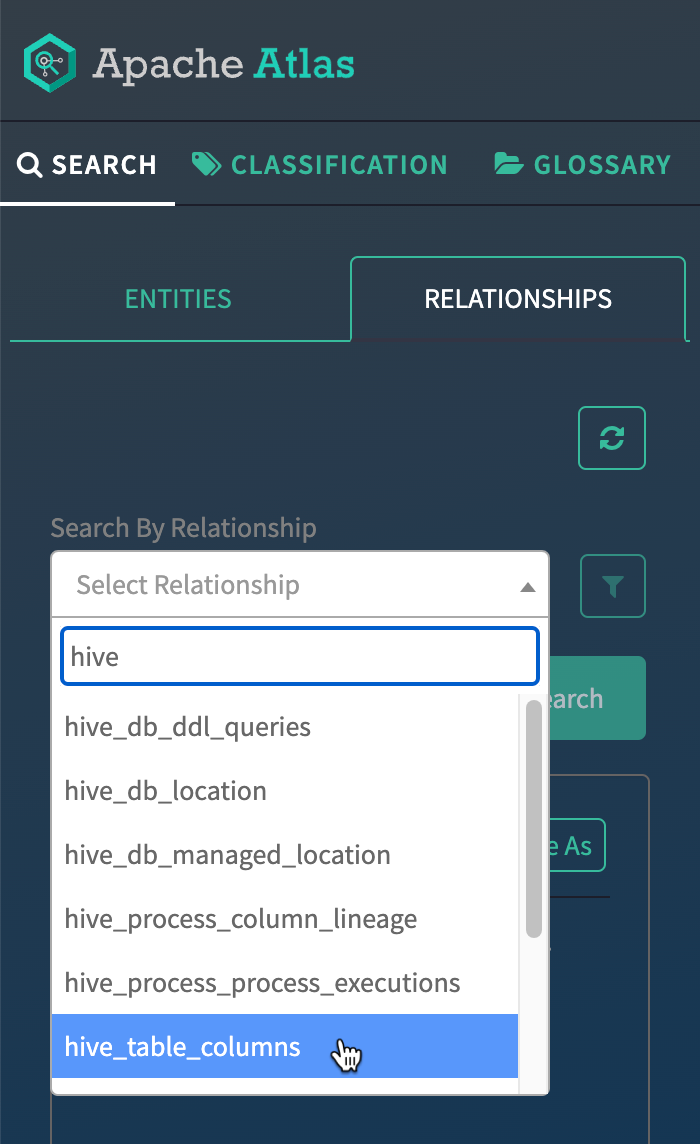
The list of entities with the type hive_table_columns contains additional information about the connected entities.
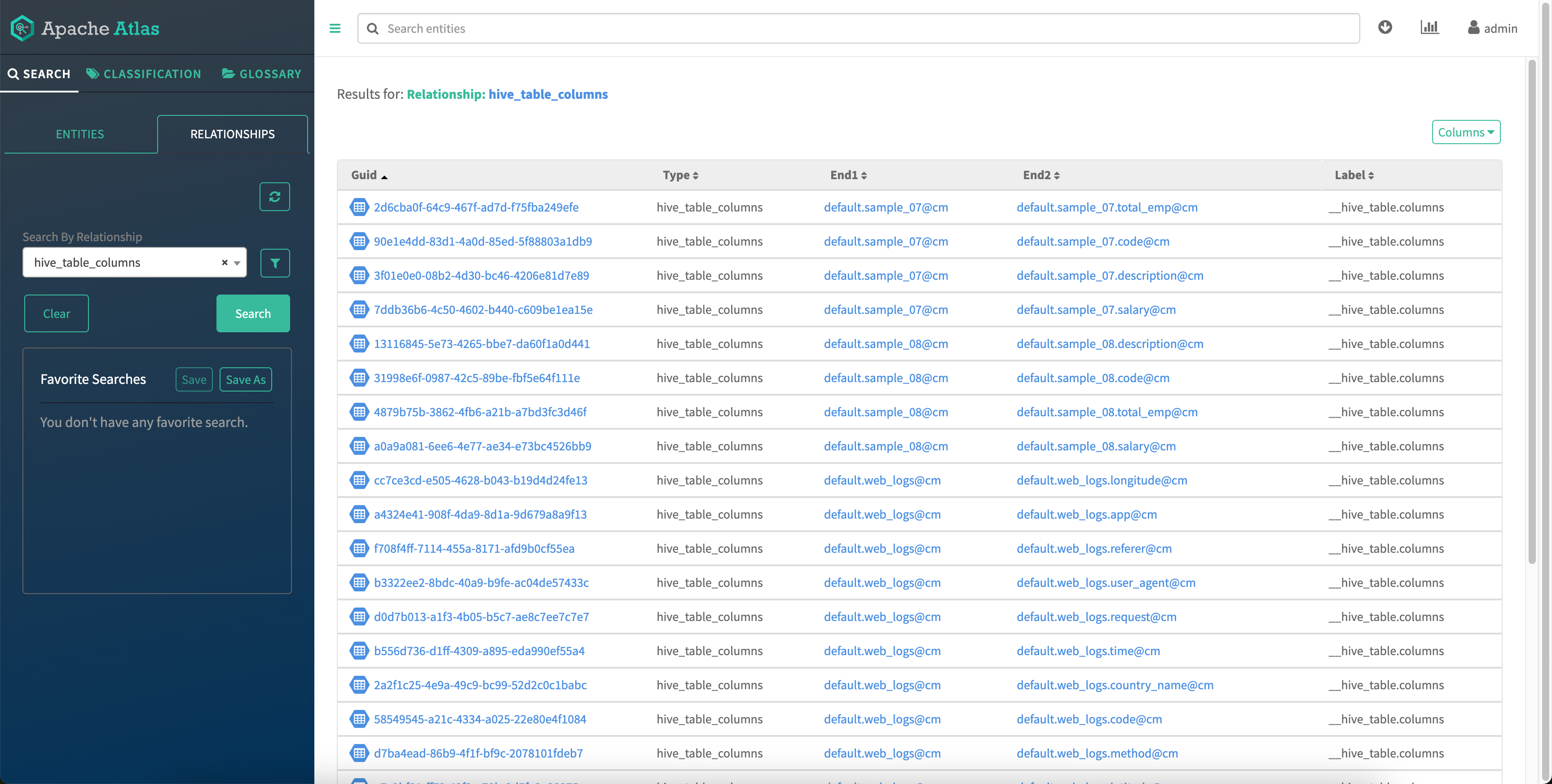
You can apply filters by certain relationships types to refine your search.
By clicking on each search result, you can navigate to the details page to view additional details and pertinent information.
In the example image, end 1 and end 2 are the entities with which the relationship is created.
