Configuring Knox IDBroker session policies for AWS credentials
Learn how to configure Knox IDBroker session policies to restrict permissions for temporary AWS credentials.
Knox IDBroker can be configured with AWS session policies to modify the permissions associated with an IAM role when temporary cloud credentials are requested. These session policies are handled by Amazon STS and define a policy that is the intersection of the role and session policies.
Configure IDBroker session policies using Cloudera Manager to manage them centrally across IDBroker instances. This ensures that the policy definitions are persistent across restarts, upgrades, and other events.
-
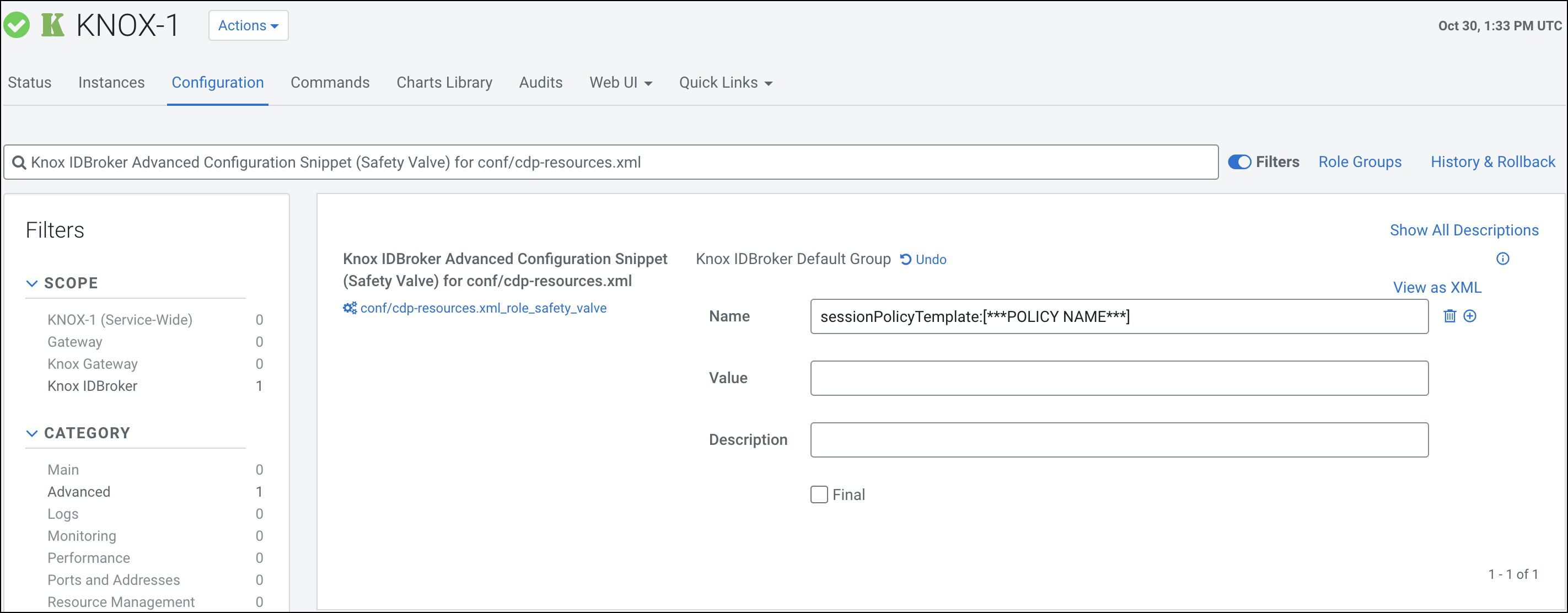
Click the + icon to add the
sessionPolicyTemplate:[***POLICY
                        NAME***]
property and its specific values.Replace [***POLICY NAME***] with the actual policy name of your session policy template.
Figure 1. Knox IDBroker Advanced Configuration Snippet (Safety Valve) for conf/cdp-resources.xml