Overview
Instead of using a basic username/password pair, you can improve security by generating Knox Gateway tokens. Tokens are more secure than plaintext username/password because they are signed, anonymized from the source data, and have a specified lifetime (by default, one hour).
About Knox gateway tokens
Before Cloudera Data Platform 7.2.14, Knox on Cloudera on cloud had two default topologies: cdp-proxy and
cdp-proxy-api. To enable passcode tokens, a third Knox topology was
added: cdp-proxy-token. While very similar to
cdp-proxy-api, the authentication provider for
cdp-proxy-token is configured with the JWTFederation provider, so that
newly generated tokens can be used.
View Knox token integration
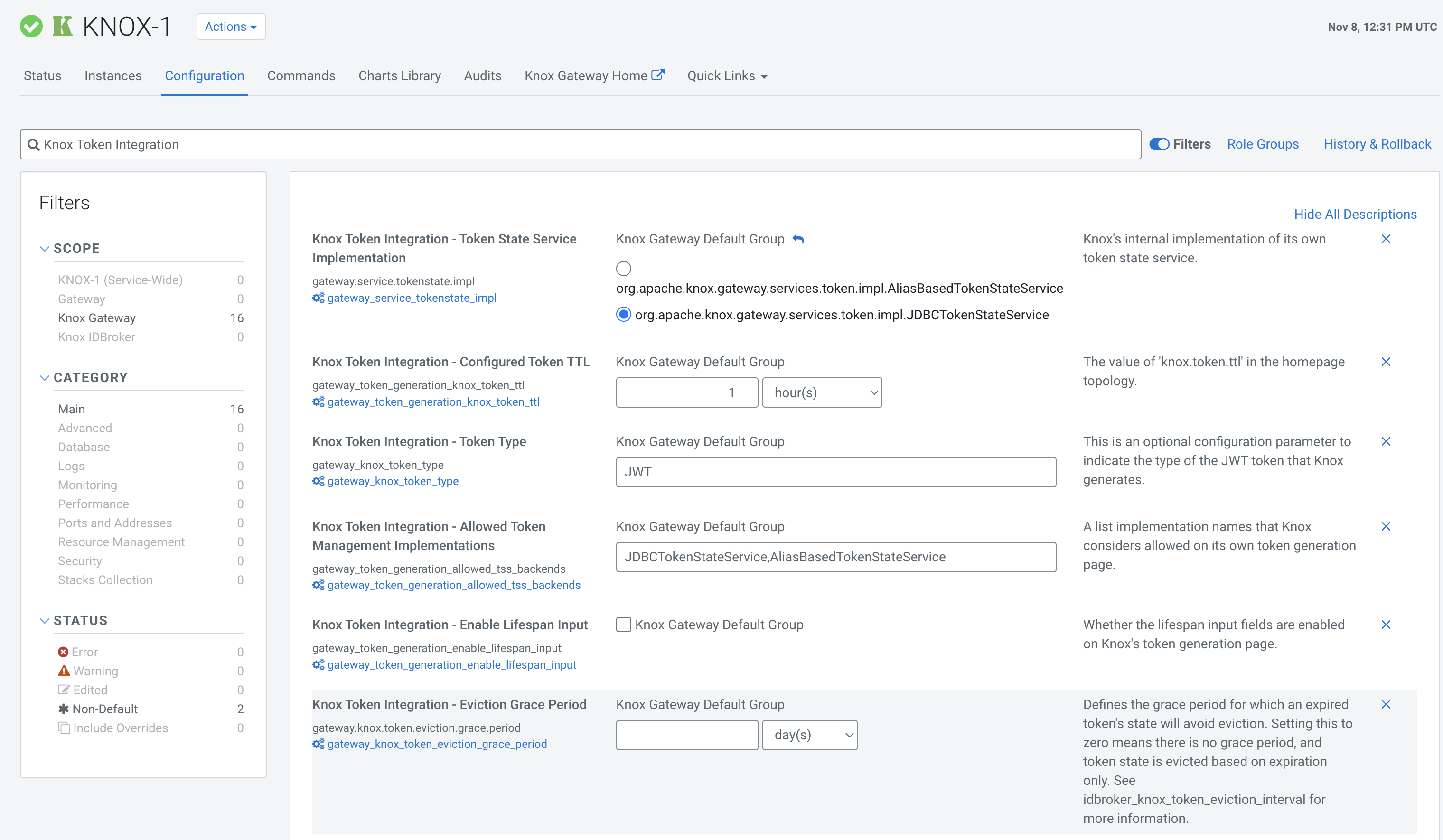
- (Recommended) Cloudera Manager: and search for
Knox Token Integration
.
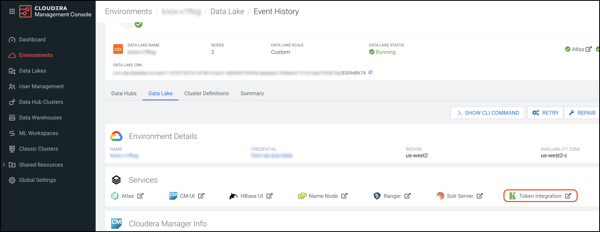
- Navigate to . In the Services section, click Token
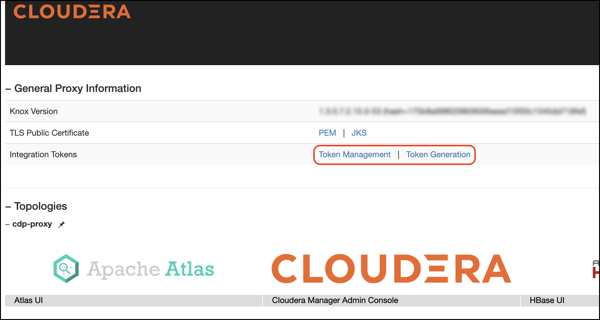
Integration. This will bring you to the Knox homepage. There are
two new links on your Knox homepage: Token Management and
Token Generation.
Knox token integration in Cloudera works out of the box using the Knox Token Generation page. However, the token integration API can be re-used in your own custom topology.
