Configuring Cloudera Data Explorer (Hue) for authentication against multiple LDAP/Active Directory servers
Some organizations have more than one LDAP or Active Directory (AD), and users in one
LDAP/AD may not be present in the other. Data Explorer supports the
ability to authenticate users against multiple LDAP/AD servers.
Before attempting LDAP authentication against multiple servers, ensure you have
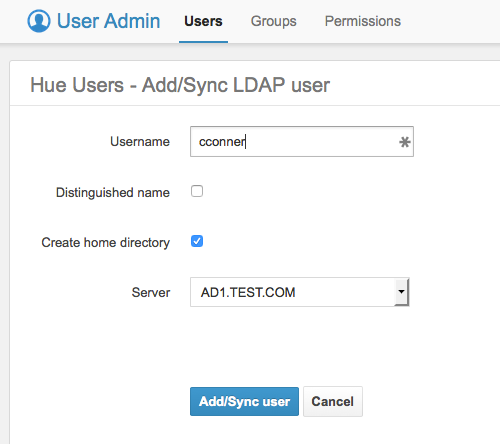
configured LDAP synchronization for each server, as described in the previous
sections. As long as users and groups are synchronised across LDAP and Data Explorer, authentication should work.
Log in to Cloudera Manager as an Administrator.
Go to Clusters > Hue service > Configuration > Hue Service Advanced Configuration Snippet (Safety Valve) for
hue_safety_valve.ini, and add the following lines for each LDAP server: