Testing the LDAP configuration
You can test your Data Explorer LDAP configuration without restarting the Data Explorer service. Add the values and save your changes.
-
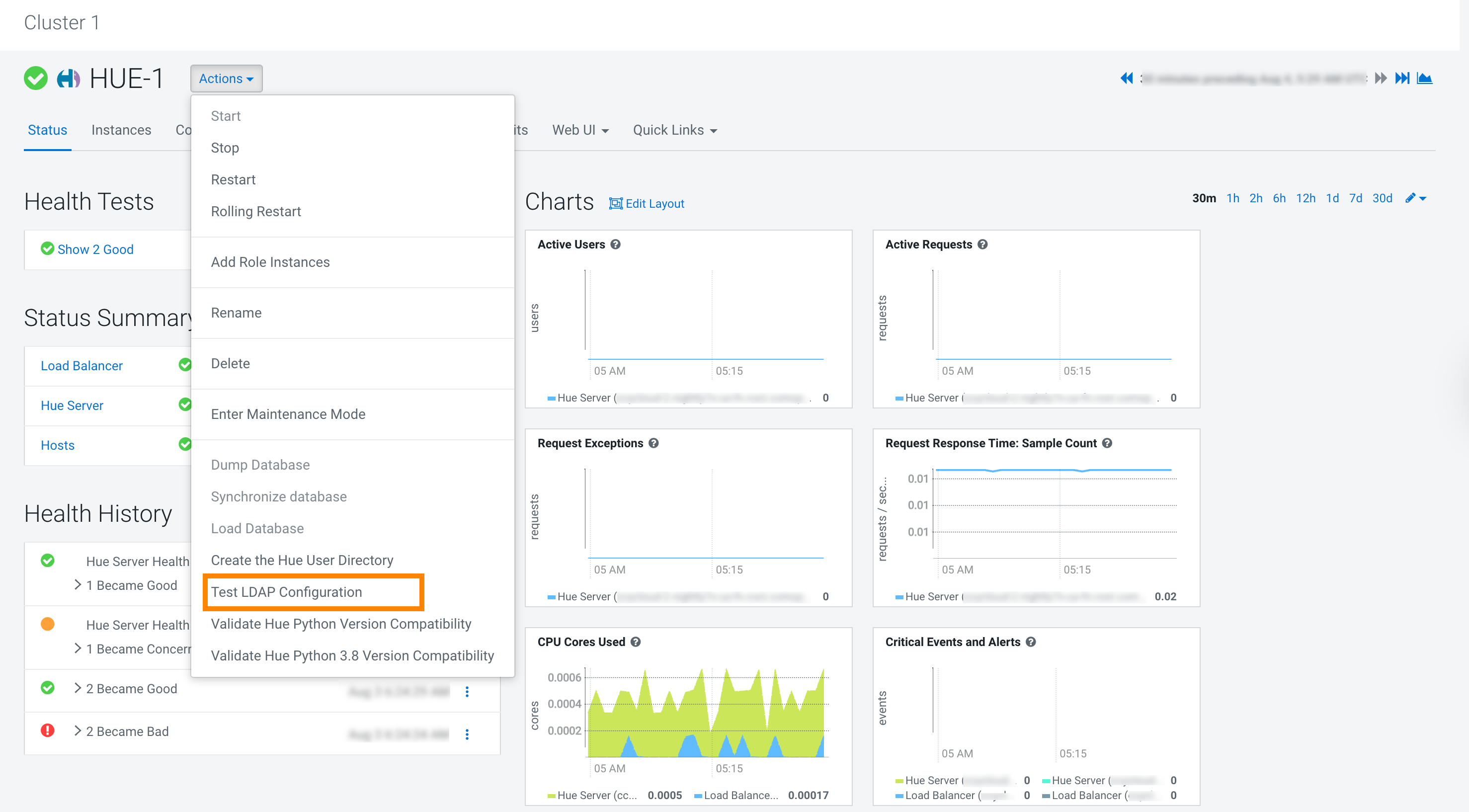
Click Test LDAP Configuration:
You can test your Data Explorer LDAP configuration without restarting the Data Explorer service. Add the values and save your changes.
