Export all resource-based policies for all services
How to export the policies for all services.
-
From :
-
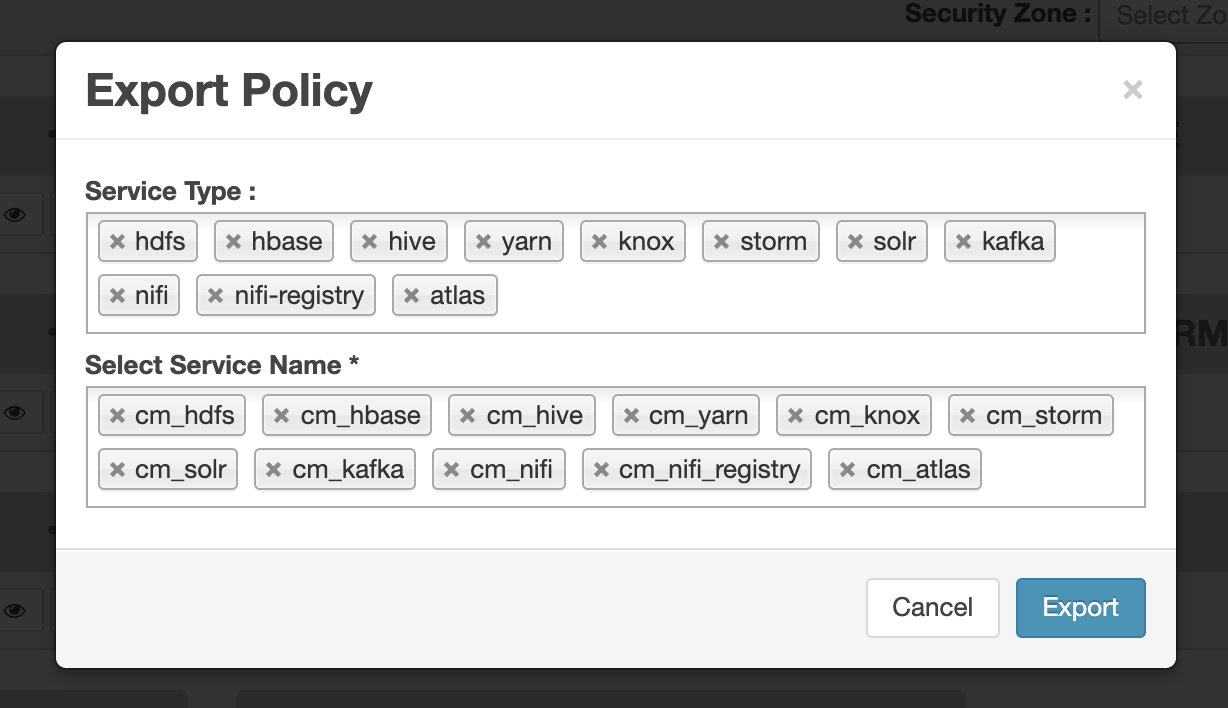
Remove components or specific services, then click Export.
The file downloads in your browser as a JSON file.
-
Remove components or specific services, then click Export.
-
From :
-
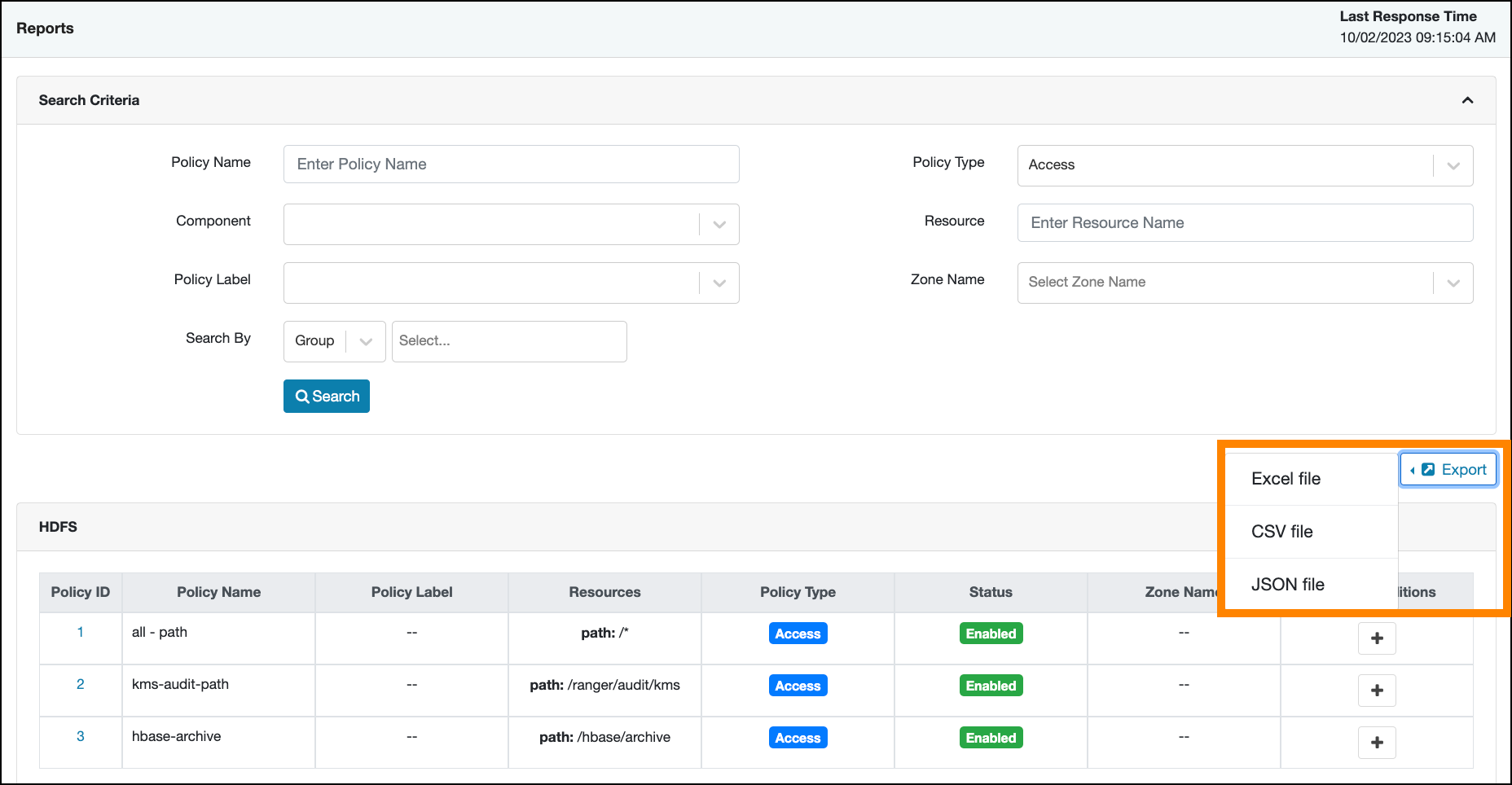
Open the Export drop-down menu:
-
Open the Export drop-down menu:
