Editing the query in natural language in Cloudera Data Explorer (Hue)
You can edit a query in natural language and generate it again to fine-tune your
results using the Data Explorer SQL AI Assistant. You can then insert
the SQL query into the editor and run it as usual.
Log in to the Data Explorer (Hue)
web interface.
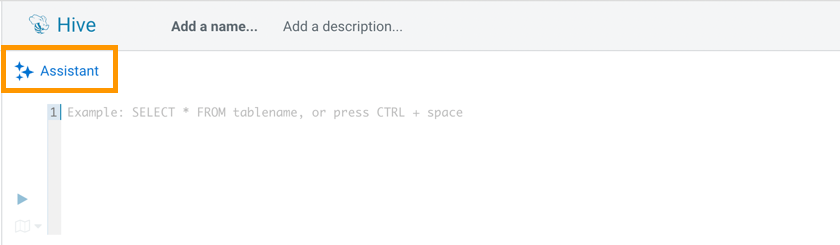
Click Assistant on the Data Explorer (Hue) SQL
editor:
Click EDIT.
Select the query from the list and edit it as needed. Then press enter to
regenerate the SQL.
 Assistant on the Data Explorer (Hue) SQL
editor:
Assistant on the Data Explorer (Hue) SQL
editor: