Creating terms
After you've created a glossary, you can add terms to it.
Glossary terms describe business concepts or information.
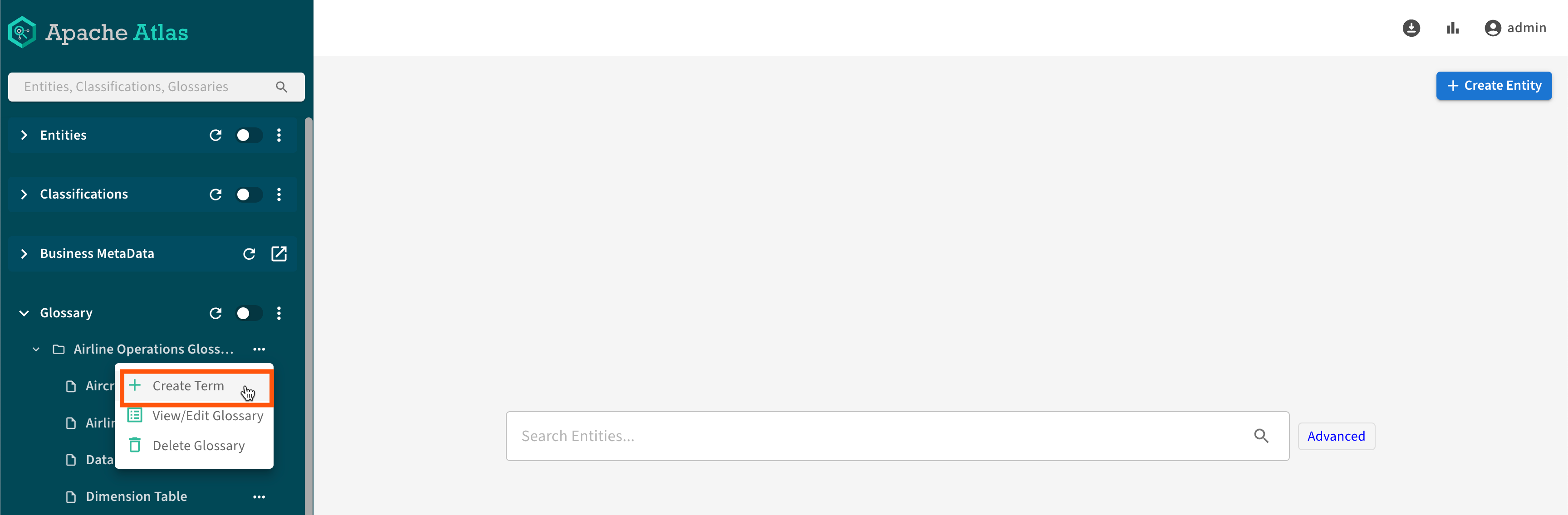
To create a glossary term, go to the Glossary tab in the left navigation panel:
- Click + Create Term.
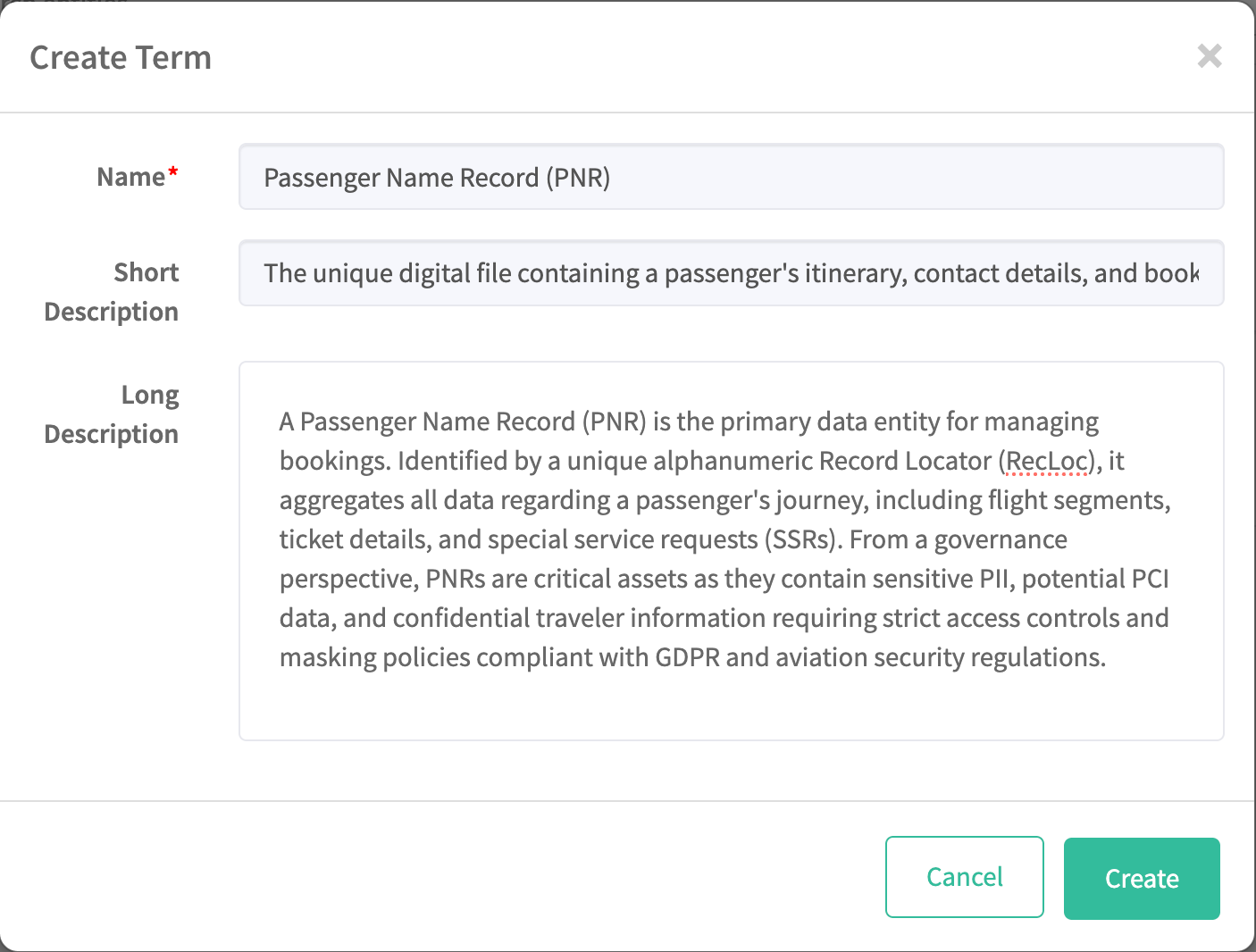
- Enter the new term and its descriptions, then click
Create.
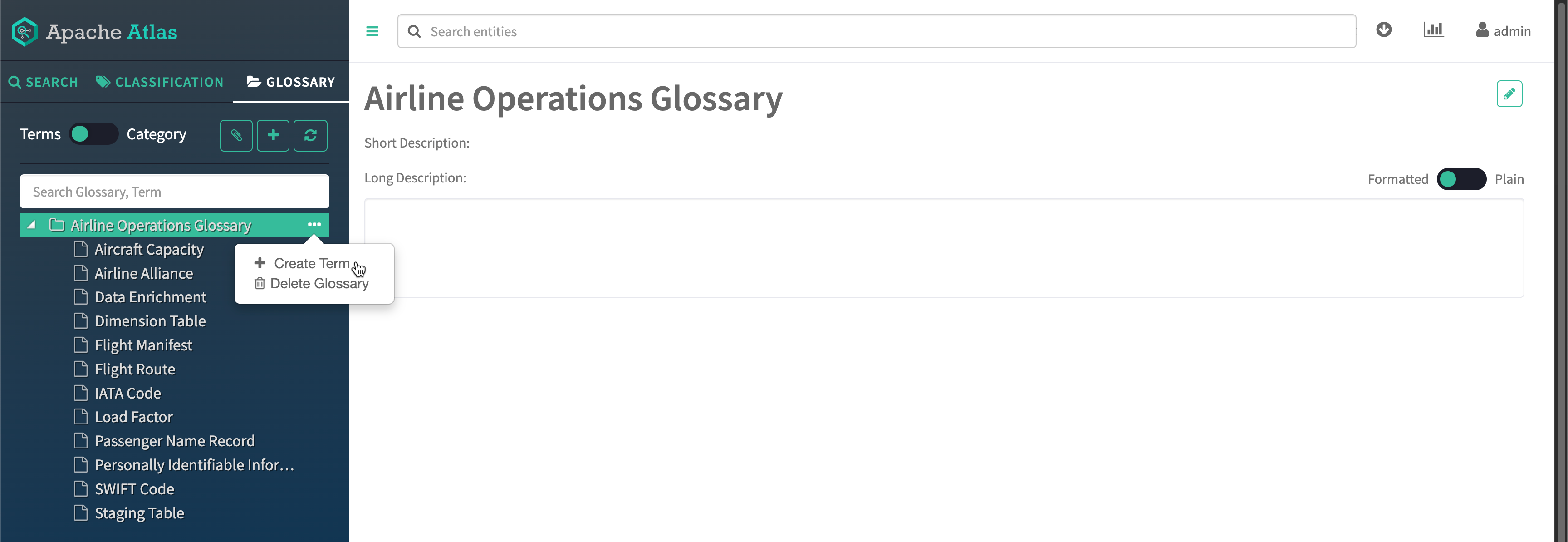
- Switch the toggle to Terms.
- Click + Create Term.
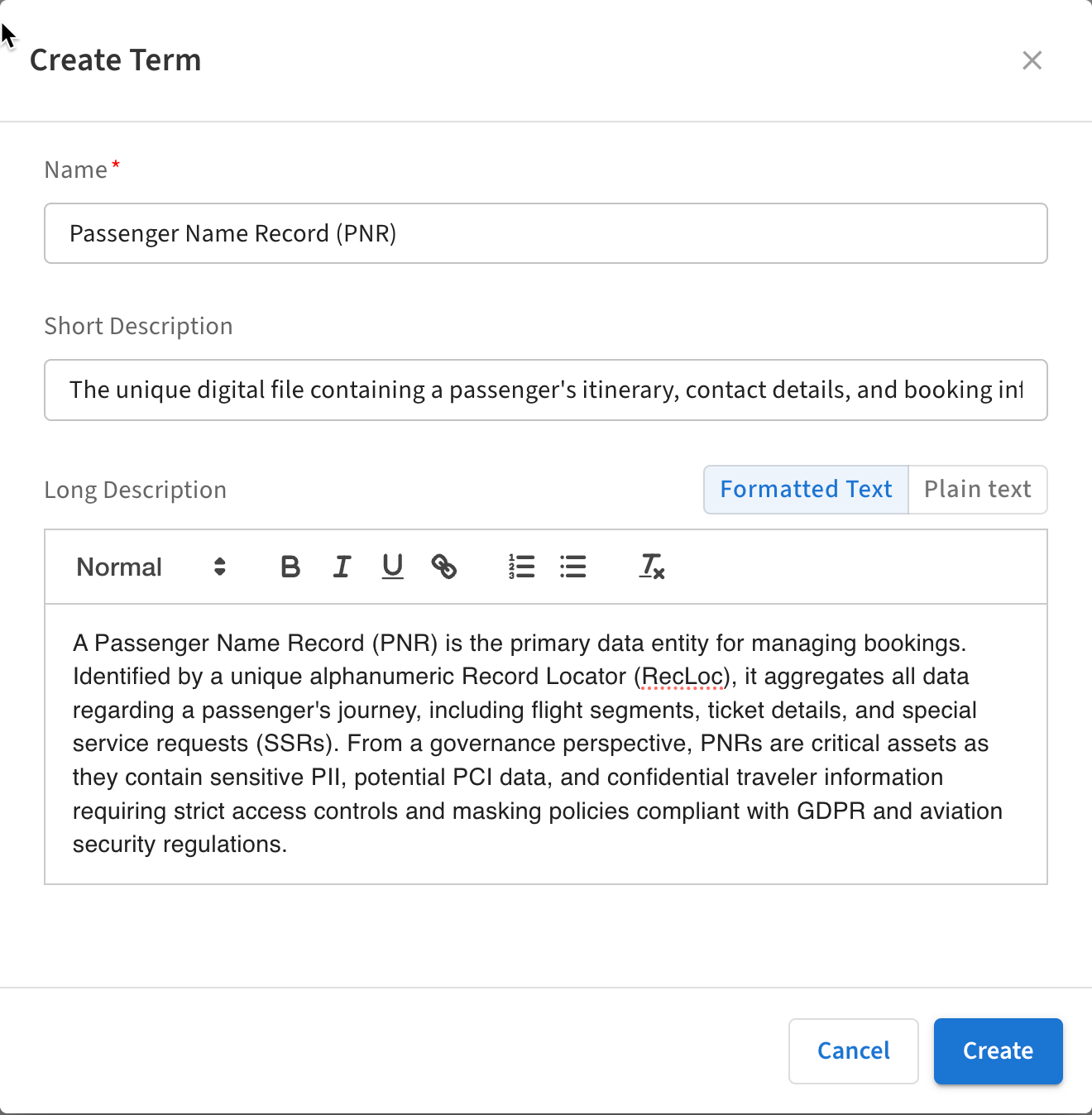
- Enter the new term and its descriptions, then click
Create.