The HA embedded Database cluster minimizes impact of services dependent on the HA
enabled embedded database.
HA Embedded Database cluster detects the unavailability of the primary node that
renders the primary node being unavailable and automatically selects a new primary.
This cluster focuses only on HA enabling the embedded database in the Cloudera
Control Plane. However, the same model can be applied to other Data Services which employ the
Postgres database.
Resource and Scale Planning:
Storage: Requires 3x storage capacity when HA is enabled. You must ensure there are
enough storage resources in your Longhorn storage directory.
The HA Embedded Database cluster provides the following capabilities:
High Availability and Fault Tolerance: Ensures continuous availability of the
embedded database with minimal downtime during database crashes or node/hardware failures.
Migration capability: Supports seamless migration of existing standalone (non-HA)
database deployments to an HA topology.
In-Place Upgrades: Enables active, running clusters to upgrade their database
architecture to HA without requiring full redeployment.
Number of instances supported: Single primary and two stand-by Postgres
instances.
Traffic impacting the services: The primary Postgres instance handles the core
traffic movement and the stand-by traffic handles only the data replication. In case of
failover, the most updated stand-by will be promoted as the primary Postgres instance.
Automated Version Management: Leverages the CloudNativePG (CNPG) operator to
streamline and automate future PostgreSQL engine and schema version upgrades.
The Cert Manager internally takes care of the CA certificate rotation mechanism and no
separate manual steps are required.
Impact on installation or upgrade workflows
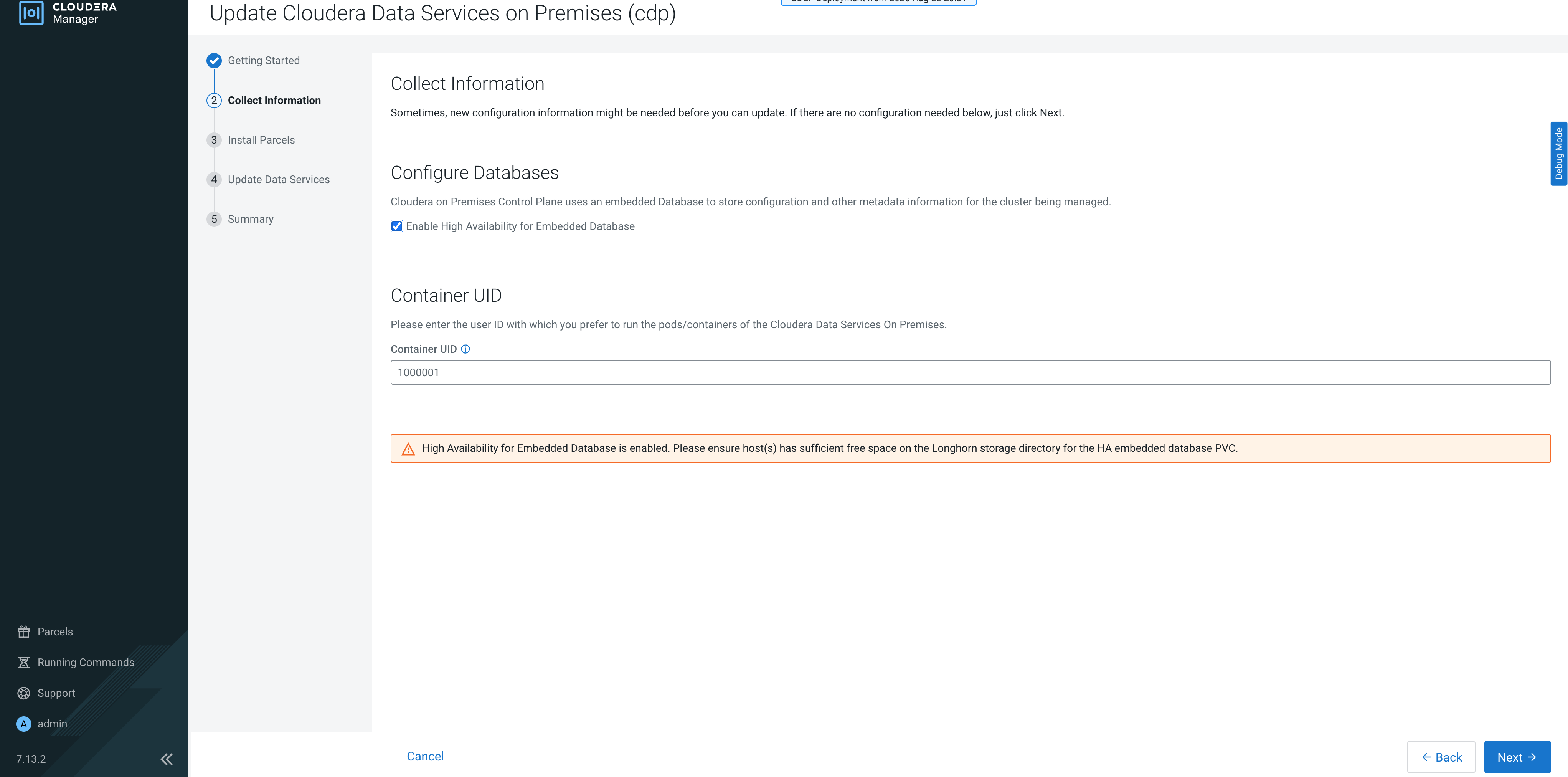
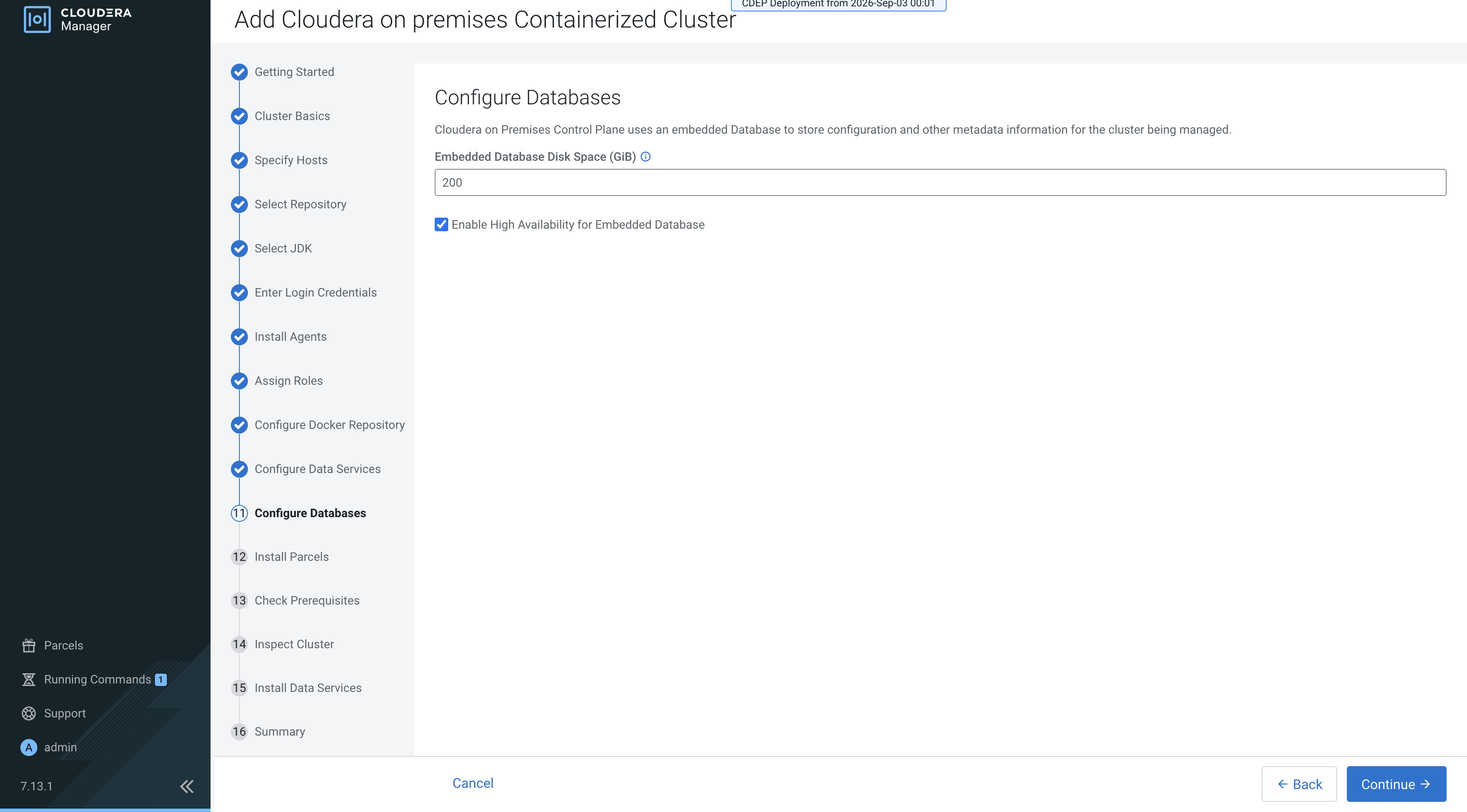
While performing the Cloudera Data Services on premises
installation or upgrade process, as part of the workflow, on the database configuration page, a
new checkbox is available to enable HA. Once the checkbox is marked, it cannot be modified. And a new database mode called
HA is introduced.