Debugging agent in Cloudera Edge Management
The debug command functionality allows you to collect debug information from agents using the C2 protocol.
Click Debug Agent to retrieve a debug bundle from the agent. This operation command initiates the debug request within the next heartbeat to the agent, and the view shifts to the Commands tab. The following image shows that the debug request is in progress:
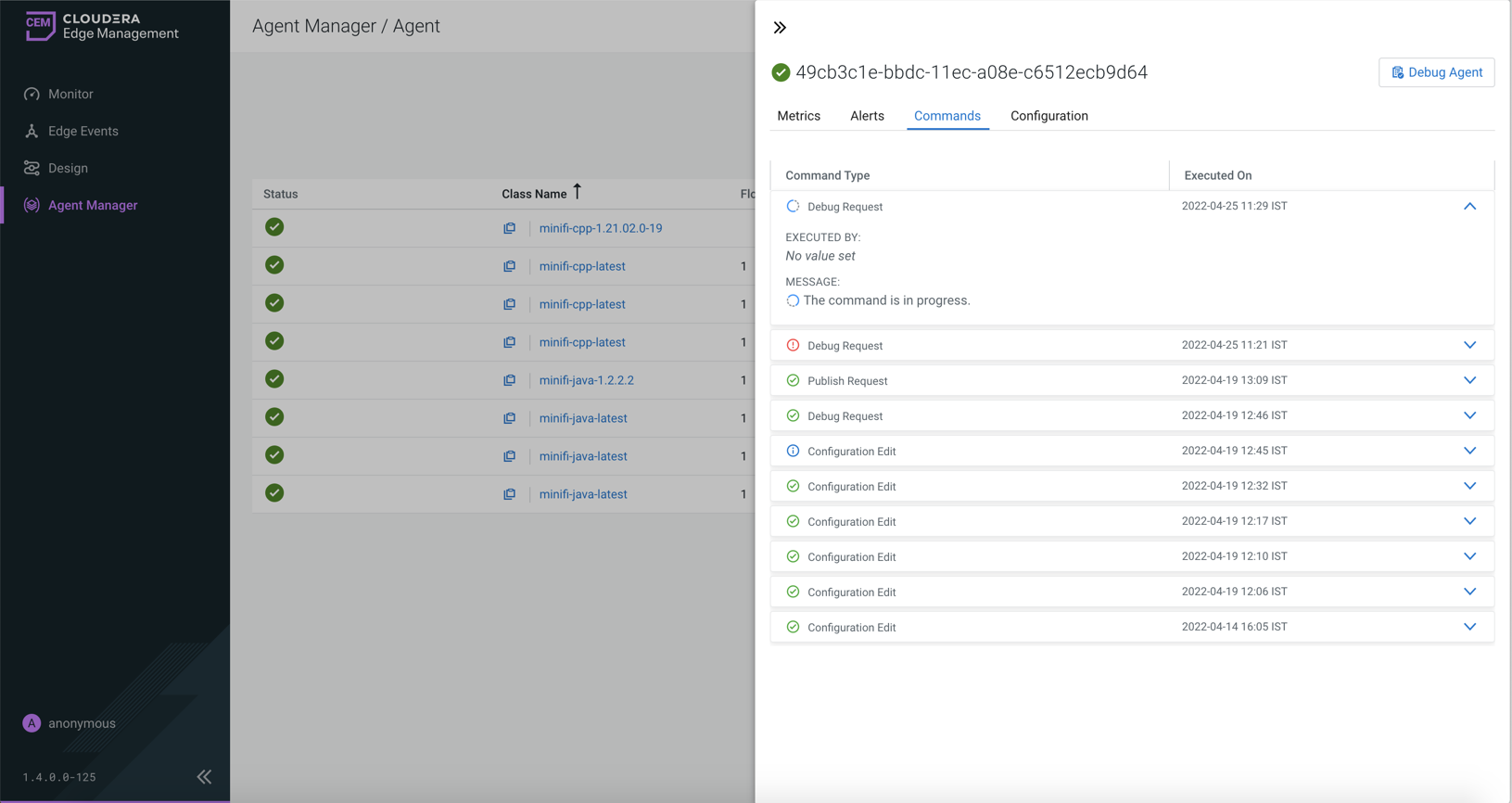
When the agent receives it in the next heartbeat, it starts to upload the files to the server.
When the files are available in the server, a download button appears in the command details.
You can control the maximum uploadable file size by changing the
efm.data.transfer.maxFileSize parameter. The default value of the parameter
is 16 MB which is the maximum value supported by the current storage implementation.
