Configuring TLS/SSL encryption manually for NiFi and NiFi Registry
Learn how to enable TLS/SSL for NiFi and NiFi Registry when Auto-TLS does not meet your certificate or security requirements.
Ensure you have set up TLS for Cloudera Manager:
- Review the requirements and recommendations for the certificates. For more information, see TLS certificate requirements and recommendations.
- Generate the TLS certificates and configure Cloudera Manager. For more information, see Manually configuring TLS for Cloudera Manager.
-
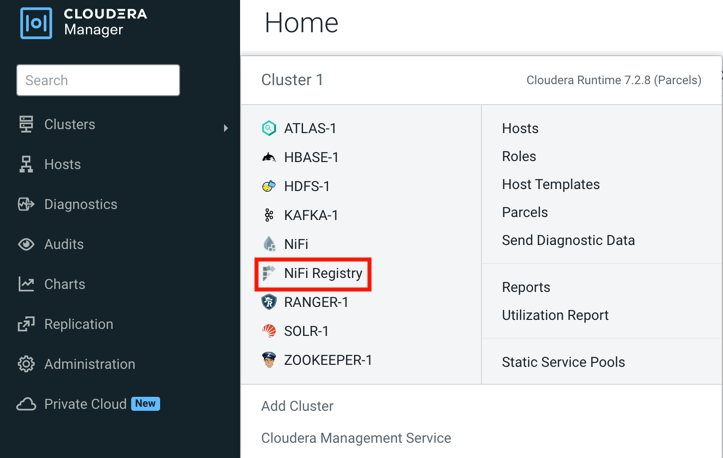
From Cloudera Manager, click .
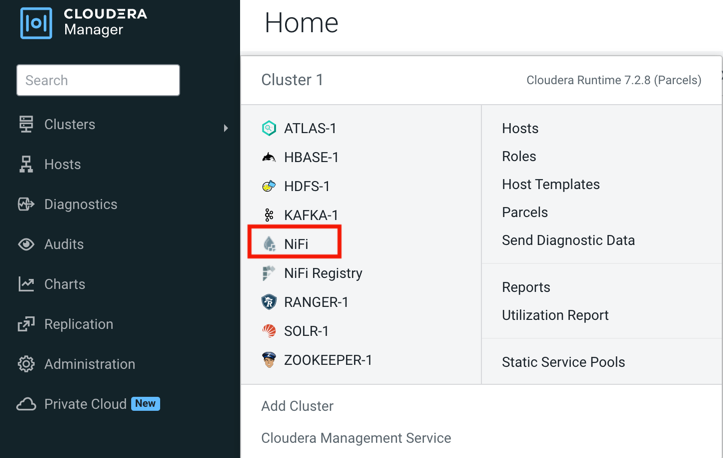
-
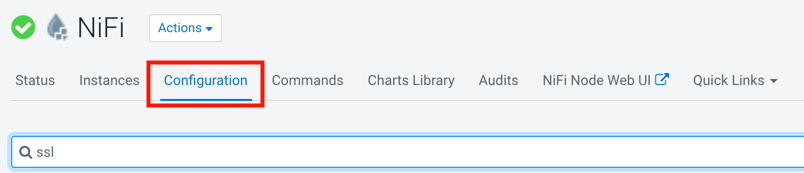
Click the Configuration tab.
-
Click and repeat these steps to configure the TLS/SSL Security
properties for NiFi Registry.
If a property is not exposed in Cloudera Manager, use a safety valve to override the associated value.