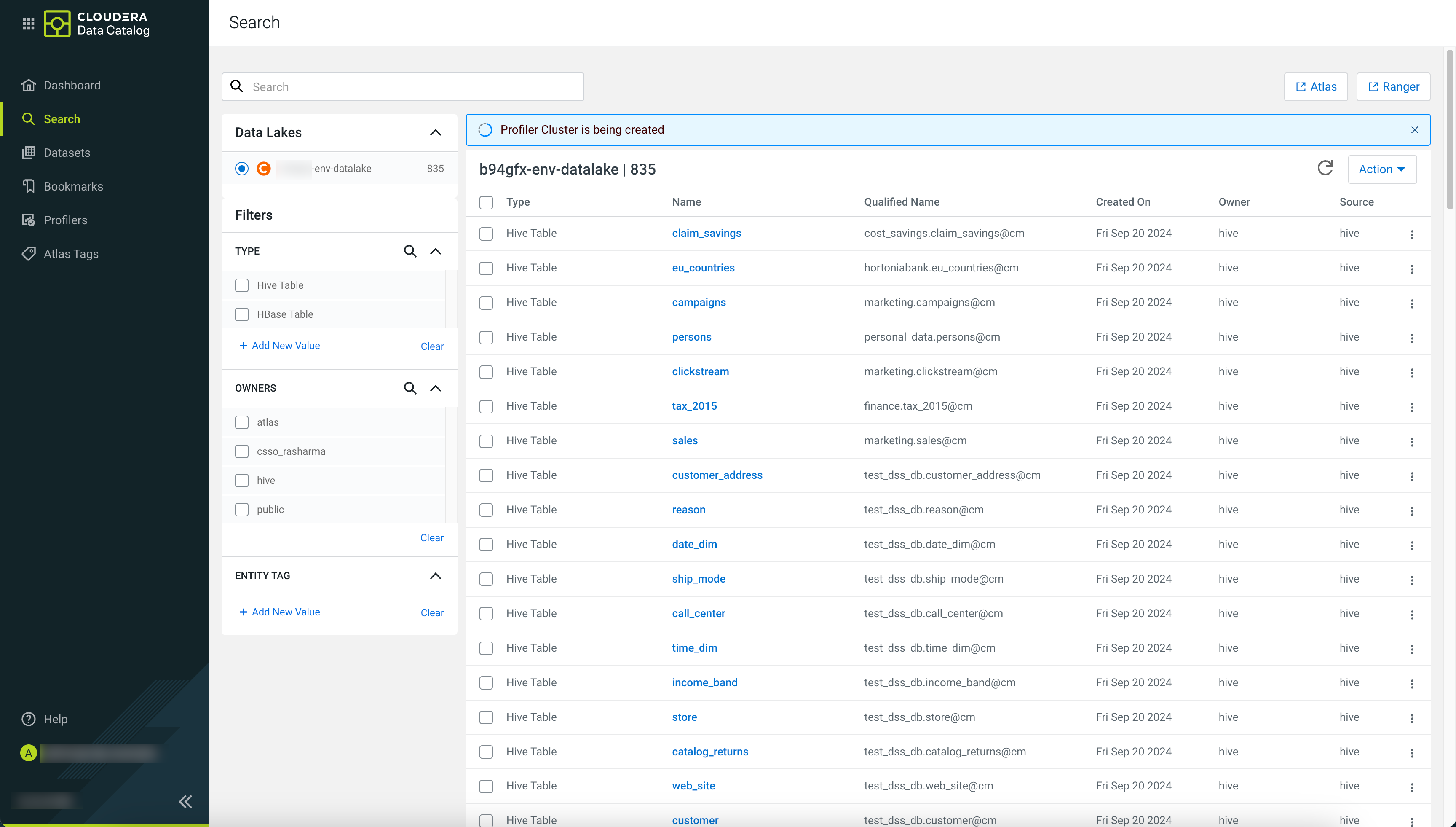
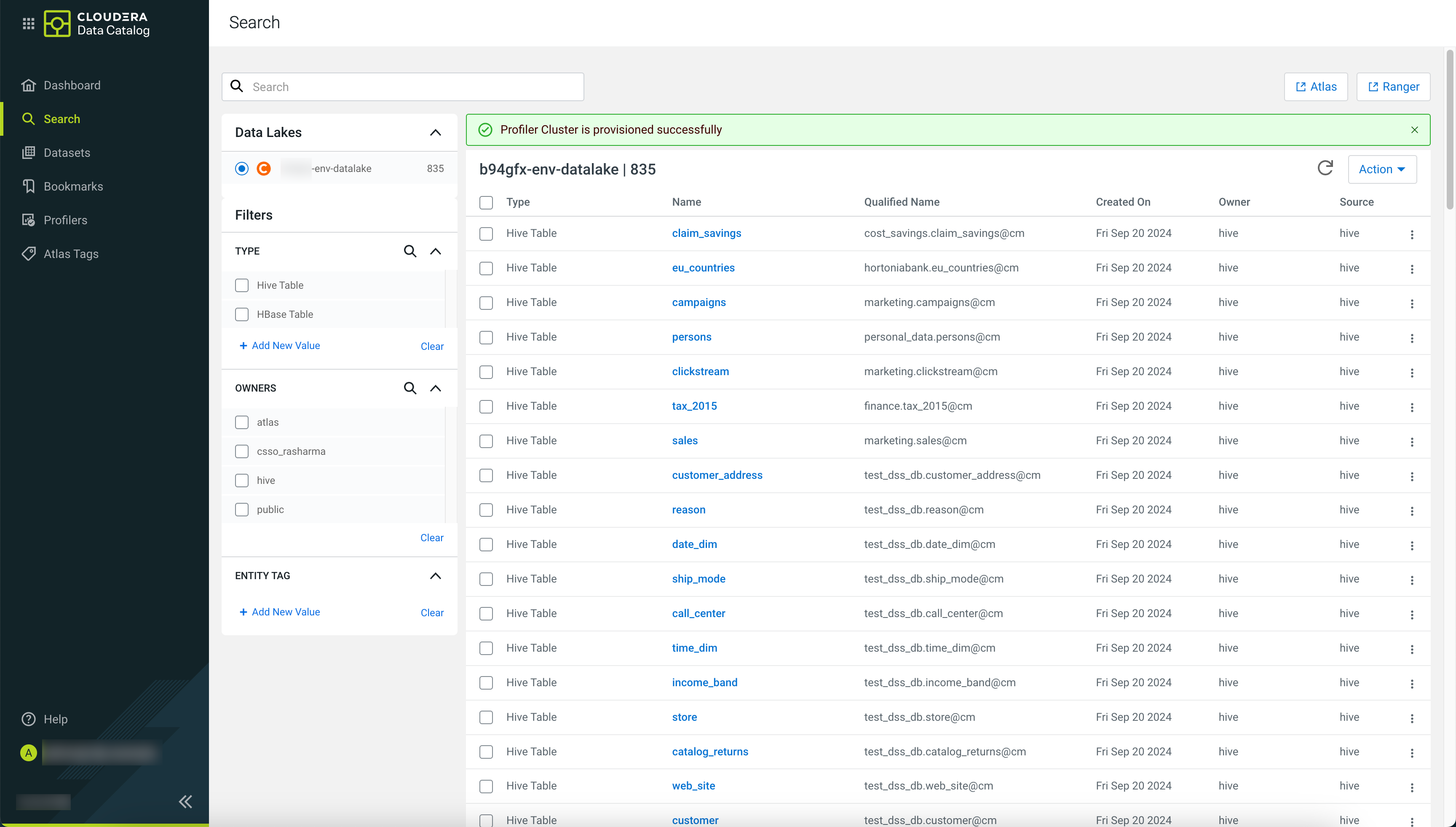
Launching profilers
In on premises environments, the Kubernetes-based Compute Cluster is automatically launched after starting the profilers in the user interface.
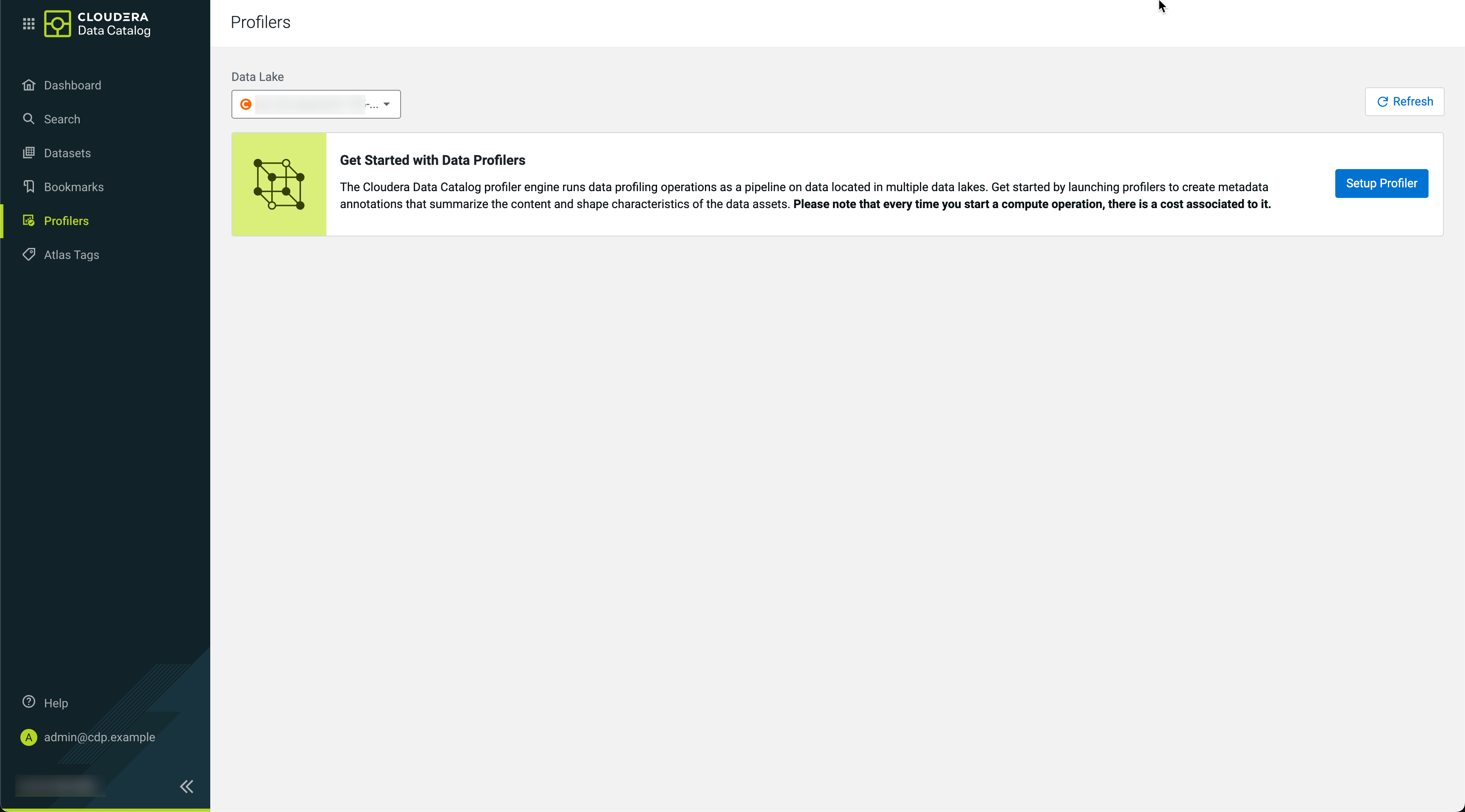
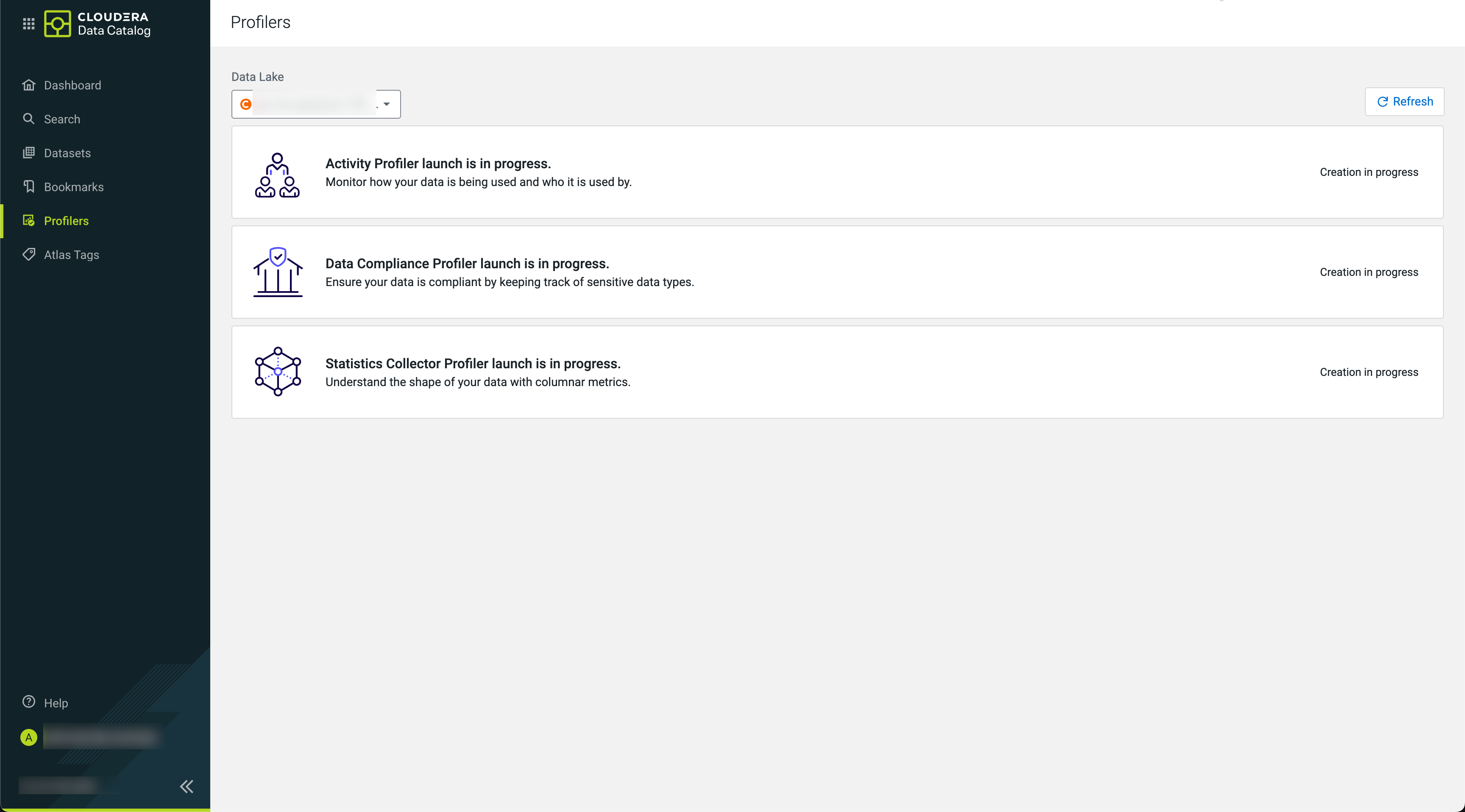
On the Profilers page, click the Setup Profiler link to proceed.
Select the required profilers with their default configuration, then click Start Setup.
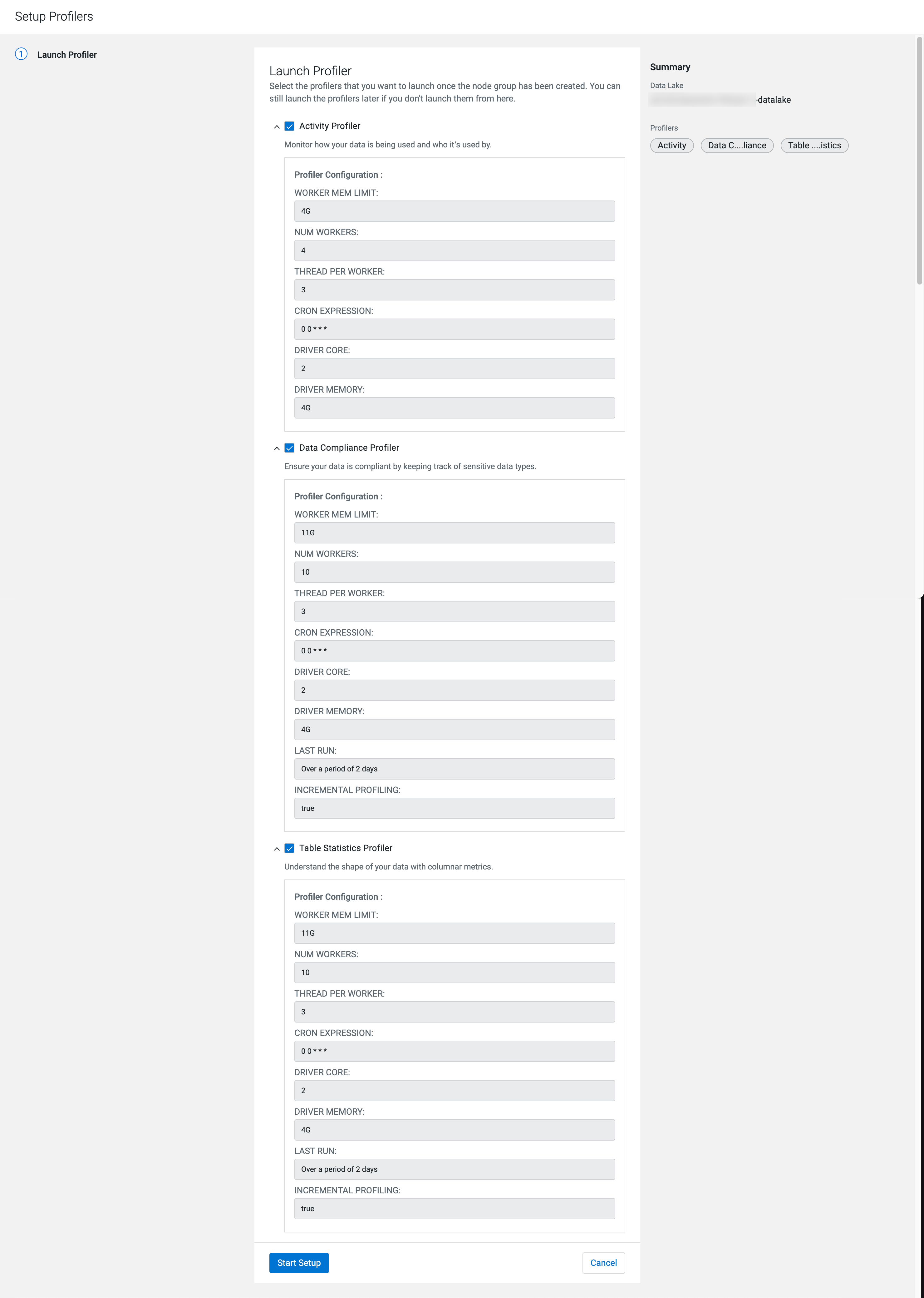
Wait for the profiler worker and driver setup to complete.
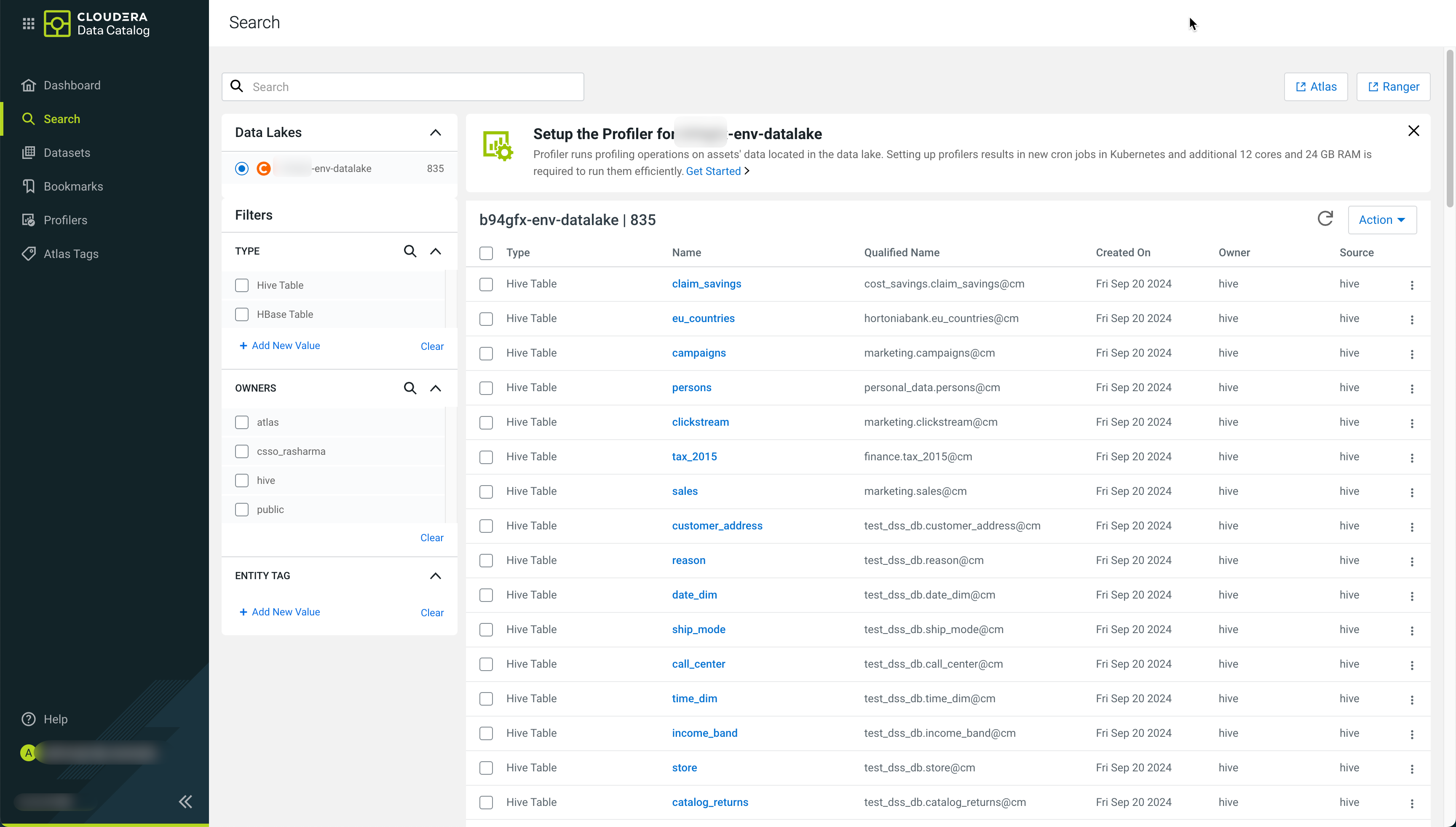
On the Search page, click the Get Started link to proceed.
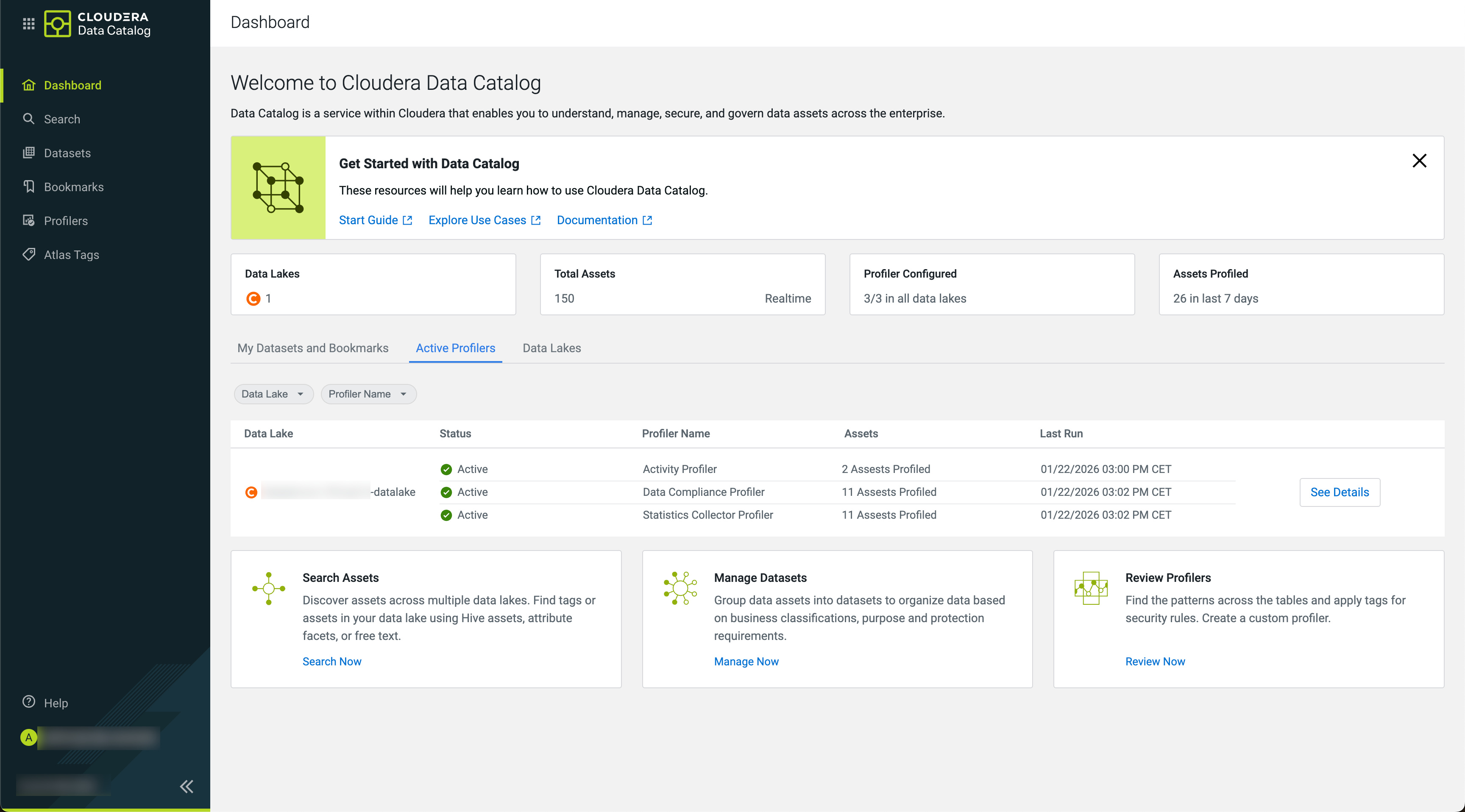
Click Setup Profiler. Cloudera Data Catalog processes the request and the profiler creation will start.
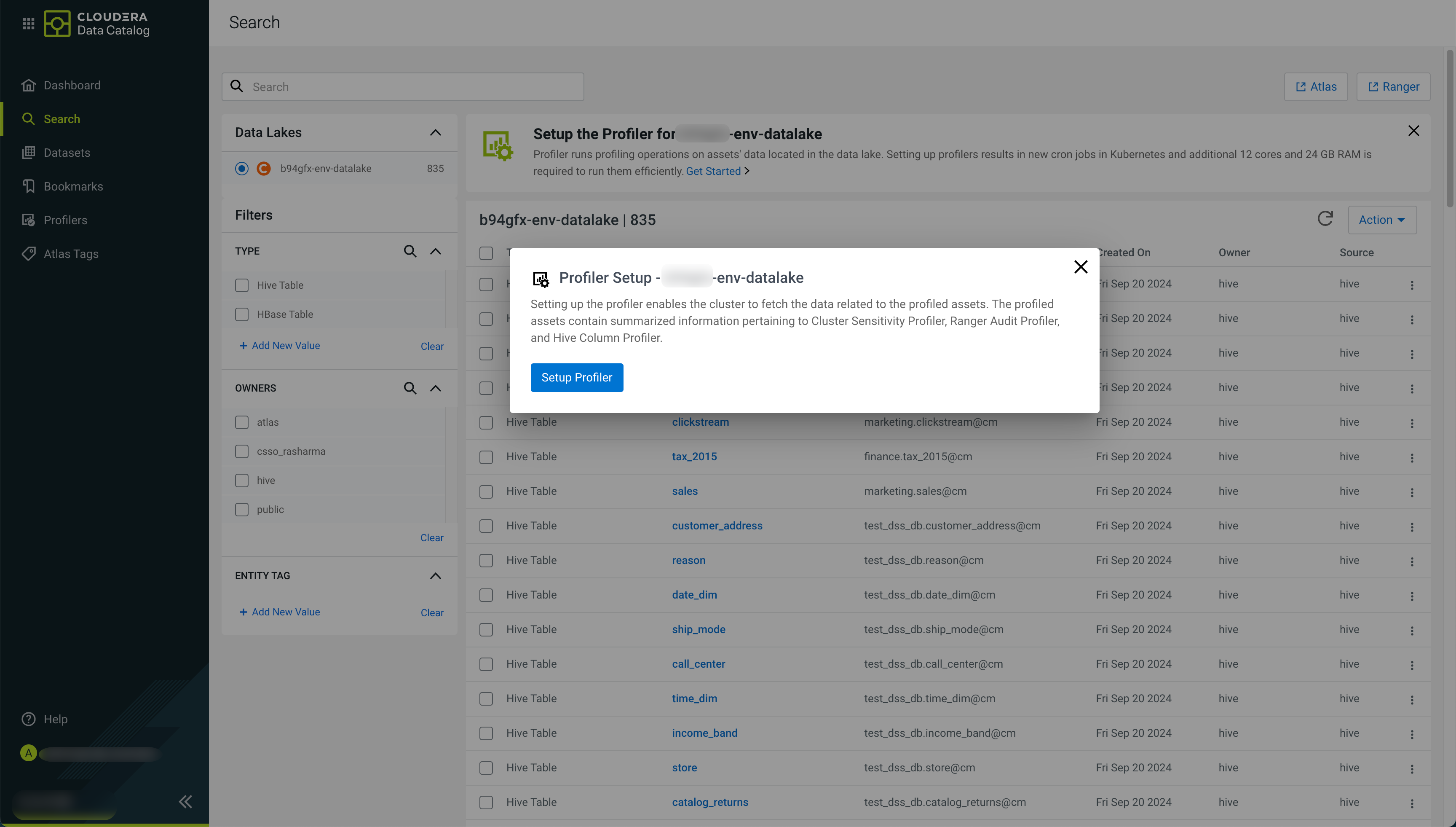
The High Availability (HA) feature for profilers, including launching and managing jobs are supported by default. No separate action is required to enable the HA functionality or its components.