Profiler tag rules
You can use preconfigured tag rules or create new rules based on regular expressions and values in your data to limit the number of assets to be profiled by the Data Compliance. When a tag rule is matching your data, the selected Apache Atlas classification, also known as a Cloudera Data Catalog tag, is applied. This way you can save compute resources instead of running the profiler on the full dataset.
Tag rule types
- System Defined – These are built-in
rules that cannot be edited. You can only enable or disable them for your
data.
-
These rules use a 70% match threshold for column values against the regex. The final score is calculated with a weight of 85% for column values and 15% for the column name.
-
- Custom – These are tag rules that you
create, edit, and deploy on clusters after validation.
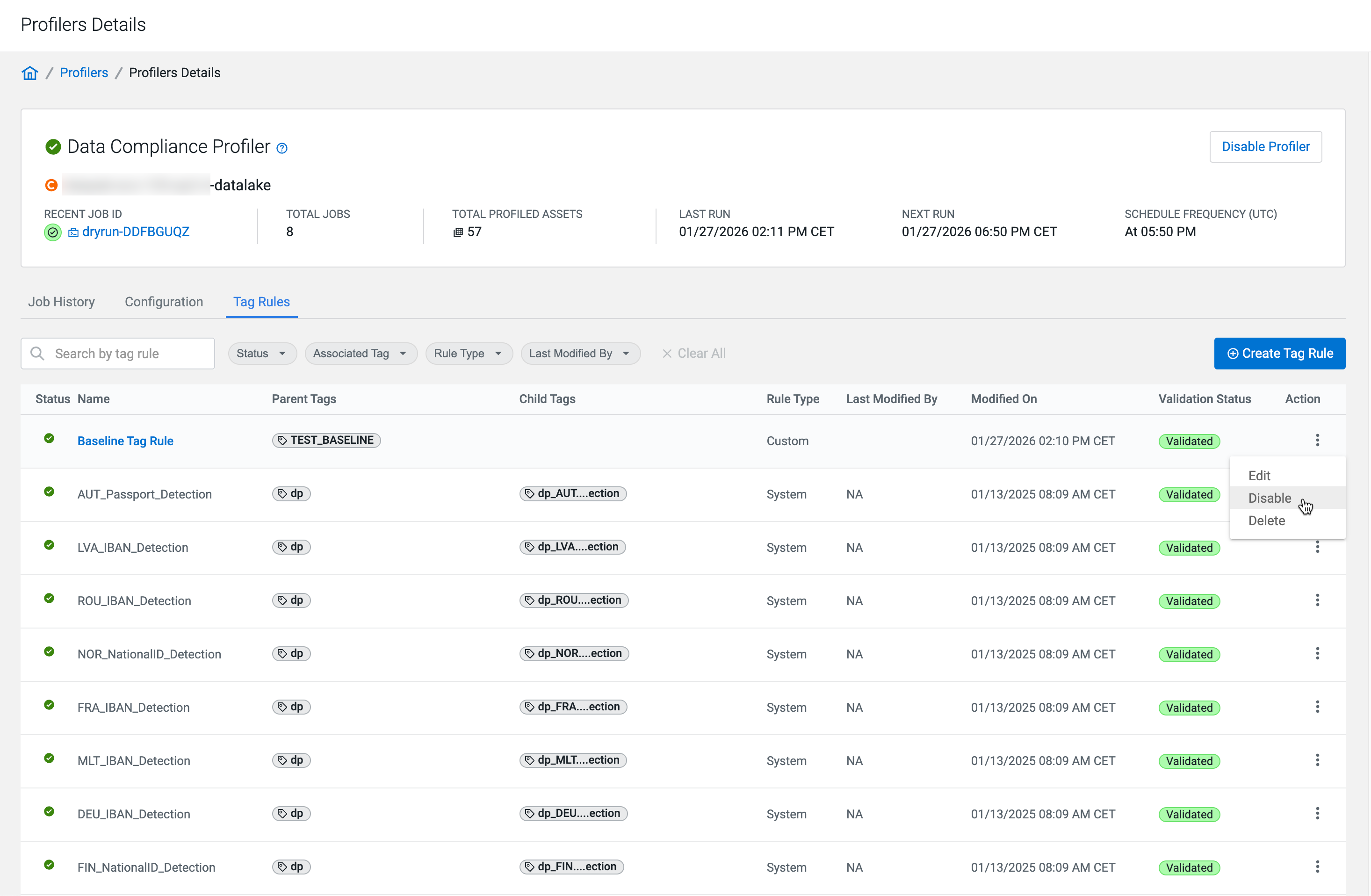
Click the
 icon in the Action
column to enable your custom tag rules. You can also edit these tag
rules.
icon in the Action
column to enable your custom tag rules. You can also edit these tag
rules.
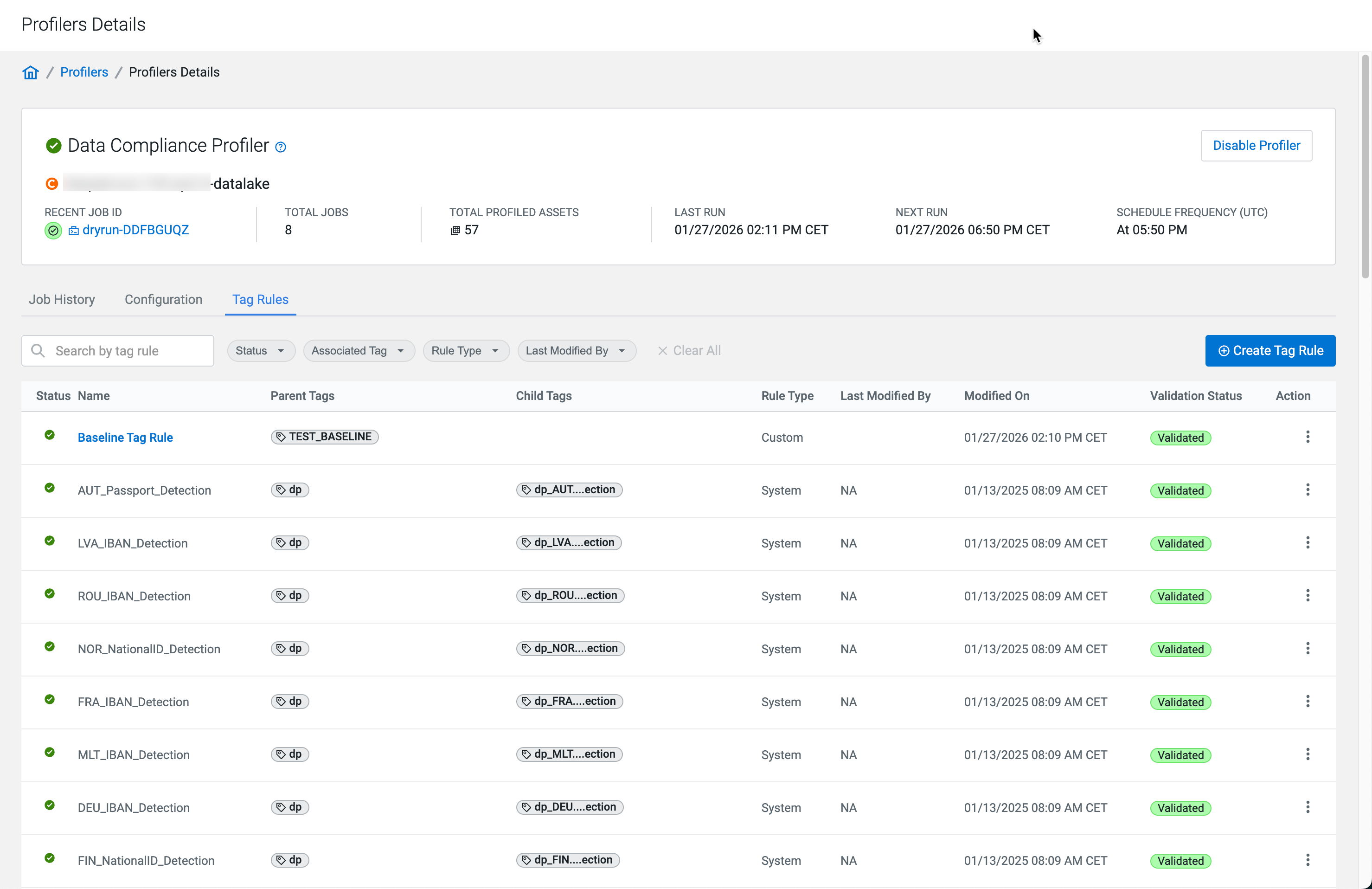
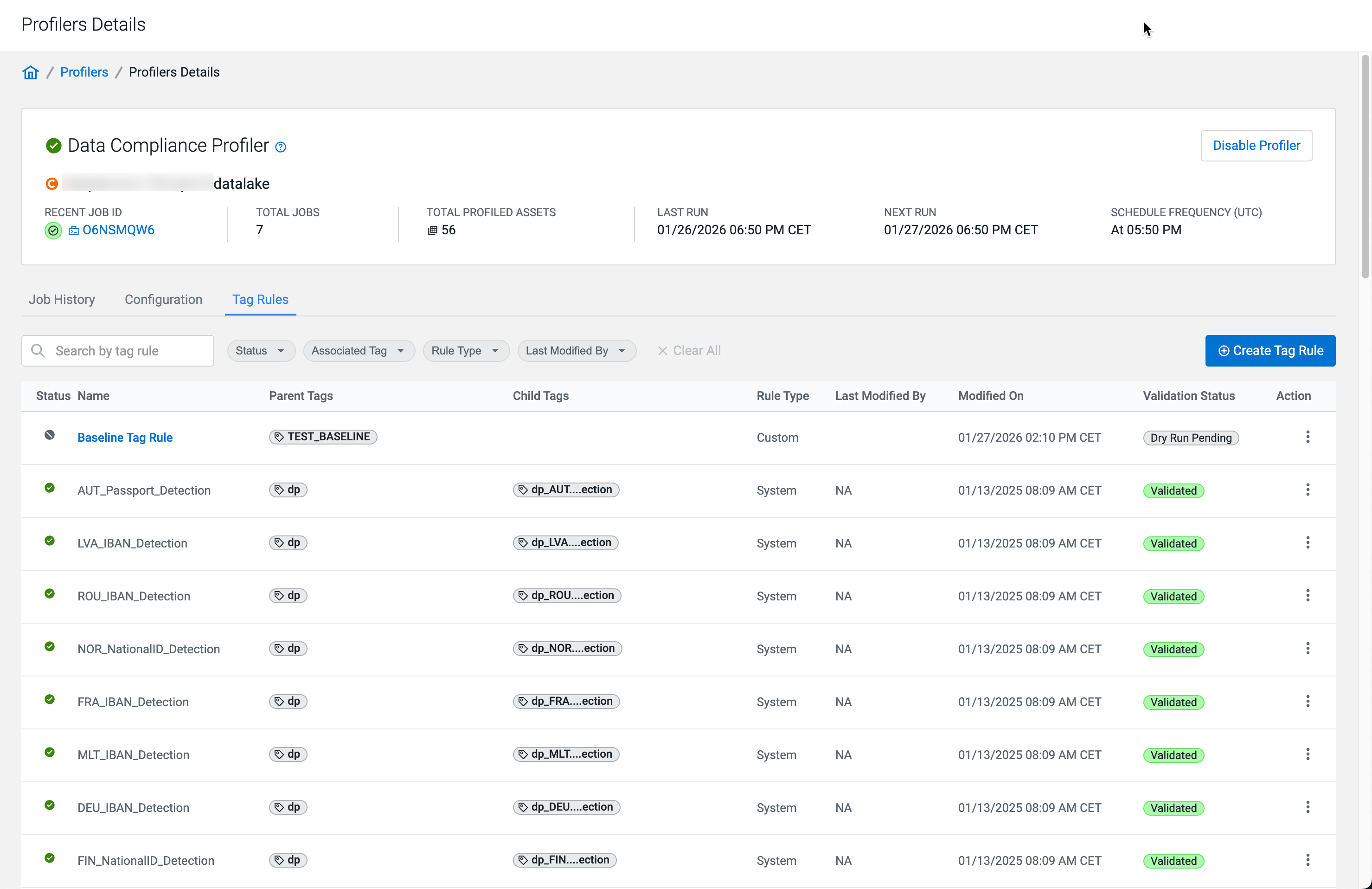
After creating your rule, you have to validate them with test data, then Deploy them from Dry Run Pending status.
Match thresholds and weights
In Compute Cluster-enabled environments, you can adjust the Column Value Weightage for tag rules defined with regex patterns. The column value weight percentage complements the column name weight to 100%. For example, if you set the column value weight to 80%, the column name adds either 20 or zero to the match score. This is because column name matching is binary (it either matches or does not match), while column value matching is dynamic, based on the percentage of matching rows.
The System Defined rules have a preset match threshold. A matching column name means a 15% confidence value. This is increased by 85% by a matching column value.
Tag rule testing
After creating your tag rule, you have to test it.
In Compute Cluster-enabled environments, validate tag rules using data uploaded in a file, then save the tag rules to reach the Dry Run Pending status. Before deploying, you must also test them with a Dry Run on a subset of your data (up to 10 tables) in the Data Lake. A Dry Run is a special on-demand profiling job.
Tag handling by tag rules
Successfully tested and enabled tag rules apply Atlas classifications or synchronized Cloudera Data Catalog tags to tables and columns.
In Compute Cluster-enabled environments, the parent-child tag relationships are respected. When the column value matches a child tag, the table receives the parent tag.
